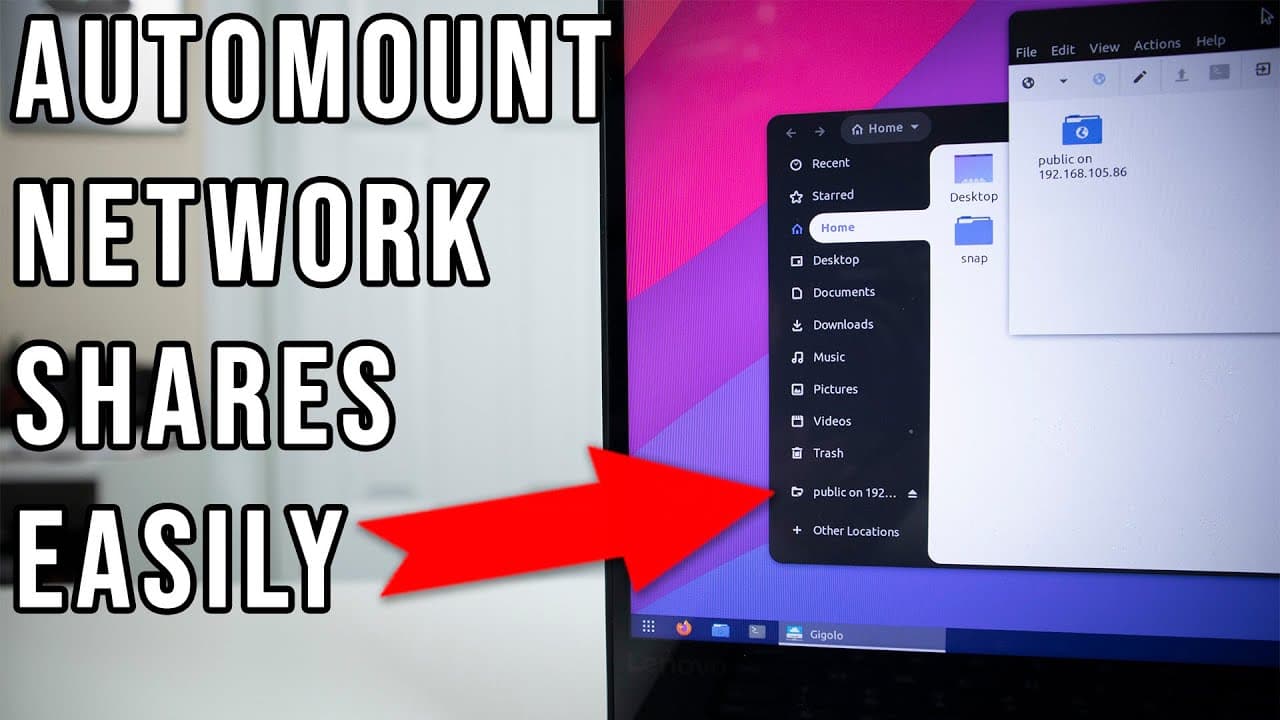
How to Auto Mount Network Shares on Ubuntu Using Gigolo
TL;DR
To auto mount network shares on Ubuntu, use the Gigolo software. Install it via the terminal with 'sudo apt install gigolo', then configure your network shares to enable the auto-connect feature, which will seamlessly reconnect to shares as you switch networks, especially useful for laptop users.
Transcript
hey guys what is going on it's don here from nova spare tech and welcome back to the channel and today this is going to be a little short bonus video for you guys and it's something that i want to share some light on which is auto mounting network shares on ubuntu or on linux easy way so let's get started now one of the problems i usually have with... Read More
Key Insights
- 🚵 Auto mounting network shares on Linux can be challenging, especially for users with laptops who often change networks.
- 👻 The software Gigolo simplifies the auto mounting process by allowing for easy management and reconnection of multiple network shares.
- 👤 Users benefit from the auto-connect feature that regularly checks for available shares and reconnects when necessary, enhancing usability.
- ❓ Installation of Gigolo is straightforward, requiring a simple terminal command without complicated setups.
- 🚙 Gigolo supports various types of network shares, expanding its utility beyond just simple file systems.
- 💦 Using Gigolo, users can ensure that they remain connected to their network resources while traveling or working remotely.
- ❓ The functionality of Gigolo is similar to Windows' network share management, providing familiar usability for those transitioning from Windows to Linux.
Install to Summarize YouTube Videos and Get Transcripts
Explore YouTube Video Summarizer or Get YouTube Transcript Extractor
Questions & Answers
Q: What is the main challenge addressed in the video regarding network shares?
The video addresses the difficulty of auto mounting network shares on Linux, especially for laptop users who may be away from their home networks. Unlike desktops, which can easily manage mounts using fstab, laptops may disconnect, requiring a more adaptive solution that allows for automatic reconnections.
Q: How does Gigolo facilitate network share management?
Gigolo is a software that allows users to create and manage bookmarks for various network shares such as SSH, FTP, and Windows networks. It includes an auto connect feature that periodically checks and reconnects to shares if they become disconnected, simulating functionality similar to what Windows offers.
Q: What are the steps to install Gigolo on Ubuntu?
To install Gigolo, open the terminal and type the command sudo apt install gigolo followed by hitting enter. This command will fetch the application from the package repository and install it on your system, simplifying the process of managing network shares.
Q: Can Gigolo work with VPN connections?
Yes, Gigolo can work seamlessly with VPN connections. When a laptop establishes a VPN connection to home, Gigolo automatically connects to the previously configured network shares, ensuring that users maintain access to their resources without manual intervention.
Q: What are the configurations needed to set up a network share in Gigolo?
To set up a network share in Gigolo, open the software and create a bookmark by selecting the type of share (e.g., Windows share), entering the server's IP address, specifying the share name, and checking the auto-connect option. The user can then save these settings for easy access.
Q: How does Gigolo enhance the Linux user experience on laptops?
Gigolo enhances the Linux user experience on laptops by preventing frustrations related to network connectivity. It constantly monitors and reconnects to shared drives automatically, making it easier for users to access resources without worrying about manual mounts as they switch networks.
Summary & Key Takeaways
-
This content introduces a solution for auto mounting network shares on Ubuntu, specifically for laptop users who frequently change networks.
-
The software Gigolo is highlighted, which helps users manage and automatically connect to various network shares, improving usability when moving between locations.
-
Screen demonstrations illustrate how to configure and use Gigolo to set up auto mounting effectively, ensuring seamless access to network shares.
Read in Other Languages (beta)
Share This Summary 📚
Summarize YouTube Videos and Get Video Transcripts with 1-Click
Try YouTube Summary with ChatGPT & Claude or YouTube Transcript Generator
Explore More Summaries from Novaspirit Tech 📚






Summarize YouTube Videos and Get Video Transcripts with 1-Click
Try YouTube Summary with ChatGPT & Claude or YouTube Transcript Generator