How Do You Build Headless Automation with the Claude Code SDK? | Code w/ Claude
TL;DR
You can build headless automation with the Claude Code SDK by invoking Claude programmatically, connecting it to Unix pipelines, and requesting JSON output that other tools can parse. It supports uses ranging from log summaries and CI code review to chatbots, while the Claude GitHub action demonstrates feature creation and bug triage on GitHub. Read on for commands, permissions, installation, and advanced interaction features.
Transcript
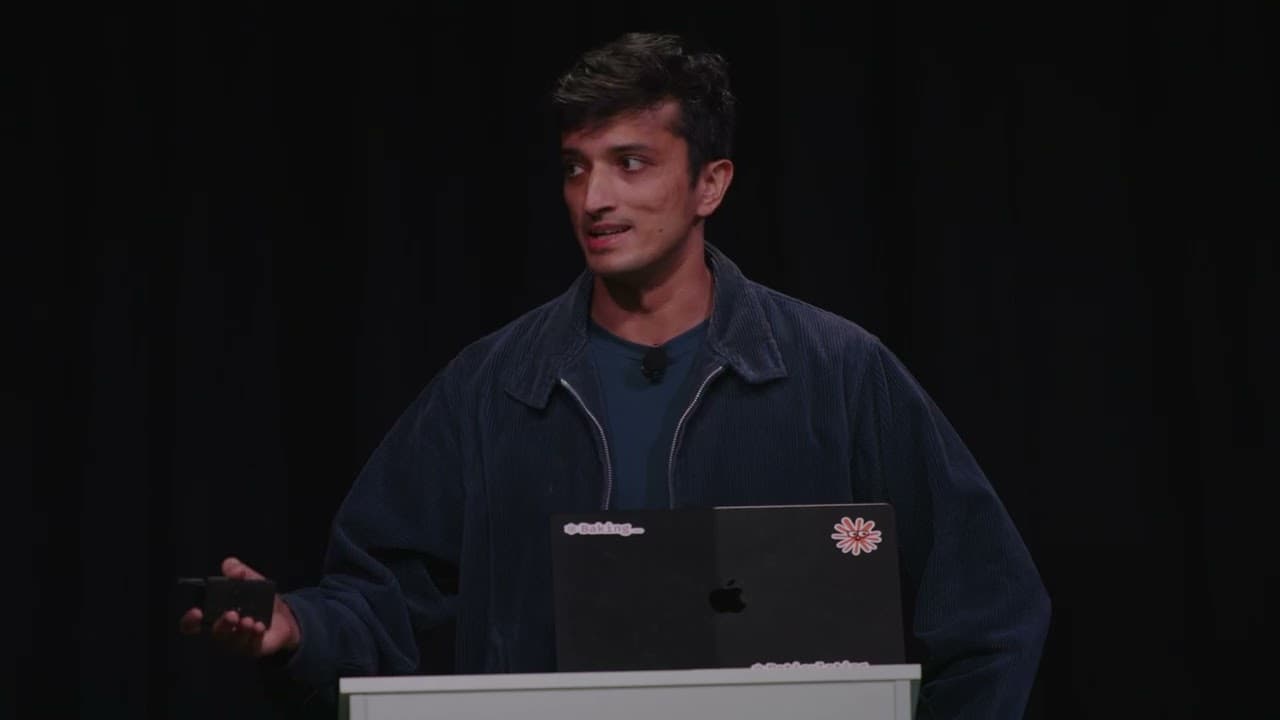
Good afternoon everybody. My name is Sedara. Um I am an engineer on the cloud code team. Um and today we're going to be talking a little bit about uh the cloud code SDK and uh the cloud GitHub action that was just announced today. Um cool. So a little bit about the agenda. uh we do a little quick start for the SDK uh just to give some examples ... Read More
Key Insights
- The Claude Code SDK enables programmatic access to cloud code in headless mode, enhancing automation capabilities.
- Developers can integrate the SDK with Unix pipelines for seamless automation and task management.
- The SDK supports JSON output, allowing developers to parse responses and build complex applications.
- The GitHub action built on the SDK can review code, create features, and manage issues directly from GitHub.
- The SDK offers Python and TypeScript bindings, facilitating easier integration into various development environments.
- User interaction features include session state resumption, enabling continuity in automated processes.
- The SDK allows real-time user permission management through an MCP server, enhancing security and flexibility.
- The GitHub action does not require additional infrastructure, utilizing existing GitHub runners for execution.
Install to Summarize YouTube Videos and Get Transcripts
Explore YouTube Video Summarizer or Get YouTube Transcript Extractor
Questions & Answers
Q: How do you automate tasks with the Claude Code SDK?
Invoke Claude in headless mode with claude -p followed by the instruction you want it to execute. You can place it in Unix pipelines, pipe data into and out of it, grant required tools proactively, and request JSON output for further processing.
Q: What can developers build with the Claude Code SDK?
The SDK can power CI automation, code reviews, custom linting, chatbots, and coding workflows in separate remote environments. It also works as a Unix-style tool that can be combined with Bash commands and pipelines.
Q: How can the Claude Code SDK analyze logs?
Pipe a log file into Claude and ask it to interpret or summarize the contents. The demonstrated pattern uses cat app.log and pipes the output into claude -p, allowing Claude to summarize the log failures.
Q: Why use JSON output with the Claude Code SDK?
The --output-format JSON option returns Claude's response as JSON instead of plain text. Developers can parse that structured response and build additional applications or automated processing on top of it.
Q: How are tool permissions granted in a headless Claude Code task?
The --allowedTools option can proactively authorize the tools required by a task. In the Fibonacci generator example, write access is granted so Claude can create files in the file system.
Q: What can the Claude GitHub action do?
The Claude GitHub action can review code, create new features, and triage bugs. It was built on top of the Claude Code SDK as an open-source example of the applications developers can create with headless automation.
Q: How do you install the Claude GitHub action in a repository?
Open Claude Code in a terminal within the desired repository and run /install github action. The guided setup creates a pull request containing the YAML configuration, which can then be merged to enable the action.
Q: Which programming-language bindings are planned for the Claude Code SDK?
Python and TypeScript SDKs or bindings are described as coming soon. They are intended to make the Claude Code SDK easier to consume and build upon from those languages.
Summary & Key Takeaways
-
The Claude Code SDK offers a headless automation solution, allowing developers to access cloud code programmatically. It integrates well with Unix pipelines, enabling seamless automation of tasks. The SDK's JSON output format allows for easy parsing and extension of its capabilities. Python and TypeScript bindings are forthcoming, enhancing its usability.
-
The GitHub action built on the SDK provides powerful features for managing code directly from GitHub. It can review code, create new features, and manage issues, all without requiring additional infrastructure. Developers can leverage existing GitHub runners to execute these actions, simplifying the setup process.
-
User interaction features of the SDK include session state resumption and real-time permission management via an MCP server. This flexibility allows for more dynamic and secure automation processes. The SDK's open-source nature encourages community feedback and contributions, fostering continuous improvement.
Read in Other Languages (beta)
Share This Summary 📚
Summarize YouTube Videos and Get Video Transcripts with 1-Click
Try YouTube Summary with ChatGPT & Claude or YouTube Transcript Generator
Explore More Summaries from Anthropic 📚



Summarize YouTube Videos and Get Video Transcripts with 1-Click
Try YouTube Summary with ChatGPT & Claude or YouTube Transcript Generator