How to Install Manjaro Linux on Dell R810 Server
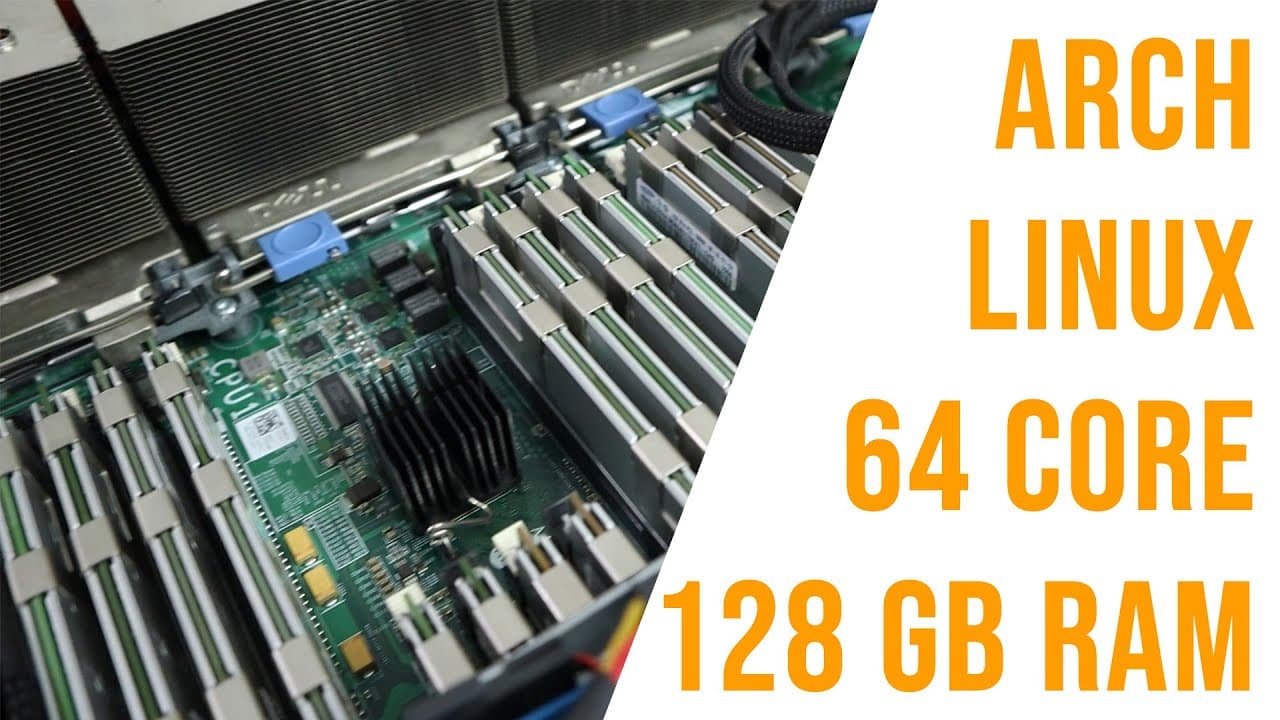
TL;DR
Installing Manjaro Linux on a Dell R810 server transforms it into a powerful desktop alternative, leveraging its 64 cores and 128 GB RAM for efficient multitasking. Despite its age, the R810 excels in CPU-intensive tasks, although it does face limitations in graphics performance and support for modern gaming due to outdated architecture.
Transcript
hey guys what's going on it's Don here from Nova Spirit Tech and welcome back to the channel and just for Giggles I decided to install Manjaro Linux onto my Dell r810 server so we're going to be checking that out now a couple of months back I decided to decommission the r810 which is my server at home in lieu of using a Nas and a Raspberry Pi which... Read More
Key Insights
- 🥶 The Dell R810 remains a powerful option for certain computing tasks, despite being over a decade old, with notable performance in CPU-heavy operations.
- 🥺 Utilizing a robust server like the R810 for desktop applications can lead to unexpected benefits, such as efficient multitasking due to large RAM capacity.
- 🤝 The choice of operating system significantly impacts performance and user experience, especially when dealing with hardware limitations.
- 🥶 Benchmark tests reveal the R810 outperforms some modern CPUs in specific workloads, displaying that older systems can still compete in targeted scenarios.
- ✊ The creator's experience underscores the importance of considering power efficiency vs. computational power when deciding on home server usage.
- 🥹 Screen tearing on X11 illustrates the ongoing challenges with graphical performance on older systems, especially in gaming scenarios.
- 🫵 The feedback loop with viewers for future tests indicates a strong community aspect in tech channels, enhancing engagement and knowledge-sharing.
Install to Summarize YouTube Videos and Get Transcripts
Explore YouTube Video Summarizer or Get YouTube Transcript Extractor
Questions & Answers
Q: What prompted the decision to decommission the Dell R810 server?
The creator decided to decommission the Dell R810 server to test the viability of using a Raspberry Pi and a NAS for home services. They noted that while the Raspberry Pi was sufficient for tasks like file management, it limited their ability to host games for friends, which was a key factor in reconsidering the server's utility.
Q: How does the Dell R810's power and performance compare to modern systems?
The Dell R810 boasts significant power with its multiple CPUs and 128GB of RAM, making it capable of outperforming some modern CPUs in specific tasks like compression and decompression benchmarks. However, its efficiency is lower than dedicated modern CPUs, highlighting a trade-off between raw power and energy consumption.
Q: Why was Manjaro Linux chosen for the installation on the R810?
Manjaro Linux was chosen for its user-friendly nature and compatibility with the system’s powerful hardware. The creator expressed a desire to test a different operating system after previously using Fedora, indicating a preference for exploring versatility in Linux distributions for desktop use.
Q: What challenges were encountered while setting up the desktop experience on the R810?
Key challenges included inadequate support for modern graphical systems like Wayland due to the Nvidia GPU's limitations, leading to screen tearing while streaming. The creator also confronted benchmark expectations that fell short of anticipated performance due to the age and architecture of the R810's CPUs.
Q: How effective was the gaming performance with Manjaro on the R810?
Gaming performance on the R810 with Manjaro was reasonable, with some games like X4 performing well during loading screens. However, issues such as screen tearing were noted, indicating that while the system could play games, it was not without graphical hitches typical for X11 systems.
Q: Can the R810 server handle modern gaming demands?
The R810 server can handle some modern gaming applications, but not all are supported due to its older CPU architecture and lack of AVX instructions, limiting its ability to run certain games like Star Citizen. Some titles do run adequately, but compatibility varies significantly.
Q: What benchmarking tools were utilized during the performance tests?
The creator used 7-Zip for CPU benchmarking due to its scalability and reliability across different architectures. The results provided a comparison against modern CPUs, but they also highlighted the limitations inherent in older hardware, such as missing newer instruction sets.
Q: What future plans were hinted at for the R810 server?
The creator hinted at testing additional operating systems on the R810, suggesting ongoing exploration of the server's capabilities beyond Manjaro. They expressed openness to suggestions from viewers for potential operating systems to test, fostering community engagement.
Summary & Key Takeaways
-
The creator discusses their experience of decommissioning a Dell R810 server in favor of a NAS and Raspberry Pi, highlighting the power savings from this decision while missing out on hosting games for friends.
-
The installation of Manjaro Linux on the powerful R810, equipped with 64 cores and ample RAM, is documented along with the performance of desktop applications and gaming potential.
-
Various benchmarks are shared comparing the server's performance against modern systems, showcasing its efficiency for specific tasks while noting limitations due to its older hardware architecture.
Read in Other Languages (beta)
Share This Summary 📚
Summarize YouTube Videos and Get Video Transcripts with 1-Click
Try YouTube Summary with ChatGPT & Claude or YouTube Transcript Generator
Explore More Summaries from Novaspirit Tech 📚






Summarize YouTube Videos and Get Video Transcripts with 1-Click
Try YouTube Summary with ChatGPT & Claude or YouTube Transcript Generator