What Are the Features of the Raspberry Pi CM4?
TL;DR
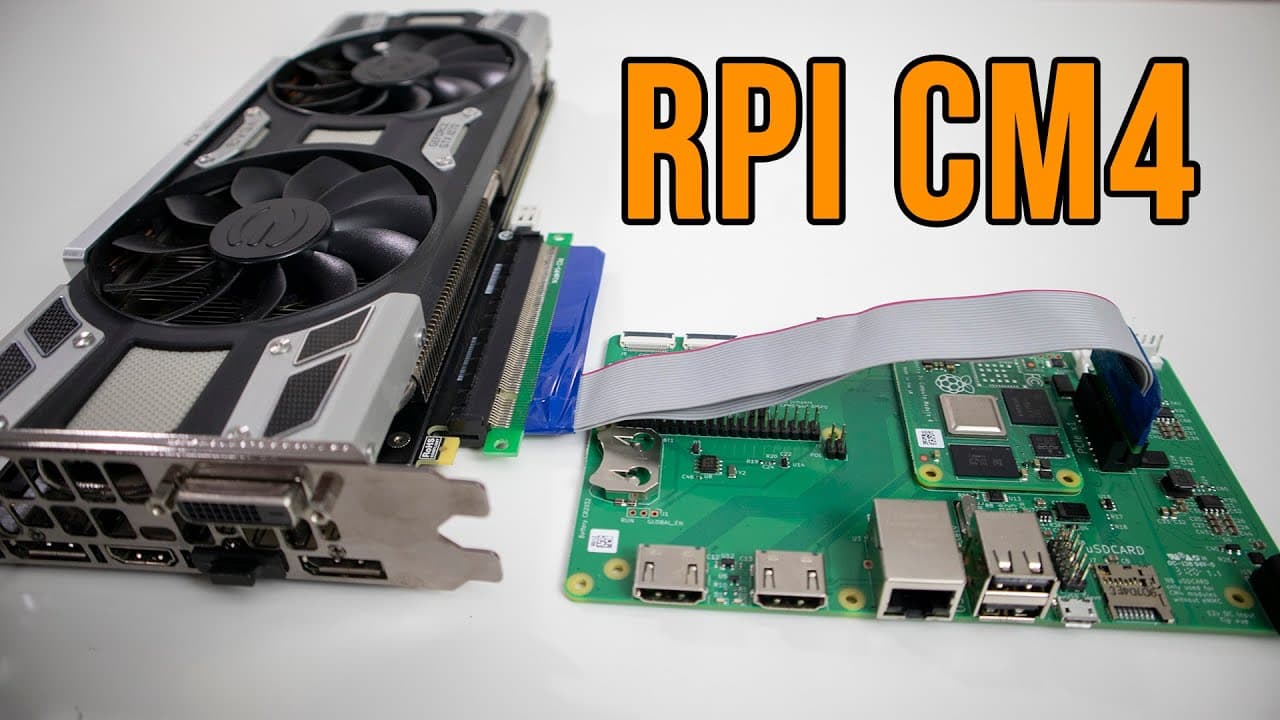
The Raspberry Pi CM4 is a compact compute module designed for embedded applications, requiring an I/O board for operation. Key features include PCIe connections replacing USB 3.0 ports for greater device flexibility, while the setup process involves specific configurations like jumper settings and USB hub activation, which may be complex for beginners.
Transcript
hey guys what is going on it's don here from nova spare tech and welcome back to the channel and today we are going to be taking a look at the cm4 compute module from raspberry pi so let's get started before we begin i do want to thank raspberry pi foundation for sending me over the raspberry pi cm4 board as well as the i o board for testing i got ... Read More
Key Insights
- 🛩️ The CM4 is notably smaller than the Raspberry Pi 4, enabling integration into various products, particularly in the realm of embedded systems.
- 👤 The absence of USB 3.0 ports in favor of PCIe introduces flexibility for more advanced devices, although it increases complexity for less experienced users.
- 👌 The I/O board is essential for operation, as the CM4 cannot function independently; it acts as an interface for various GPIO and other connections.
- 🥾 Proper jumper configurations must be made for eMMC boot and USB hub activation, highlighting the importance of careful setup to avoid operational challenges.
- 😴 Users can utilize the GPIO pins familiar from previous Raspberry Pi models with the CM4, ensuring backward compatibility.
- 👤 The CM4's desktop interface remains similar to prior versions, maintaining a user-friendly experience post-setup despite its more technical initiation.
- ☠️ Reading and writing speeds on eMMC storage offer significant improvements over SD cards, making the CM4 suitable for more demanding applications.
Install to Summarize YouTube Videos and Get Transcripts
Explore YouTube Video Summarizer or Get YouTube Transcript Extractor
Questions & Answers
Q: What makes the CM4 compute module distinct from previous Raspberry Pi models?
The CM4 compute module differentiates itself through its compact size and focus on embedded applications, unlike earlier models that were user-friendly and standalone. It supports PCIe instead of USB 3.0, which allows connection of various devices but demands a more complex setup process.
Q: How do you set up the Raspberry Pi CM4 for the first time?
To set up the CM4, you need to disable eMMC boot by adjusting the jumpers, connect the module to the breakout board, and use a micro USB for image transfer. Employing the RPi boot program on your computer is essential to flash the necessary OS, requiring proper configurations to activate the USB hub later.
Q: Can you use external graphics cards with the CM4?
Yes, the CM4 supports PCIe cards, allowing users to connect external graphics cards. However, while connecting high-power devices, it is imperative to use an external power supply as the onboard power output may not suffice, preventing potential damage to the board.
Q: What are the benefits of using eMMC storage on the CM4?
The eMMC storage on the CM4 offers faster read and write speeds compared to traditional SD cards, enhancing data transfer rates. Despite not matching the speeds of SSDs connected via USB 3.0, eMMC provides a significant performance boost for embedded applications.
Summary & Key Takeaways
-
The Raspberry Pi CM4 module is compact and designed for embedded applications, necessitating an I/O board for functionality. It is intended for use in devices like digital signage and robotics.
-
Key upgrades include the absence of USB 3.0 ports in favor of PCIe connections, allowing for greater device flexibility but less user-friendliness compared to the Raspberry Pi 4.
-
The introductory setup process can be intricate, requiring specific configurations such as jumper settings and enabling USB hubs, making it essential for users to follow instructions carefully.
Read in Other Languages (beta)
Share This Summary 📚
Summarize YouTube Videos and Get Video Transcripts with 1-Click
Try YouTube Summary with ChatGPT & Claude or YouTube Transcript Generator
Explore More Summaries from Novaspirit Tech 📚






Summarize YouTube Videos and Get Video Transcripts with 1-Click
Try YouTube Summary with ChatGPT & Claude or YouTube Transcript Generator