How to Make Windows 11 Feel Like Windows 10 Again
TL;DR
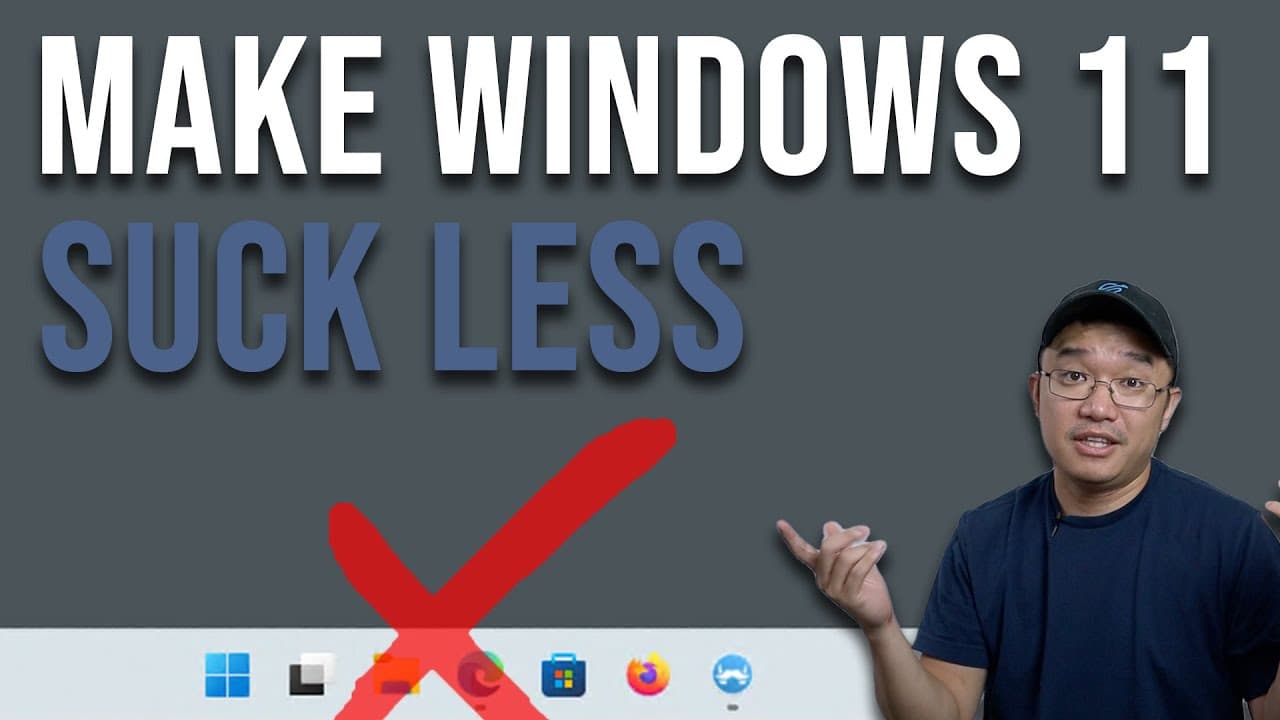
To improve the Windows 11 user experience, use the Explorer Patcher app to restore the Windows 10 context menu and taskbar functionality. This tool allows you to customize Windows 11's appearance and control, making it more efficient for multitasking and application management, similar to the previous version.
Transcript
hey guys what's going on it's don here from novaspirittech and welcome back to the channel and today i want to show you guys my must-have app for windows 11 so let's get started i've been using windows 11 since it came out officially as another pc it's actually a desktop that i constantly remote into almost every single day just so i could work fro... Read More
Key Insights
- 👤 User experience in Windows 11 can be less efficient than in Windows 10, particularly in the context menu and application management.
- 😚 Explorer Patcher is a powerful tool for users wishing to customize their Windows 11 experience closer to Windows 10 functionality.
- 🤗 Multi-tasking challenges arise for users with multiple applications open due to stacked icons in the taskbar, making navigation cumbersome.
- 😑 The importance of accessibility in digital workflows is emphasized as the speaker expresses how interruptions can hinder productivity.
- 🥳 Regular updates to Windows can interfere with third-party applications, necessitating constant monitoring and troubleshooting.
- 👤 The need for user customization is evident, as many users prefer retaining familiar features from previous operating systems.
- 🖱️ The speaker demonstrates how minor productivity tweaks can significantly enhance daily computer use for Windows 11 adopters.
Install to Summarize YouTube Videos and Get Transcripts
Explore YouTube Video Summarizer or Get YouTube Transcript Extractor
Questions & Answers
Q: What main issues does the speaker have with Windows 11?
The speaker expresses frustration with the redesigned user interface, particularly the context menus that require multiple clicks to access essential functions. He finds the visual layout inefficient, which disrupts his productivity when managing files and applications on Windows 11.
Q: How does Explorer Patcher improve the Windows 11 experience?
Explorer Patcher addresses the inconvenience of the default context menu by allowing users to revert the menu to a Windows 10-style. It streamlines access to essential functions, reducing the number of clicks needed for tasks like zipping files or accessing the task manager.
Q: Can Explorer Patcher be affected by Windows updates?
Yes, Windows updates can sometimes disrupt Explorer Patcher's functionalities, requiring users to repatch the system afterward. The speaker emphasizes the importance of checking for updates in Explorer Patcher after significant Windows updates to maintain its custom functionalities.
Q: What customization options does Explorer Patcher offer?
Explorer Patcher provides a range of customization settings, including changing the taskbar style, modifying system tray behavior, and altering the appearance of icons. Users can also configure the start menu to display applications in a way that aligns better with their previous Windows 10 experience.
Q: Why does the speaker consider remote access to his desktop essential?
The speaker relies heavily on remote access to his desktop as he uses it for work, allowing him to perform tasks efficiently from various locations. This flexibility is crucial for him to manage his workload effectively, using Windows 11 as part of his daily routine.
Q: How does the speaker rate Windows 11's performance on lower-end hardware?
Despite using a lower-end Intel Celeron processor with limited RAM, the speaker praises Windows 11's performance, noting that it runs smoothly. He acknowledges that Windows 11's backend is well-optimized, which helps maintain functionality even under constraints.
Summary & Key Takeaways
-
The video highlights issues faced with Windows 11, particularly regarding its user interface and context menu, which the speaker finds less efficient than Windows 10.
-
The solution offered is an application called Explorer Patcher, which helps restore functionality and appearance similar to Windows 10, enhancing productivity for users transitioning to Windows 11.
-
The speaker shares a detailed walkthrough of using Explorer Patcher to customize Windows 11 settings, making task management and application access more straightforward for daily operations.
Read in Other Languages (beta)
Share This Summary 📚
Summarize YouTube Videos and Get Video Transcripts with 1-Click
Try YouTube Summary with ChatGPT & Claude or YouTube Transcript Generator
Explore More Summaries from Novaspirit Tech 📚






Summarize YouTube Videos and Get Video Transcripts with 1-Click
Try YouTube Summary with ChatGPT & Claude or YouTube Transcript Generator