How to Set Up a DIY NAS Server with Debian and Plex
TL;DR
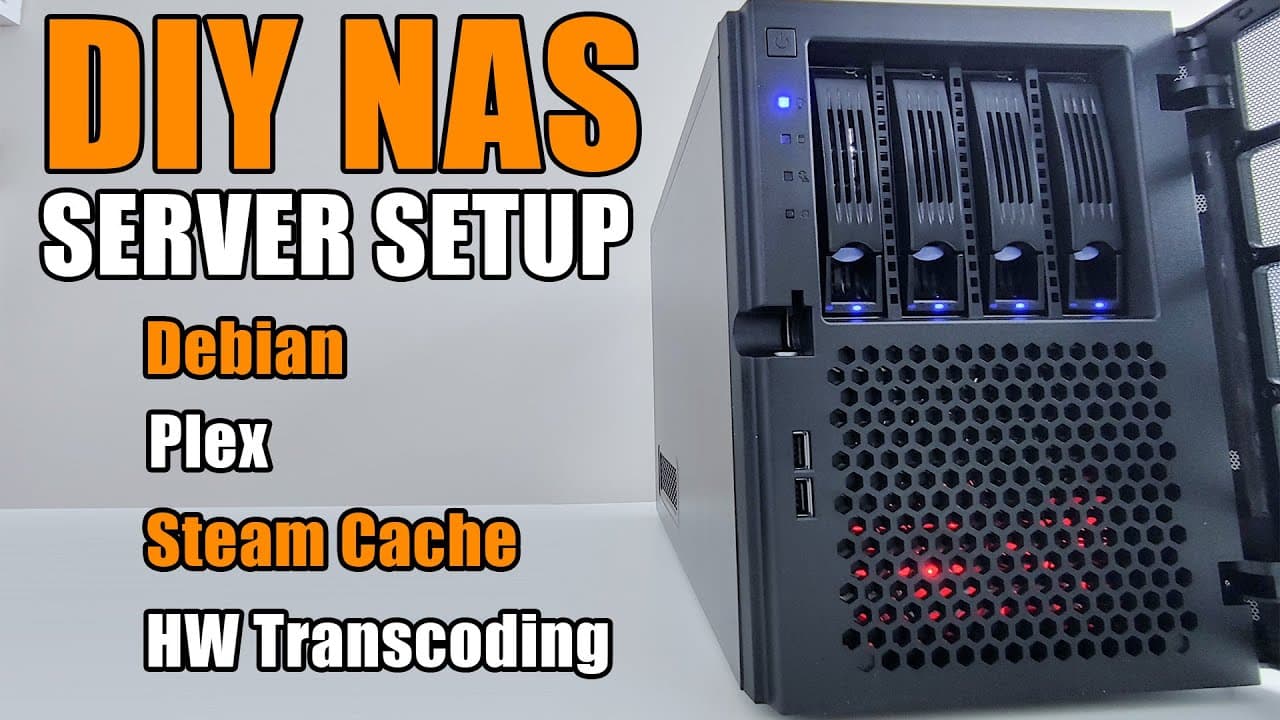
To set up a DIY NAS server with Debian and Plex, install Debian with a RAID 5 configuration and then set up Samba for file sharing, Plex for media management, and Docker for application isolation. Ensure you also configure graphic drivers to optimize transcoding performance and maintain efficient storage organization for various media and game caching.
Transcript
hey guys what's going on it's down here from Nova spirit tech and welcome back now this is gonna be part two of mine as build maybe I missed that video you could check it out right over here now on this video we're actually gonna be installing the operating system and all the software to make it a server otherwise it's just a computer with a lot of... Read More
Key Insights
- 👤 The installation process for the Debian server is streamlined but requires users to carefully choose configurations for software and RAID setups.
- 📁 Configuring Samba enables versatile file sharing capabilities on the network, enhancing collaboration.
- 🔉 The integration of graphic drivers is crucial when transcoding media via Plex, as it boosts performance and reduces CPU load.
- 🛟 Docker is vital for maintaining application separation and simplifying software management on the server.
- 🎮 Creating specific folder structures for different types of data ensures organized storage and optimal access control.
- 👻 The setup allows for a variety of services, including media streaming, data backup, and gaming cache, showcasing its flexibility.
- ✊ Efficient power consumption is achievable, with GPU-based transcoding being highlighted as more economical than CPU-intensive methods.
Install to Summarize YouTube Videos and Get Transcripts
Explore YouTube Video Summarizer or Get YouTube Transcript Extractor
Questions & Answers
Q: Why choose Debian as the operating system for this server build?
Debian is a robust, flexible, and well-supported Linux distribution that is ideal for server environments. It offers extensive packages and a strong community, making it suitable for hosting services like Plex and Docker. Its stability helps ensure that services remain uninterrupted, which is critical for a server running 24/7.
Q: What is the purpose of RAID 5 in the context of this server setup?
RAID 5 is used in this server for redundancy and data protection. It combines multiple hard drives into a single logical unit, allowing for data striping and parity. This means if one drive fails, the data can still be reconstructed from the remaining drives, safeguarding against data loss while enhancing performance.
Q: How can users share files over the network using this server?
By installing Samba, a software that provides seamless file and print services across various operating systems. Users can configure directories to be shared, set permissions, and access shared files from different devices on the network, allowing easy collaboration and access to data across systems.
Q: What are the benefits of using Docker within this server environment?
Docker facilitates the deployment of applications in isolated containers, ensuring that each application runs independently and is easy to manage. This allows for simpler updates, version control, and efficient resource allocation, making it ideal for running various services like Plex, backup servers, or caching technologies without conflicts.
Summary & Key Takeaways
-
The video focuses on setting up a Debian server, emphasizing the installation of various essential software and components, including a RAID 5 configuration for data storage.
-
Viewers learn how to install and configure storage solutions like Samba for network file sharing, as well as how to set up Plex for media management.
-
Additional topics covered include the installation of Docker, setting up a Steam caching library, and configuring graphic drivers for improved performance.
Read in Other Languages (beta)
Share This Summary 📚
Summarize YouTube Videos and Get Video Transcripts with 1-Click
Try YouTube Summary with ChatGPT & Claude or YouTube Transcript Generator
Explore More Summaries from Novaspirit Tech 📚






Summarize YouTube Videos and Get Video Transcripts with 1-Click
Try YouTube Summary with ChatGPT & Claude or YouTube Transcript Generator