How to Set Up a Raspberry Pi 4 as a Mini Server
TL;DR
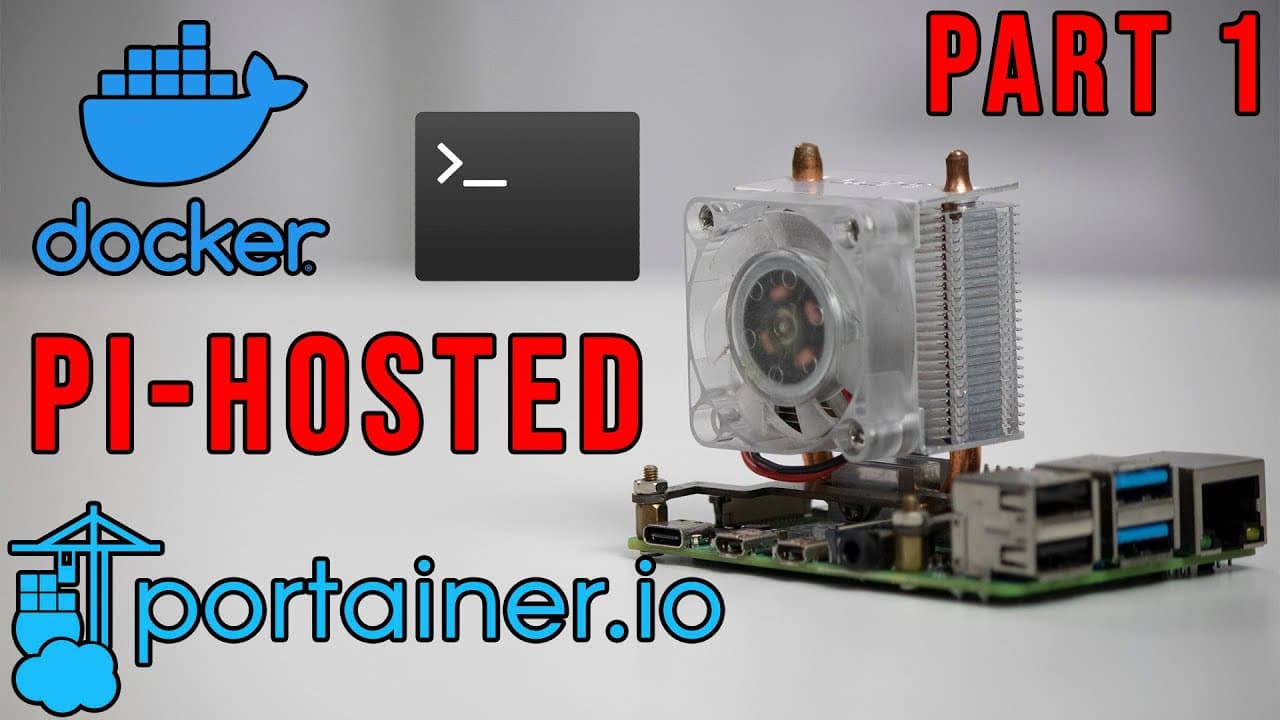
To set up a Raspberry Pi 4 as a mini server, install Raspberry Pi OS Lite, configure it with Docker, and utilize Portainer for managing server applications. This setup eliminates the need for an SD card by using an external hard drive, making it easy to upgrade and migrate data. Additionally, Shell in a Box provides a web-based SSH access for convenient server management.
Transcript
hey guys what's going on it's don here from nova spare tech and welcome back to our channel and today we are gonna be starting a brand new series called pi hosted that's probably a pretty good name and we're gonna be turning a raspberry pi into a mini server so let's get started now this was totally inspired by a post i saw on reddit on self-hosted... Read More
Key Insights
- 🛟 Raspberry Pi can effectively serve as a mini server for various applications, enhancing home automation capabilities.
- 👻 The series aims to blend educational content with practical installations, allowing viewers to follow along in real-time as the creator builds the server.
- 🛟 Docker is essential for creating isolated environments that manage application dependencies efficiently, streamlining server functionality.
- 👤 Portainer serves as an accessible solution for managing Docker, assisting both novice and experienced users with its intuitive interface.
- ☠️ The absence of a need for an SD card provides logistical versatility in Raspberry Pi setups, simplifying data migration across devices.
- 🦻 Visual aids and comprehensive explanations can significantly enhance the understanding of more complex installation processes.
- ⌛ Community-driven resources, such as GitHub repositories, offer invaluable templates and configurations that can save time and enhance setups.
Install to Summarize YouTube Videos and Get Transcripts
Explore YouTube Video Summarizer or Get YouTube Transcript Extractor
Questions & Answers
Q: What inspired the creation of this Raspberry Pi mini server series?
The series was inspired by a Reddit post from a self-hosting subreddit where a user showcased a dual Raspberry Pi server setup with multiple services. The creator saw potential for adding more functionalities and aimed to learn by recreating and enhancing the setup with additional applications. The series serves both as a learning experience and a guide for viewers interested in Raspberry Pi projects.
Q: Why is the Raspberry Pi preferred for server applications over GPIO?
The creator prefers using Raspberry Pi for server applications due to its versatile capabilities in handling various services efficiently. While GPIO is fantastic for hardware projects, Raspberry Pi's role as a server appliance allows for greater functionality in home automation and cloud services, making it an ideal choice for the creator’s needs.
Q: What is the significance of using Docker in this setup?
Docker is pivotal in the setup as it allows the installation of server applications in isolated environments, ensuring that dependencies do not conflict with one another. This means the creator can run multiple applications, some possibly requiring older versions of software, without disrupting the main operating system, thus enhancing stability and flexibility.
Q: How does Portainer benefit users managing Docker containers?
Portainer provides a user-friendly graphical interface to manage Docker containers, making it easier to set up, modify, and monitor applications. It simplifies complex command-line operations, allowing users to drag and drop or point-and-click to manage containers efficiently, catering to both beginners and experienced users.
Q: What challenges might arise during the initial Raspberry Pi setup?
Challenges during the setup can include issues with properly configuring the hard drive as the primary boot device, ensuring all software components are up to date, and troubleshooting any network connectivity problems that could impede SSH access. Additionally, users new to Docker might face a learning curve understanding how to create and manage containers.
Q: What additional applications are planned for future videos in the series?
Future videos in the series are set to include a variety of applications, with the first target being the installation of a dashboard application called Homer. The creator will also delve into other popular server applications mentioned in the initial setup showcasing more complex configurations and functionalities to enhance the server’s capabilities.
Q: How is Shell in a Box utilized in this Raspberry Pi setup?
Shell in a Box is installed to provide a web-based SSH client, allowing users to access the Raspberry Pi server from any web browser. This eliminates the need for external programs like Putty, making remote server management more straightforward. Its integration fosters a user-friendly approach to executing commands directly from a GUI.
Q: Why does the creator use a 1TB hard drive instead of an SD card?
Using a 1TB hard drive instead of an SD card provides more storage capacity and stability for running multiple server applications. The hard drive enables faster read/write speeds, greater durability, and the ability to transfer the entire setup to another Raspberry Pi without reconfiguring, ensuring a seamless transition between devices.
Summary & Key Takeaways
-
The video introduces a new series aimed at converting Raspberry Pi devices into mini servers, inspired by community contributions. The creator aims to install various services, enhancing their understanding of different applications.
-
In this part one, viewers learn to set up the Raspberry Pi as a server-ready configuration by installing Docker and configuring storage without the need for an SD card, promoting portability and ease of upgrades.
-
The installation process includes utilizing Portainer, a graphical user interface for managing Docker containers, allowing for efficient handling of server applications. Additional features like Shell in a Box simplify SSH access via a web interface.
Read in Other Languages (beta)
Share This Summary 📚
Summarize YouTube Videos and Get Video Transcripts with 1-Click
Try YouTube Summary with ChatGPT & Claude or YouTube Transcript Generator
Explore More Summaries from Novaspirit Tech 📚






Summarize YouTube Videos and Get Video Transcripts with 1-Click
Try YouTube Summary with ChatGPT & Claude or YouTube Transcript Generator