Is KDE Plasma Mobile a Good Fit for the Juno Tablet?
TL;DR
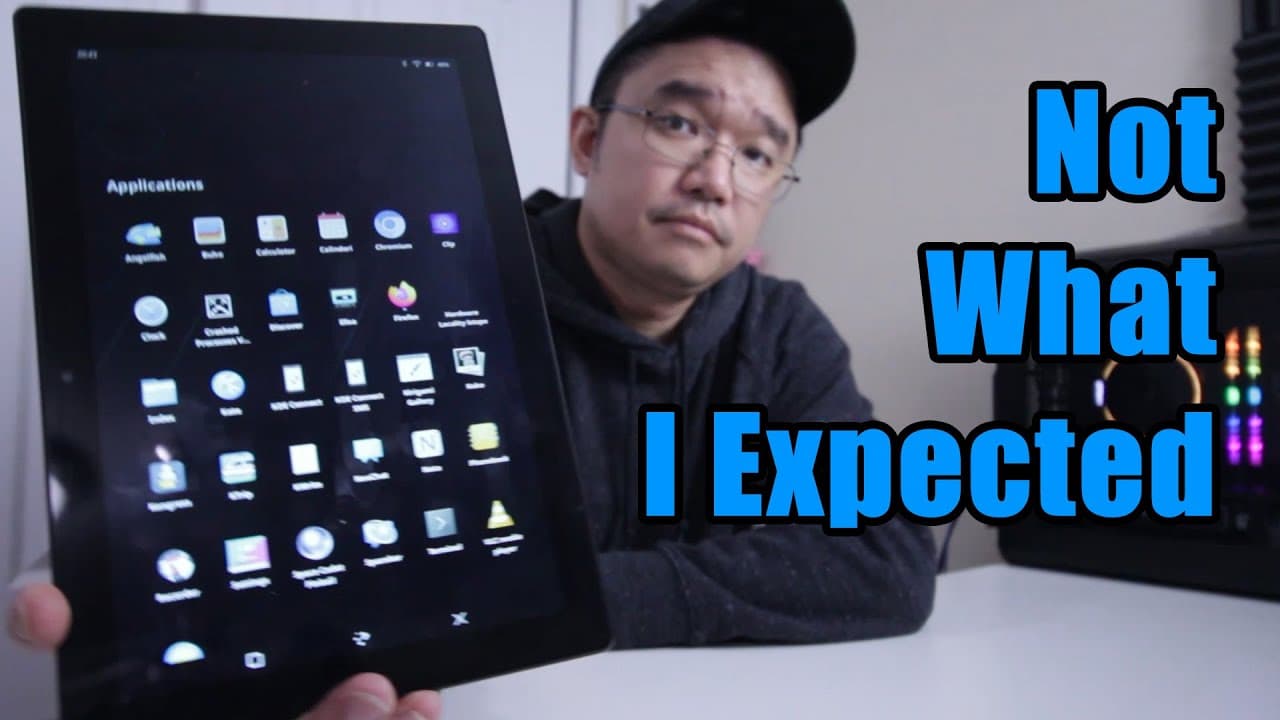
KDE Plasma Mobile on the Juno tablet offers an intuitive interface and appealing themes, but suffers from significant bugs, particularly with touchscreen functionality and application compatibility. While it provides a mobile-friendly experience reminiscent of Android, its limitations suggest it's better suited for smartphones than tablets and requires external peripherals for a smooth installation process.
Transcript
hey guys what's going on it's Don here from Nova Spirit Tech and welcome back to the channel and today we're going to be taking a look at KDE plasma Mobile on the Juno tablet so let's get started now I do want to thank Juno computers for sending this tablet over to me for review and I do have that video up on the top left over here and a link down ... Read More
Key Insights
- 🎁 Installation of KDE Plasma Mobile on the Juno tablet presents unique challenges, mostly due to improper touchscreen and orientation settings.
- 🚗 The operating system offers a visually pleasing and intuitive interface, mirroring popular mobile experiences.
- 👤 Customization features such as themes and audio settings enhance user experience, promoting personal preferences.
- 🤨 Performance issues with specific applications like Firefox raise concerns about software compatibility on KDE Plasma Mobile.
- 🪡 The operating system appears more suited for smartphones than tablets, indicating a need for better device optimization.
- 👤 User experiences reveal the importance of having external peripherals during installation for a smoother setup process.
- 👤 The terminal and file management tools demonstrate a user-friendly approach, although they do have limitations in functionality.
Install to Summarize YouTube Videos and Get Transcripts
Explore YouTube Video Summarizer or Get YouTube Transcript Extractor
Questions & Answers
Q: What challenges were faced during the installation of KDE Plasma Mobile on the Juno tablet?
Challenges included reversed screen orientation and touchscreen functionality that was initially misaligned. The installation process was complicated without external peripherals like a keyboard or mouse, making it difficult to navigate through the setup effectively. Despite these issues, functionality was restored after rebooting, though not without requiring multiple attempts.
Q: How does the user interface of KDE Plasma Mobile compare to traditional mobile operating systems?
The user interface of KDE Plasma Mobile is designed to be intuitive like that of Android, enabling easy navigation and app management. It features themes that can be customized for aesthetic preferences. However, certain bugs were reported, including inconsistent application support, which detracted from the overall experience compared to more polished mobile OS options.
Q: What specific features does KDE Plasma Mobile offer?
KDE Plasma Mobile includes various customization features such as theme options (including dark mode), on-screen keyboard, and straightforward application management through a familiar menu design. Users can adjust settings easily and have access to audio and network configurations. However, the functionality of third-party apps, like Firefox, was notably problematic.
Q: Were there any performance issues with specific applications on KDE Plasma Mobile?
Yes, Firefox was highlighted as having significant performance issues, where users could not scroll or click on elements within the browser. This limitation prompted an attempt to install alternative browsers like Chromium, which functioned correctly, showcasing the inconsistency in application compatibility on the platform.
Q: What are the user’s overall impressions of KDE Plasma Mobile on the Juno tablet?
Overall, the user found KDE Plasma Mobile appealing in terms of aesthetics and ease of use, particularly for users familiar with mobile devices. However, performance bugs and installation issues were significant drawbacks, leading to concerns about its readiness for everyday use, especially on a tablet like the Juno.
Q: What improvements could enhance the experience of KDE Plasma Mobile?
To improve KDE Plasma Mobile, addressing the bugs and performance inconsistencies seen with browser applications is essential. Additionally, ensuring better compatibility with a wider range of applications could make the platform more appealing to users. A more polished version tailored for tablet use is needed for broader adoption.
Summary & Key Takeaways
-
The video provides a step-by-step guide on installing KDE Plasma Mobile on the Juno tablet, highlighting difficulties during the installation process, particularly with screen orientation and touchscreen functionality.
-
Features of KDE Plasma Mobile are explored, including themes, on-screen keyboard, and application management, emphasizing its mobile-friendly interface similar to Android but with some limitations.
-
Despite its appealing design and potential, the operating system presents several bugs that impact usability, leading to a cautious recommendation for potential users.
Read in Other Languages (beta)
Share This Summary 📚
Summarize YouTube Videos and Get Video Transcripts with 1-Click
Try YouTube Summary with ChatGPT & Claude or YouTube Transcript Generator
Explore More Summaries from Novaspirit Tech 📚






Summarize YouTube Videos and Get Video Transcripts with 1-Click
Try YouTube Summary with ChatGPT & Claude or YouTube Transcript Generator