How to Create Engaging Screencasts
TL;DR
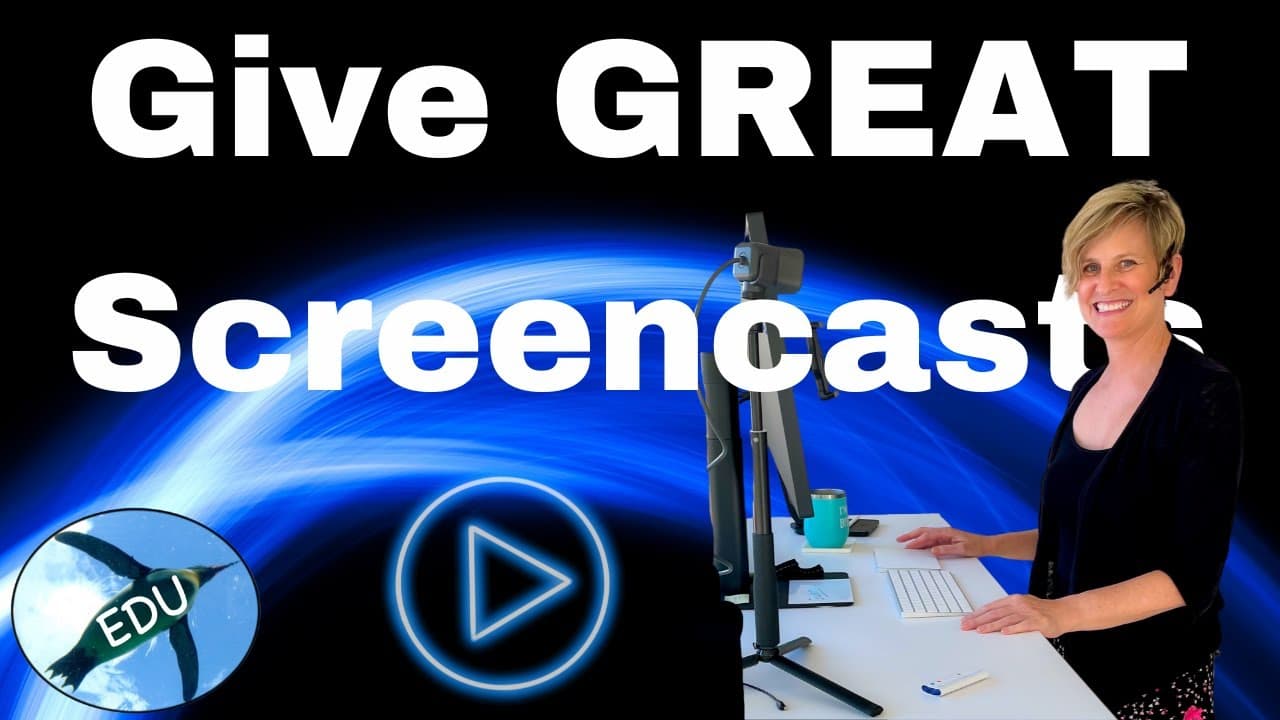
Creating engaging screencasts involves careful planning, quality audio, and clear visuals. Use a good microphone, structure your content for storytelling, and keep your desktop organized. Practicing your delivery helps you stay relaxed and connect with your audience effectively.
Transcript
hello and welcome to this screencast about screencasting i want to start with a really quick comment about software options and then planning and storytelling how to tell a good story and yes length does matter and then we'll talk about setting the stage with great audio and visuals and then a comment about practice and some filming tips and finall... Read More
Key Insights
- 🗯️ Choosing the right software for screencasting is crucial, with options like Screencastify, Camtasia, and Explain Everything catering to different needs.
- 💳 Planning is essential for creating engaging screencasts, including using outlines or scripts, storytelling, and creating suspense.
- 🍳 The length of a screencast should be considered, with complex ideas potentially broken down into shorter segments for better understanding.
- 🦛 Paying attention to audio quality and using a microphone, pop filter, and noise reduction techniques can greatly enhance the overall quality of a screencast.
- 🧑🎓 Clean visuals, including organizing your desktop and turning off notifications, help students focus on the important content.
- ☺️ Practice, relax, and be yourself while delivering the screencast, focusing on slow and intentional movements and avoiding excessive cursor usage.
Install to Summarize YouTube Videos and Get Transcripts
Explore YouTube Video Summarizer or Get YouTube Transcript Extractor
Questions & Answers
Q: What are some recommended software options for screencasting?
Some recommended software options for screencasting are Screencastify, Camtasia, and Explain Everything. Screencastify offers the best free options, while Camtasia is ideal for those with a bigger budget. Explain Everything is great for making screencasts on tablets.
Q: How can I plan a memorable screencast?
To plan a memorable screencast, immerse your students in a story, making it personal and powerful. Create suspense to keep the audience engaged until the end. Use clear and visually appealing slides to show and tell the content. Build up to a star moment and end with a positive takeaway.
Q: Does the length of a screencast matter?
Yes, the length of a screencast does matter. Complex ideas may require longer videos, but consider breaking them down into shorter segments for better understanding. This technique, called chunking, has been proven to be more effective in processing and comprehending content.
Q: How can I improve the audio quality in my screencasts?
To improve audio quality, pay attention to your acoustic environment and use a microphone if possible. Even a cheap microphone is better than the built-in one on your laptop. Cover the microphone with a pop filter, cloth, or sock to reduce unwanted noise. Cover hard surfaces with soft materials and be aware of any noise-producing activities during recording.
Summary & Key Takeaways
-
Choose the right software for screencasting, such as Screencastify, Camtasia, or Explain Everything.
-
Plan your screencasts by creating outlines or scripts, and focus on storytelling and creating suspense to make the content memorable.
-
Consider the length of your screencast, breaking down complex ideas into shorter segments for better understanding.
-
Pay attention to audio quality by using a microphone, covering it with a pop filter or cloth, and controlling background noises.
-
Keep your visuals clean by organizing your desktop and turning off notifications during recording. Record only necessary content and consider using a camera for a more personal touch.
-
Practice your screencasts, relax, and be yourself while explaining the content. Slow down, breathe, and avoid excessive cursor movements.
-
Use editing techniques to trim and correct mistakes, add annotations for clarity and focus, and consider adding humor or flops for engagement.
Read in Other Languages (beta)
Share This Summary 📚
Summarize YouTube Videos and Get Video Transcripts with 1-Click
Try YouTube Summary with ChatGPT & Claude or YouTube Transcript Generator
Explore More Summaries from ThePenguinProf 📚

Summarize YouTube Videos and Get Video Transcripts with 1-Click
Try YouTube Summary with ChatGPT & Claude or YouTube Transcript Generator