How to Create Sliding Videos from Panoramic Images
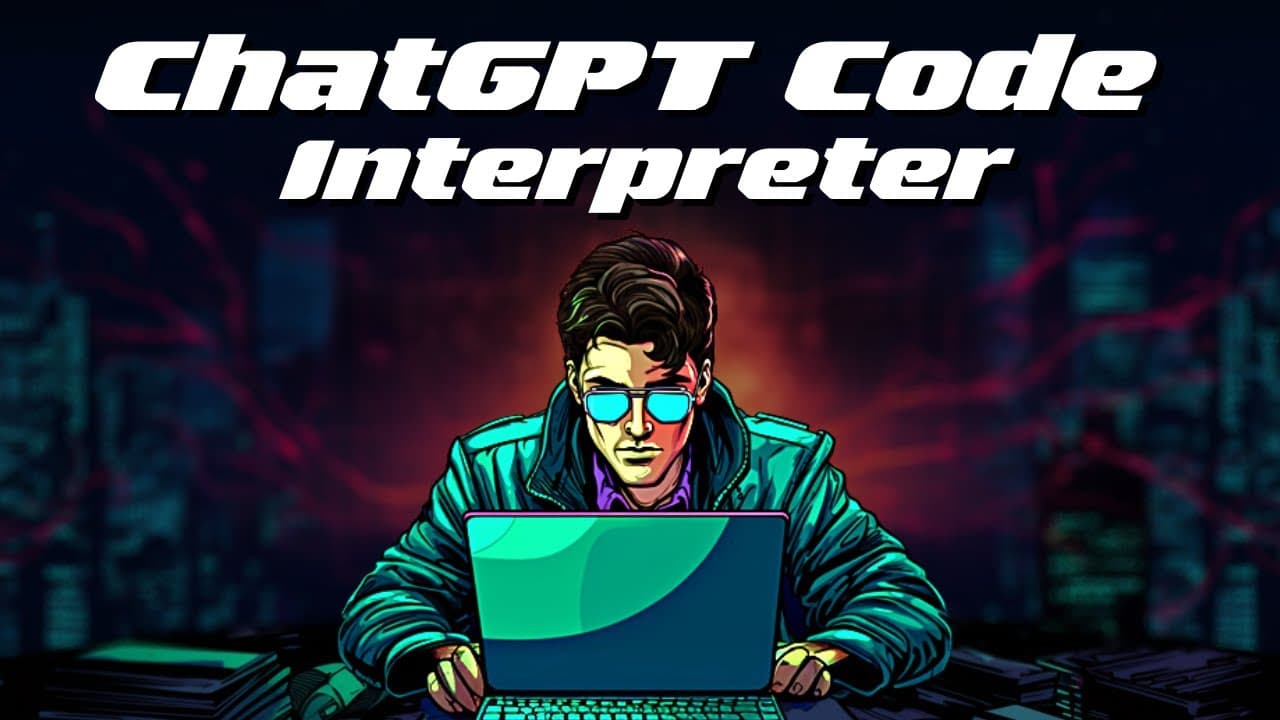
TL;DR
To create sliding videos from panoramic images using ChatGPT's Code Interpreter, first expand your image with the Midjourney pan feature. Then, upload the panoramic image to the Code Interpreter and use a specific prompt to generate a smooth sliding video. You can customize aspects like speed and add music or voiceovers for a more engaging result.
Transcript
today I'm gonna show you how we can use chat GPT code interpreter to create videos like the ones you can see here once upon a time the kingdom of Sakura zaka renowned for its never-ending cherry blossom Groves were a coat of pink these are actually mid-journey images that the code interpreter turned into the sliding videos we can stop some music on... Read More
Key Insights
- 👊 Chat GPT Code Interpreter can transform panoramic images into sliding videos.
- 👨💻 The code interpreter provides step-by-step instructions, making the process user-friendly.
- 🛝 Sliding videos created with this method have a smooth sliding effect without sudden jumps.
- 👤 Users can add music and storylines to enhance the sliding videos.
- 😒 There are various use cases for sliding videos, including storytelling, showcasing panoramic views, and creating engaging content.
- 🌸 The transformation of the cherry blossom kingdom in the example showcases the creative potential of sliding videos.
- 🥳 The code interpreter allows customization of the sliding video's speed, aspect ratio, and images.
Install to Summarize YouTube Videos and Get Transcripts
Explore YouTube Video Summarizer or Get YouTube Transcript Extractor
Questions & Answers
Q: What is the purpose of using Chat GPT Code Interpreter to create sliding videos?
Chat GPT Code Interpreter allows users to turn panoramic images into sliding videos with a smooth sliding effect, offering creative possibilities for adding music or storylines.
Q: How can one create a panoramic image for the sliding video?
Start with a basic image and use the pan feature to expand it to the right, creating a panoramic effect. Additional elements can be added in the process to enhance the image.
Q: What are the steps involved in creating a sliding video using the code interpreter?
After creating the panoramic image, upload it to the code interpreter. Provide the desired aspect ratio and instructions for the video. Submit the prompt, wait for the process to complete, and download the generated video.
Q: Can the sliding video be customized?
Yes, the speed, aspect ratio, and images can be customized. Users have the flexibility to experiment and create unique sliding videos.
Summary & Key Takeaways
-
The content demonstrates how to use Chat GPT Code Interpreter to turn panoramic images into sliding videos.
-
It provides step-by-step instructions on how to expand the image, save it, and use the code interpreter to generate the sliding video.
-
The video showcases the result, which is a smooth sliding effect with the possibility to add music or storylines.
Read in Other Languages (beta)
Share This Summary 📚
Summarize YouTube Videos and Get Video Transcripts with 1-Click
Try YouTube Summary with ChatGPT & Claude or YouTube Transcript Generator
Explore More Summaries from All About AI 📚
Summarize YouTube Videos and Get Video Transcripts with 1-Click
Try YouTube Summary with ChatGPT & Claude or YouTube Transcript Generator