How to run TikTok ads with Shopify for beginners
TL;DR
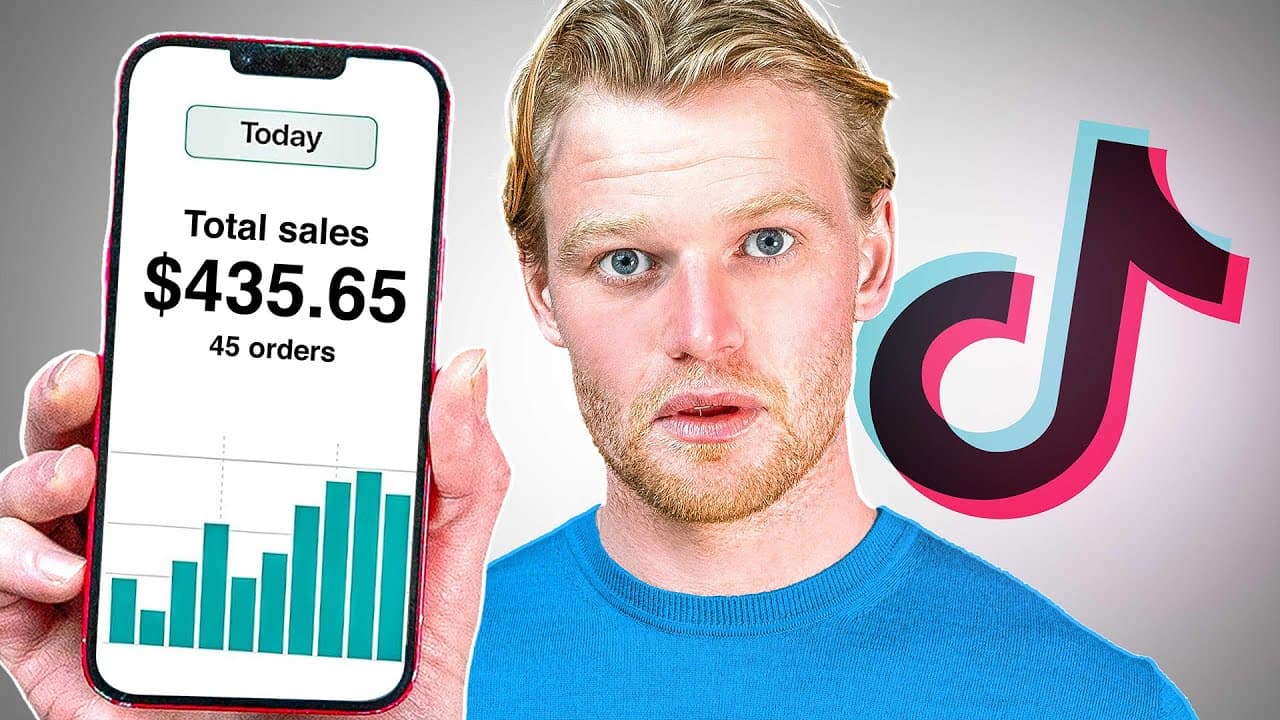
Set up Shopify and TikTok properly, verify the pixel, then build a customized campaign with a clear objective such as conversions. Start broad with a large audience, choose purchase optimization, and learn from early data before scaling. The video also covers creative development and interpreting results for better optimization.
Transcript
today we're going to cover everything tick-tock ads we're going to go into shopify we're going to link our store we're going to make sure the pixel is set up properly we're going to make sure that you can get amazing tick-tock results for those that are new to the channel i'm davey foggerty my shopify stores have done over 400 million dollars i... Read More
Key Insights
- TikTok ads require connecting Shopify to TikTok for the pixel to fire correctly.
- Campaigns on TikTok should use the conversions objective to drive purchases rather than vanity metrics.
- Use custom campaign mode for deeper control over structure and budget allocation.
- Ad sets should target a broad audience while excluding very young users to optimize spend.
- Purchase optimization is preferred to add to cart when starting out for better funnel data.
- Placements should be manually selected to avoid low-quality placements early on.
- Testing different creatives and audiences helps identify what works best before scaling.
- The pixel helper extension can help verify that the TikTok pixel fires on key events.
- More videos from this channel:
- More from this channel: Davie Fogarty
Install to Summarize YouTube Videos and Get Transcripts
Explore YouTube Video Summarizer or Get YouTube Transcript Extractor
Questions & Answers
Q: How can I start using TikTok ads with Shopify for my store?
To start using TikTok ads with Shopify, install the official TikTok sales channel in Shopify, create a TikTok business account, and connect it to your Shopify store. Ensure the TikTok pixel is firing by using a pixel helper extension and test events like page view, add to cart, and purchase. Then create a new campaign focused on conversions, set a broad audience, and optimize for purchases.
Q: What objective should I choose for a beginner TikTok ad campaign?
For beginners, choose the conversions objective to drive actual purchases rather than focusing on vanity metrics like website traffic. This objective helps TikTok optimize delivery toward users most likely to complete a purchase, and it aligns with learning how different creatives and audiences affect real sales. As you gain data, you can refine audiences and creatives.
Q: Should I use broad or narrow targeting when starting TikTok ads?
Start with a fairly broad audience to maximize data collection and learn which segments respond best. You can narrow later by age, gender, and interests once you have baseline metrics. Avoid the youngest age groups initially, as they may not have purchasing power, and adjust targeting as you accumulate performance data.
Q: What is the role of the TikTok pixel in campaigns?
The TikTok pixel tracks user actions on your site such as page views, add to cart, and purchases, allowing you to measure conversions and optimize ads accordingly. Verifying the pixel with a pixel helper extension ensures events fire correctly, which is critical for accurate attribution, optimization, and reporting within the ads manager.
Q: How should I structure my TikTok campaigns and ad sets?
Structure campaigns by objective, such as conversions, and use ad sets to manage targeting and budget. Start with broad audiences for learning, then use the ads to test different creatives. Keep the naming consistent to help you read and optimize your account, and consider campaign budget optimization only after you have enough data.
Q: What is the difference between optimizing for add to cart vs purchase?
Optimizing for add to cart targets users who show intent to purchase but have not completed a purchase yet, which can provide early funnel data but may not immediately drive sales. Optimizing for purchase focuses on completed transactions, which is usually the end goal and provides clearer ROI, especially when starting with smaller budgets.
Q: What is campaign budget optimization and should I use it?
Campaign budget optimization allocates spend across ad sets based on performance, which can save time and enable more efficient learning. It can be useful once you have enough data to determine which audiences or creatives perform best, but beginners may prefer manual control to understand what drives results before enabling automatic optimization.
Q: How can I improve TikTok ad results according to the video?
Focus on developing strong creatives that resonate with the TikTok audience, set up the pixel correctly, and run campaigns with a clear objective and broad initial targeting. Test different creatives and audiences to gather data, then use learnings to refine targeting, optimize for purchases, and progressively scale successful ad sets while monitoring results.
Summary & Key Takeaways
-
Setting up Shopify and linking TikTok is the first step to start advertising, followed by installing the official TikTok sales channel and confirming pixel firing to track events.
-
Creating a campaign involves selecting the conversions objective, opting for custom mode, and using broad audiences with purchases as the optimization event to gather meaningful data.
-
The video emphasizes developing creatives and reading results to improve ad performance, including considerations for placements, audience age range, and optimization strategies.
Read in Other Languages (beta)
Share This Summary 📚
Summarize YouTube Videos and Get Video Transcripts with 1-Click
Try YouTube Summary with ChatGPT & Claude or YouTube Transcript Generator
Explore More Summaries from Davie Fogarty 📚




Summarize YouTube Videos and Get Video Transcripts with 1-Click
Try YouTube Summary with ChatGPT & Claude or YouTube Transcript Generator