How to Use Markdown in Obsidian for Better Notes
TL;DR
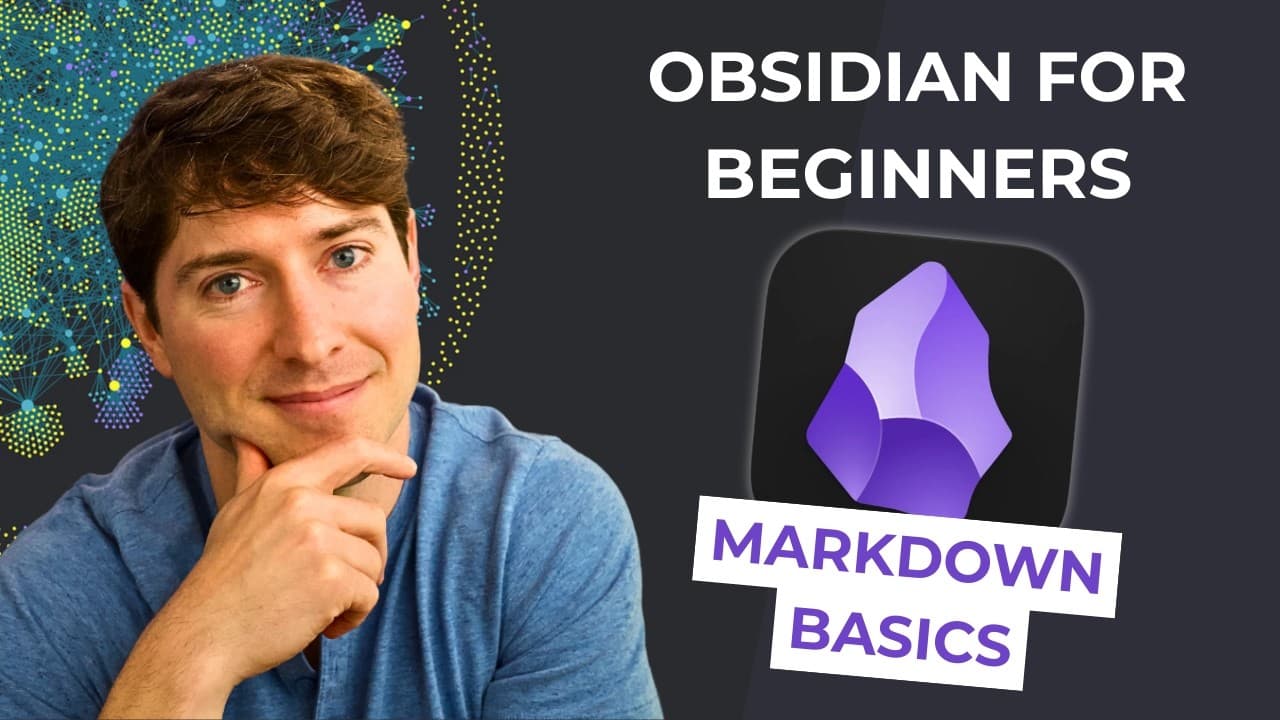
To effectively use Markdown in Obsidian, focus on six key commands: create links with brackets, use tags for organization, format text with asterisks for italics and bold, create lists with hyphens, and structure your content with hashtags for headers. These features enhance your writing and organization skills while making knowledge management seamless.
Transcript
have you ever tried to copy text out of microsoft word or evernote or even email and it comes out as a bunch of unusable gobbly goop have you ever tried a shiny new writing app for maybe a couple weeks or a month thinking you'll use it forever but then a couple months later you know that you're not and then your writing is kind of stuck there and y... Read More
Key Insights
- 💋 Markdown simplifies the process of copying and transferring text between different platforms and applications, preventing information from getting stuck.
- 👻 Connecting ideas through links and organizing content using tags enhances knowledge management and allows for easy retrieval of information.
- ✍️ Markdown's formatting options, such as italics, bold, lists, and headers, help improve the readability and structure of your writing.
- 💁 By using Markdown, you can focus on capturing and expanding your ideas without being distracted by formatting tools.
- ✍️ Markdown is a valuable tool for writers, researchers, and anyone looking to improve their writing and organization skills.
- ❓ Platforms like Obsidian make it easy to implement and utilize Markdown, increasing efficiency and productivity.
- 💁 Incrementally improving and refining your notes in Markdown helps strengthen memory and recall of important information.
Install to Summarize YouTube Videos and Get Transcripts
Explore YouTube Video Summarizer or Get YouTube Transcript Extractor
Questions & Answers
Q: What is the main problem that Markdown solves?
Markdown solves the problem of text getting trapped and becoming unusable in certain applications by providing a simple and accessible format for writing.
Q: How does Markdown establish connections between ideas?
Markdown uses links, created by using brackets and parentheses, to connect different notes together, allowing for easy navigation and reference.
Q: How can tags be used in Markdown?
Tags can be used to categorize and organize notes, making it easier to search and filter content based on specific topics or themes.
Q: What are the key formatting options available in Markdown?
Markdown allows for italics and bold formatting using asterisks, and lists can be created using hyphens or asterisks. Headers can be created using hashtags.
Summary & Key Takeaways
-
Markdown is a simple and efficient way to format and organize your writing, allowing you to easily connect ideas and link your thoughts.
-
Markdown uses links and tags to establish relationships between ideas, making it easier to navigate and search for specific content.
-
Markdown allows you to format your text by using asterisks for italics, double asterisks for bold, hyphens for lists, and hashtags for headers.
Read in Other Languages (beta)
Share This Summary 📚
Summarize YouTube Videos and Get Video Transcripts with 1-Click
Try YouTube Summary with ChatGPT & Claude or YouTube Transcript Generator
Explore More Summaries from Linking Your Thinking with Nick Milo 📚




Summarize YouTube Videos and Get Video Transcripts with 1-Click
Try YouTube Summary with ChatGPT & Claude or YouTube Transcript Generator