How to Create a YouTube Shorts Channel on Your Phone
TL;DR
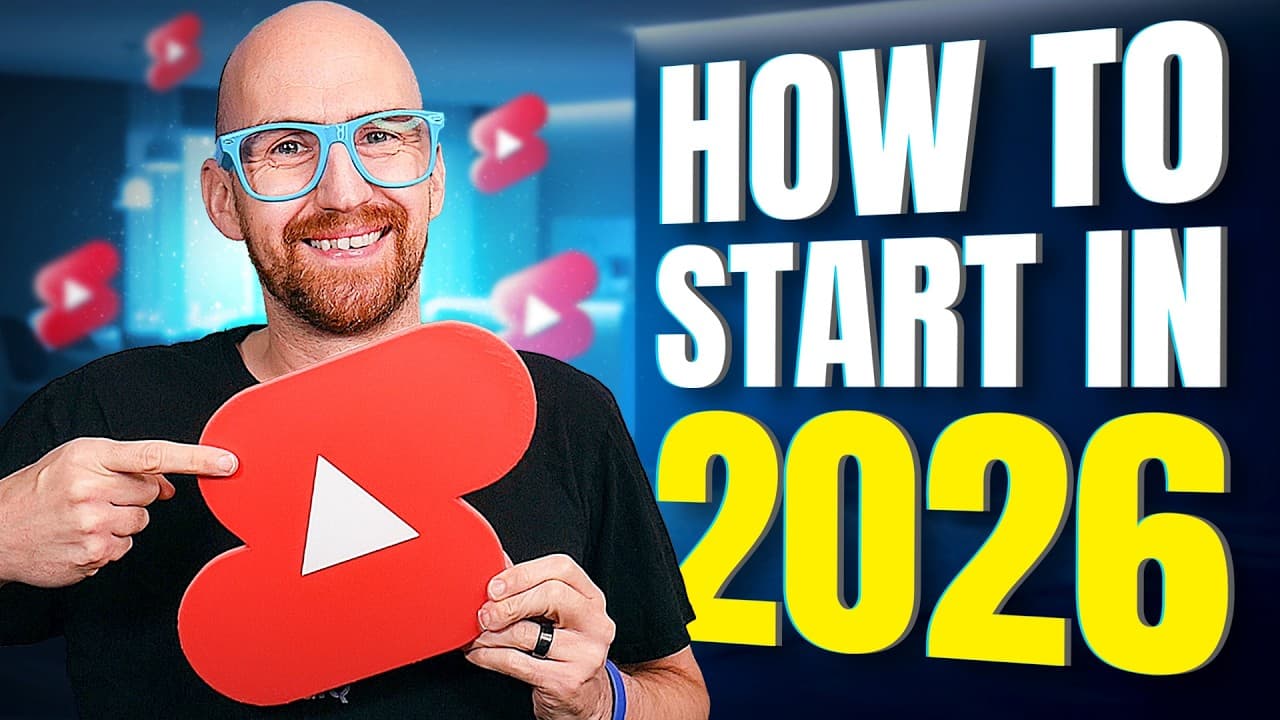
Creating a YouTube Shorts channel starts by tapping your profile picture in the YouTube app, choosing 'create a channel,' then setting a profile picture, a channel name, and a unique handle. Get your audience setting (made for kids) and comment moderation right first, then record vertical videos under 3 minutes. Set new shorts to private or scheduled for two hours before going public.
Transcript
In this video, I'm going to show you how to create your very first YouTube Shorts channel with a phone, even if you are a complete beginner. From creating a channel to the most important settings to get right, so they don't hold you back, turning you into a YouTube Shorts Pro before you even press record. This step-by-step guide covers all of the l... Read More
Key Insights
- Channel creation begins by tapping your profile picture in the YouTube mobile app, then selecting 'create a channel,' which prompts you to upload a profile picture, set a channel name, and choose a unique handle.
- The channel name and channel handle are different: the name displays on your homepage and can be changed anytime, while the handle must be unique, is used for links and comments, and can only be changed twice every 14 days.
- The audience setting that declares whether content is made for kids is mission-critical because getting it wrong could terminate your channel; setting it at the channel level saves declaring it on every upload.
- A video is treated as a YouTube Short only if it is square or vertical and no longer than 3 minutes; otherwise YouTube treats it as long-form content that appears in the home feed and autoplays.
- Adding music through the YouTube app's 'add sound' feature prevents copyright claims or strikes and still allows you to earn ad revenue from the short.
- Setting a new short to private, unlisted, or scheduled rather than immediately public lets you double-check it, gives YouTube time to detect copyright or community issues, and allows processing to the highest quality; allow two hours as a safety net.
- Engaged views differ from views: every swipe counts as a view no matter how briefly it appears, but a viewer staying for an extended period becomes an engaged view, which signals real interest to YouTube.
- The retention metric showing who stayed versus who swiped away is the single most important shorts analytic to focus on early; getting it above 80% is typically a positive sign.
Install to Summarize YouTube Videos and Get Transcripts
Explore YouTube Video Summarizer or Get YouTube Transcript Extractor
Questions & Answers
Q: How do I create a YouTube Shorts channel on my phone?
Assuming you have a Google account, the YouTube mobile app, and you're signed in, tap your profile picture in the bottom right corner of the YouTube app. Below your name it will say 'create a channel.' Tapping this kicks off the process, where you upload a profile picture, set a channel name, and choose a unique handle. Once these three things are done, you're ready to create the channel.
Q: What is the difference between a channel name and a channel handle?
The channel name displays on your channel homepage and can be anything you want, and you can change it whenever you like. The channel handle is different: it has to be unique because it is used for channel links and appears next to your comments. YouTube will tell you if a handle is already taken. Unlike the name, the handle can only be changed twice every 14 days, so choose carefully.
Q: What requirements make a video count as a YouTube Short?
For a video to be treated as a YouTube Short, it must meet two key requirements: the video must be in a square or vertical format, and it can be no longer than 3 minutes in length. If it does not meet these requirements, the video will be treated as a long-form piece of content rather than a short. Long-form videos appear in the home feed and autoplay, while shorts show only a thumbnail until tapped and then enter the swipeable shorts feed.
Q: Why should I not set a new short to public immediately?
It is recommended to set your short to private, unlisted, or scheduled rather than public immediately. This gives you a chance to double-check the video before it goes public, allows YouTube to check the video for issues like copyright claims and community problems, and lets YouTube process the video up to its highest quality. As a safety net, give yourself two hours between uploading a short and setting it to public.
Q: How do I add music to a YouTube Short without getting copyright strikes?
You can add popular music to your shorts using the 'add sound' button in the YouTube app and searching for what you want. As long as you add the sound using this feature, your shorts won't get any copyright claims or strikes. Importantly, you can also still earn ad revenue from shorts that use music added this way, making it a safe method for adding audio to your content.
Q: What is the difference between views and engaged views on YouTube Shorts?
The shorts feed lets viewers quickly swipe through content, and each short counts as a view no matter how briefly it appears on screen. However, if a viewer decides to stay on a short for an extended period of time, that becomes an engaged view. A high view count with low engaged views suggests people are not really engaging with the short, which is confirmed by the metric showing who stayed to watch versus who swiped away.
Q: Which YouTube Shorts settings are most important to configure first?
The two mission-critical settings are audience and community controls, found in the YouTube Studio app under settings. You must declare whether your content is made for kids, because getting this wrong could get your channel terminated, and setting it at the channel level saves declaring it on every upload. Under community controls, you can set automatic comment moderation to strict to avoid spam and negativity.
Q: Why does my YouTube Short stop getting views after an initial spike?
YouTube tests content with a sample size audience, so you may get loads of views very quickly. However, if those viewers are not staying to watch, YouTube will simply stop sharing the content. This is why retention matters more than raw views. The metric showing who stayed versus who swiped away is the single most important analytic to focus on early; getting it above 80% is typically a positive sign.
Summary & Key Takeaways
-
To create a YouTube Shorts channel, tap your profile picture in the YouTube mobile app and choose 'create a channel.' Upload a simple circular profile picture, pick a memorable channel name, and secure a unique handle. The name can change anytime, but the handle only twice every 14 days.
-
After the channel exists, use the pencil icon to add a banner, description, and channel link, or generate a QR code via share channel. Download the YouTube Studio app for stats, then set your audience (made for kids) and comment moderation to strict, the two mission-critical settings.
-
Record shorts with the plus button using free tools like filters, captions, voiceover, music, and AI features. Uploaded videos must be vertical and under 3 minutes to count as shorts. Package with a snappy title and thumbnail, set to private or scheduled first, and track the retention metric, aiming above 80%.
Read in Other Languages (beta)
Share This Summary 📚
Summarize YouTube Videos and Get Video Transcripts with 1-Click
Try YouTube Summary with ChatGPT & Claude or YouTube Transcript Generator
Explore More Summaries from vidIQ 📚
Summarize YouTube Videos and Get Video Transcripts with 1-Click
Try YouTube Summary with ChatGPT & Claude or YouTube Transcript Generator