How to Build a YouTube Production Workflow
TL;DR
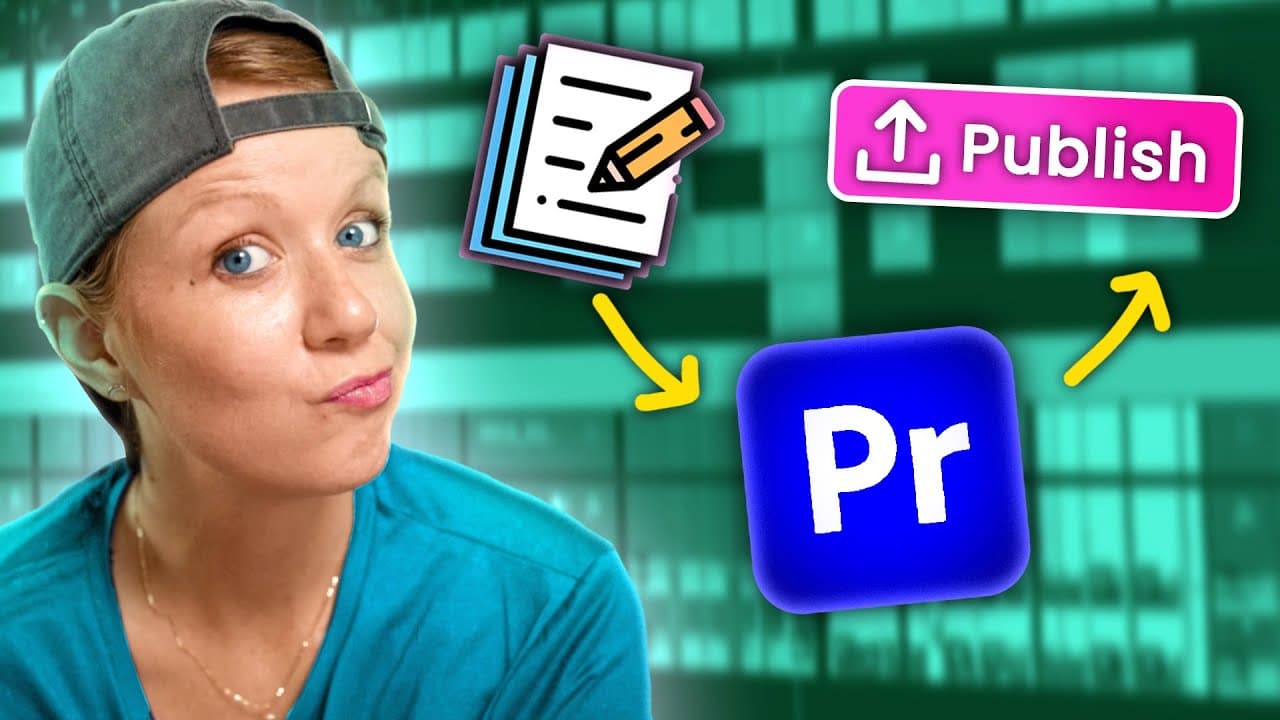
Organize each video by assigning production stages to team members, then script the educational flow before recording and prepare synchronized, template-based Premiere Pro projects for the editors. Shared online storage, non-destructive editing, timeline notes, repeatable presets, backup audio, and multiple editing passes reduce handoff friction while keeping edits focused on explaining the content.
Transcript
in this video I'm going to reveal our entire YouTube production process from ideation and writing to editing and then on to tools we use for publishing if you're ready let's Jump On In when planning out our projects I use a tool called TASC which basically lets me itemize each project that we're working on and assign it out to different people on t... Read More
Key Insights
- Taskade is the production planning hub for itemizing simultaneous video projects, assigning scripts, edits, thumbnails, and publishing tasks, and showing each team member what is due. This structure makes responsibility visible before research, recording, or post-production begins.
- Google Docs is used to write educational scripts collaboratively because the planned steps help presenters internalize the video's flow. Even without a teleprompter, a written structure reduces improvisational disorder and prevents the raw recording from becoming an editing problem.
- Screen recording responsibility depends on who wrote the script. Jaa records the application demonstrations for scripts he writes, while the presenter records demonstrations for her own scripts because she is showing the application and the effects she developed.
- LucidLink is the shared online file space for recorded media, Premiere Pro projects, and reusable assets. Uploading footage and saving projects in the correct shared folders allows editors to access the same materials and supports easier transfers between team members.
- Backup audio is recorded through the camera's lavalier track while the Rode microphone provides the primary computer-recorded sound. After synchronization, the linked lavalier audio is disabled, but its presence protects the project if something goes wrong with the main microphone.
- Color grading is applied through reusable adjustment layers containing Colorista, Lumetri effects, Cosmo skin smoothing, and a gamma-compensation LUT. Because the filming setup remains consistent, the prepared grade can be copied into a nested camera layer and reused across projects.
- Non-destructive editing is achieved by nesting the screen, graded camera, and reaction-camera elements. The editor can manipulate an outer reaction-camera layer without changing the camera grade inside it, preserving the ability to revise earlier decisions throughout the edit.
- The editor uses four general passes and begins assembly from the end because the final take of each section is assumed to be the strongest. One example compresses 1 hour and 4 minutes of footage into a 20-minute first cut before later refinements.
Install to Summarize YouTube Videos and Get Transcripts
Explore YouTube Video Summarizer or Get YouTube Transcript Extractor
Questions & Answers
Q: How do you organize a YouTube production workflow?
Organize every video as a project with separate responsibilities for script writing, filming, editing, thumbnail creation, and publishing. The team uses Taskade to itemize projects, assign each stage to a specific person, record due work, and manage several videos simultaneously. Research and collaborative script writing follow scheduling, giving both presenters and editors a defined instructional structure before recording begins.
Q: Why should you script an educational YouTube video?
A script establishes the order of the educational steps and helps the presenter remember the intended flow, even when no teleprompter is used. Without that preparation, improvised recording can become disorganized and create additional editing work. Google Docs also enables collaboration, allowing another writer to draft material and leave editing notes within the same working document.
Q: How should YouTube footage be prepared for an editor?
After recording, transfer the SD card files to a shared online workspace and create a Premiere Pro project in the correct project folder. Drop the camera clip into the timeline so the sequence inherits its frame rate and resolution, add the separate microphone recordings, and synchronize the tracks. Preparing these elements before handoff saves the assigned editor time.
Q: Why should a YouTube recording use backup audio?
Backup audio protects the project if the primary microphone recording has a problem. The demonstrated setup records a Rode microphone into the computer while also capturing a lavalier microphone through the camera. Once both sources are synchronized, the lavalier track is unlinked and disabled for editing, leaving the Rode recording active while preserving the alternate audio source if needed.
Q: How can color grading be standardized across YouTube videos?
A consistent filming setup allows the team to reuse a prepared color-grade template. The template contains adjustment layers with Colorista, several Lumetri effects, Cosmo skin smoothing, and a gamma-compensation LUT. Those layers are copied from a shared Premiere Pro project into a nested camera sequence, producing a repeatable grade while keeping the main editing composition organized as one layer.
Q: What is a non-destructive YouTube editing workflow?
A non-destructive workflow keeps source elements and earlier decisions available for revision. The editor places screen footage and the graded camera inside nests, then creates a separate reaction-camera nest from the camera material. Presets can reshape that outer layer and add its border without altering the grade or original camera structure contained inside the underlying nest.
Q: How can an editor quickly select the best recorded takes?
The editor can assemble the video from the end toward the beginning, based on the assumption that the final attempt at each section is usually the strongest take. Each time the subject changes, the editor identifies the boundary and removes the unsuccessful material between sections. In the example, this method reduces 1 hour and 4 minutes of footage to a 20-minute first cut.
Q: How do timeline notes improve collaborative video editing?
Timeline text layers and color labels show what each section contains and which edits remain unfinished. Brown labels represent temporary editing notes that should be removed before completion, so the final timeline should contain no brown labels. If another editor must take over, the notes communicate the planned changes directly, avoiding the need to review the entire video and invent replacements independently.
Summary & Key Takeaways
-
The workflow begins with project scheduling, task assignments, research, and script writing. Taskade tracks responsibilities for scripts, filming, editing, thumbnails, and publishing, while Google Docs supports collaborative scripts and editing notes. Writing the instructional sequence before recording helps the presenter remember the flow and prevents disorganized footage from becoming difficult to edit.
-
After filming, camera and microphone files are uploaded to LucidLink, the team's shared online workspace. A Premiere Pro project is saved in the appropriate shared folder, sequences are created from source-clip settings, and external microphone tracks are synchronized. The camera microphone remains available as a backup but is disabled during the primary edit.
-
Editing uses nested camera and screen layers, reusable reaction-camera presets, and four general passes. The editor first assembles the strongest takes, then adds zooms and labeled notes before completing later work. Temporary brown labels identify unfinished edits, shared notes simplify handoffs, and color grading remains disabled until rendering to conserve computer resources.
Read in Other Languages (beta)
Share This Summary 📚
Summarize YouTube Videos and Get Video Transcripts with 1-Click
Try YouTube Summary with ChatGPT & Claude or YouTube Transcript Generator
Explore More Summaries from Premiere Gal 📚
Summarize YouTube Videos and Get Video Transcripts with 1-Click
Try YouTube Summary with ChatGPT & Claude or YouTube Transcript Generator