What Are the Most Innovative AI Video Editing Tools of 2023?
TL;DR
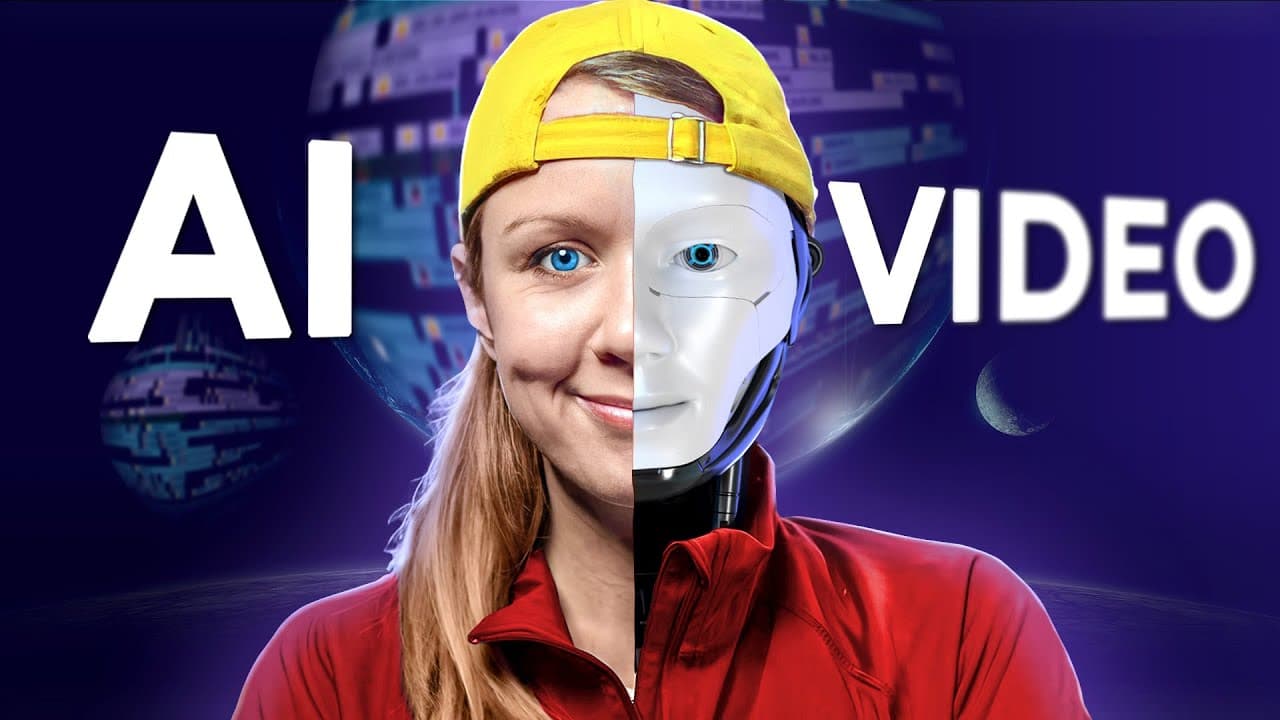
The most innovative AI video editing tools of 2023 include RunwayML, which offers features like object removal and advanced color grading through text descriptions. Time Bolt efficiently removes silences from videos, saving editors considerable time. La La can extract vocals from background music, enhancing audio quality and avoiding copyright issues. These tools showcase the future potential of AI in video editing.
Transcript
in today's video I'm going to share with you some video editing tools that can actually save you a ton of time with your edits I also want to thank my friends over at envato elements for supporting today's video using my link below you can get 70 off your first month I'll tell you more about them later on but for now let's go ahead and jump on it f... Read More
Key Insights
- 🎥 Runway.ml is an online video editor that offers AI magic tools for removing objects and people from videos, as well as removing backgrounds. It provides a faster alternative to Content Aware Fill in Photoshop and Roto Brush in After Effects.
- 🎬 Runway.ml's project Builder allows users to edit their entire videos, add filters, and apply animations directly within the platform. Videos can be exported with transparent backgrounds for further editing in other software.
- 🎨 Runway.ml's text-to-color grading tool allows users to describe a desired color grade, and the AI will apply it to the footage. The tool can emulate color grades from popular Hollywood films.
- 📹 Envato Elements is a comprehensive resource for various video editing needs, offering stock videos, video templates, music, sound effects, and presentation templates. Users can access a free trial and get 70% off their first month using a provided link. ⏳ Time Bolt is a tool that automatically removes silences and lulls in long interviews or takes. It can save editors time by detecting and removing unnecessary gaps in audio files.
- 🎵 Lala.ai is a tool that can extract vocals from background music, allowing users to separate and improve audio. It can be used to remove copyright music from videos or enhance audio quality.
- 💼 The AI tools mentioned have varying levels of effectiveness and room for improvement. Users are encouraged to test them out and provide feedback to help these tools evolve.
- 🔮 The future of AI in video editing holds promising possibilities, such as automatic character removal through green screen typing and improved audio enhancement technologies.
Install to Summarize YouTube Videos and Get Transcripts
Explore YouTube Video Summarizer or Get YouTube Transcript Extractor
Questions & Answers
Q: What are the benefits of using RunwayML's AI-powered tools for video editing?
RunwayML provides AI magic tools that can remove objects, isolate subjects from the background, and improve video editing efficiency, saving time and effort for editors.
Q: How does Time Bolt help in streamlining the editing process?
Time Bolt automates the detection and removal of silences in videos, allowing editors to quickly cut out unnecessary parts and jump to the essential content, making the editing process faster and more efficient.
Q: What are the advantages of using La La for audio enhancement?
La La technology is useful for separating vocals from background music, improving audio quality, and reducing background noise, making it a valuable tool for audio enhancement in videos.
Q: Can RunwayML be used for editing the entire video, including effects and animations?
Yes, RunwayML's project builder allows users to edit their videos entirely within the platform, including adding effects, applying filters, and creating animations, providing a comprehensive editing experience.
Q: How can Time Bolt be integrated into popular video editing software like Premiere Pro?
Time Bolt offers an extension that can be installed in Premiere Pro, allowing users to automatically apply the silences cuts generated by the tool to their editing timeline without leaving the software.
Summary & Key Takeaways
-
RunwayML is an online video editor that offers various AI magic tools, including in-painting to remove objects and remove background to easily isolate subjects.
-
Time Bolt is a tool that automatically detects and removes silences in interviews or long takes, making the editing process more efficient.
-
La La is an AI tool that can extract vocals from background music, improve audio quality, and remove background noise.
Read in Other Languages (beta)
Share This Summary 📚
Summarize YouTube Videos and Get Video Transcripts with 1-Click
Try YouTube Summary with ChatGPT & Claude or YouTube Transcript Generator
Explore More Summaries from Premiere Gal 📚




Summarize YouTube Videos and Get Video Transcripts with 1-Click
Try YouTube Summary with ChatGPT & Claude or YouTube Transcript Generator