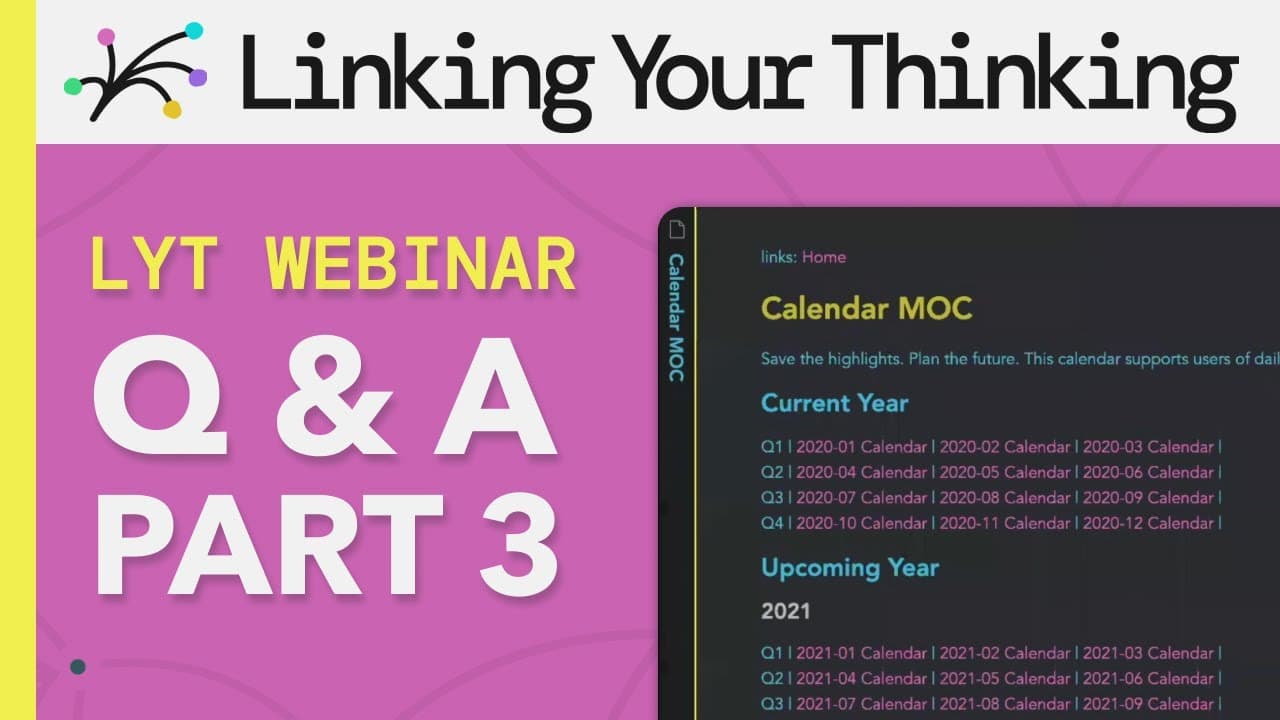
How to Use the LYT Framework for Optimal Note-Taking
TL;DR
The LYT Framework enhances your note-taking in Obsidian by using prefixes for easy sorting, enabling quick searches, and organizing notes fluidly for better navigation. It encourages users to integrate tags like 'idea' and 'concept' for effective categorization, while promoting a focus on note-making to create more value in your personal knowledge management.
Transcript
can you share thoughts on the prefixes razadon asked okay razvan so the prefixes so when you sort by file name you can be assured that these prefixes will always sort at the top that's the reason that i use these basic numbers number two is if i open up a quick search which in obsidian it's command o on the mac then i can just really quickly do lik... Read More
Key Insights
- 🦻 Prefixes in Obsidian ensure specific files are always sorted at the top, aiding in easy access to important information.
- 🔪 The light kit in Obsidian replaces the IMR kit and offers different ways of organizing and interacting with information.
- 📽️ The calendar function in Obsidian can be useful for project and task management.
- 🎵 By searching for specific titles or filtering notes by tags, users can easily navigate a large pool of singular notes in Obsidian.
- 📔 Using tags such as "idea," "concept," and "book" helps define the content of a note, making it easier to categorize and retrieve information.
- 👻 Incorporating prefixes, quick searching, and tags in Obsidian allows for a more efficient and organized workflow.
- 🥡 Atomicity in note-taking varies but generally aims for the content to fit on a single page or require minimal scrolling.
- 🎵 Note making, as opposed to note taking, focuses on creating value and ideation, providing more meaningful and valuable information for oneself and others.
Install to Summarize YouTube Videos and Get Transcripts
Explore YouTube Video Summarizer or Get YouTube Transcript Extractor
Questions & Answers
Q: How do the IMR kit and light kit interact in Obsidian?
The light kit replaces the IMR kit. The webinar demonstrates practical use cases for the light kit and showcases how it organizes information in different ways through home maps.
Q: How can the calendar function be used in Obsidian?
The calendar function in Obsidian is useful for project and task management. It can be accessed through the light kit and provides options for incorporating it into your workflow.
Q: If I don't use folders, how can I search for specific notes in a large pool of singular notes?
In Obsidian, you can search for specific notes by filtering them through titles or tags. Boolean search rules are available, and tagging notes temporarily or with a specific theme can help organize and avoid losing important information.
Q: Are tags such as "idea," "concept," and "book" useful in defining what a note represents in Obsidian?
Yes, tags like "idea," "concept," and "book" can be useful for categorizing and defining the content of a note. They provide clarity and help in quickly identifying the type of information a note contains.
Summary & Key Takeaways
-
Prefixes in Obsidian ensure that specific files will always be sorted at the top, making it easier to locate and access important information.
-
Quick searching in Obsidian through the command O function allows for easy retrieval of specific files using keywords or tags.
-
Organizing notes in Obsidian provides a spatial constellation that allows for quick navigation and serves as a reliable home base for information.
Read in Other Languages (beta)
Share This Summary 📚
Summarize YouTube Videos and Get Video Transcripts with 1-Click
Try YouTube Summary with ChatGPT & Claude or YouTube Transcript Generator
Explore More Summaries from Linking Your Thinking with Nick Milo 📚



Summarize YouTube Videos and Get Video Transcripts with 1-Click
Try YouTube Summary with ChatGPT & Claude or YouTube Transcript Generator