Cloner Box Evolved Review: Is This HDMI Capture Worth It?
TL;DR
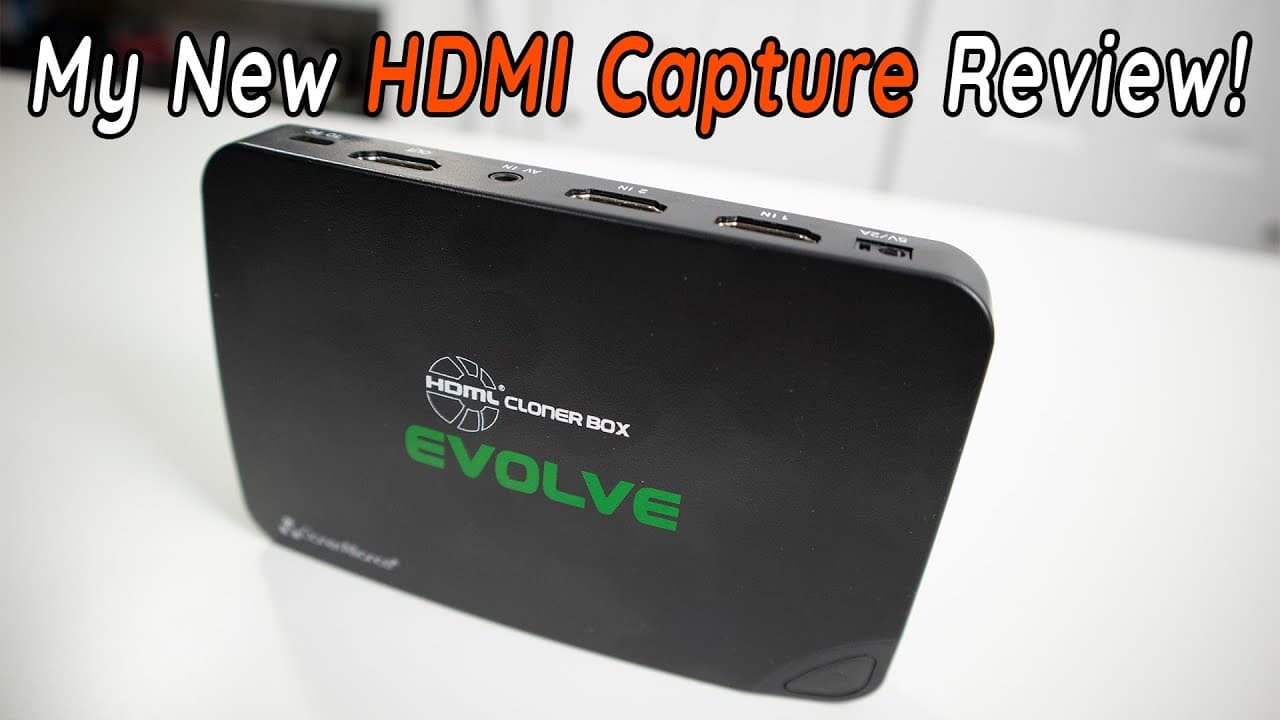
The Cloner Box Evolved significantly enhances video quality for content creators by offering dual HDMI inputs, 4K input support, and reliable audio functionality. Unlike its predecessor, this device allows for seamless recording without a PC, and its remote control simplifies operation. With improved scheduling capabilities and versatile formats, it's a notable upgrade for live streaming and recording.
Transcript
hey guys what's going on it's not here from Nova spirit Tech and today we are gonna be checking out my brand new HDMI capture which is the cloner box evolved so let's get started so for the past couple of weeks you guys probably seen my HDMI capture is horrendous anytime I did a review on a desktop or something like that the graphics was just reall... Read More
Key Insights
- 🎮 The transition to the Cloner Box Evolved results in a notable enhancement in video quality and recording reliability for content creators.
- ✋ The previous capture device's limitations highlighted the importance of high-quality video equipment for professional content creation.
- 😄 Having a remote control significantly eases configuration and operation during recording sessions.
- 👻 The option to capture and schedule recordings directly on the device enhances user experience, allowing greater flexibility for creators.
- 🫒 The support for two HDMI inputs enables seamless switching between multiple video sources, a valuable feature for live streaming setups.
- 💁 The device's design caters to a variety of formats, including composite video and audio, increasing its versatility for different capture needs.
- 🍿 Avoiding PC dependency for recordings simplifies the setup and minimizes technical issues related to computer performance.
Install to Summarize YouTube Videos and Get Transcripts
Explore YouTube Video Summarizer or Get YouTube Transcript Extractor
Questions & Answers
Q: What were the main issues with the previous HDMI capture device?
The previous device encountered multiple problems, including poor resolution that only displayed the lowest setting, audio sync issues that caused recordings to extend unexpectedly, and overall unreliable performance. These issues made video editing and quality control especially challenging and frustrating, prompting the upgrade to the Cloner Box Evolved.
Q: How does the Cloner Box Evolved differ from previous models?
The Cloner Box Evolved features dual HDMI inputs, a remote control for easy configuration, and supports 4K input, allowing for higher quality recording. Unlike previous models, it offers real-time monitoring with display icons, better audio performance, and the ability to schedule recordings, making it a comprehensive solution for content creators.
Q: Can the Cloner Box Evolved output in 4K?
While the Cloner Box Evolved can accept 4K input, it does not output in 4K, as it scales down to 1080p. This is sufficient for most uses, especially when coupled with lower resolution monitors, allowing users to record in 4K for later editing or display in 1080p during live sessions.
Q: What features make the Cloner Box Evolved ideal for live streaming?
The Cloner Box Evolved is designed for live streaming with robust features like mic and headphone inputs, real-time display indicators for recording status, and remote control for adjustments. These features cater to streamers needing reliable audio and video capture with minimal lag and excellent image quality.
Summary & Key Takeaways
-
The content discusses the transition from a malfunctioning HDMI capture device to the Cloner Box Evolved, which promises improved quality and functionality for video recording.
-
The presenter shares frustrations with prior devices, including audio syncing issues and poor image quality, highlighting the need for a reliable capture solution.
-
The Cloner Box Evolved features dual HDMI inputs, remote control, and support for 4K input, marking a significant upgrade for live streaming and recording.
Read in Other Languages (beta)
Share This Summary 📚
Summarize YouTube Videos and Get Video Transcripts with 1-Click
Try YouTube Summary with ChatGPT & Claude or YouTube Transcript Generator
Explore More Summaries from Novaspirit Tech 📚






Summarize YouTube Videos and Get Video Transcripts with 1-Click
Try YouTube Summary with ChatGPT & Claude or YouTube Transcript Generator