How to Install Proxmox on Zima Board for VMs
TL;DR
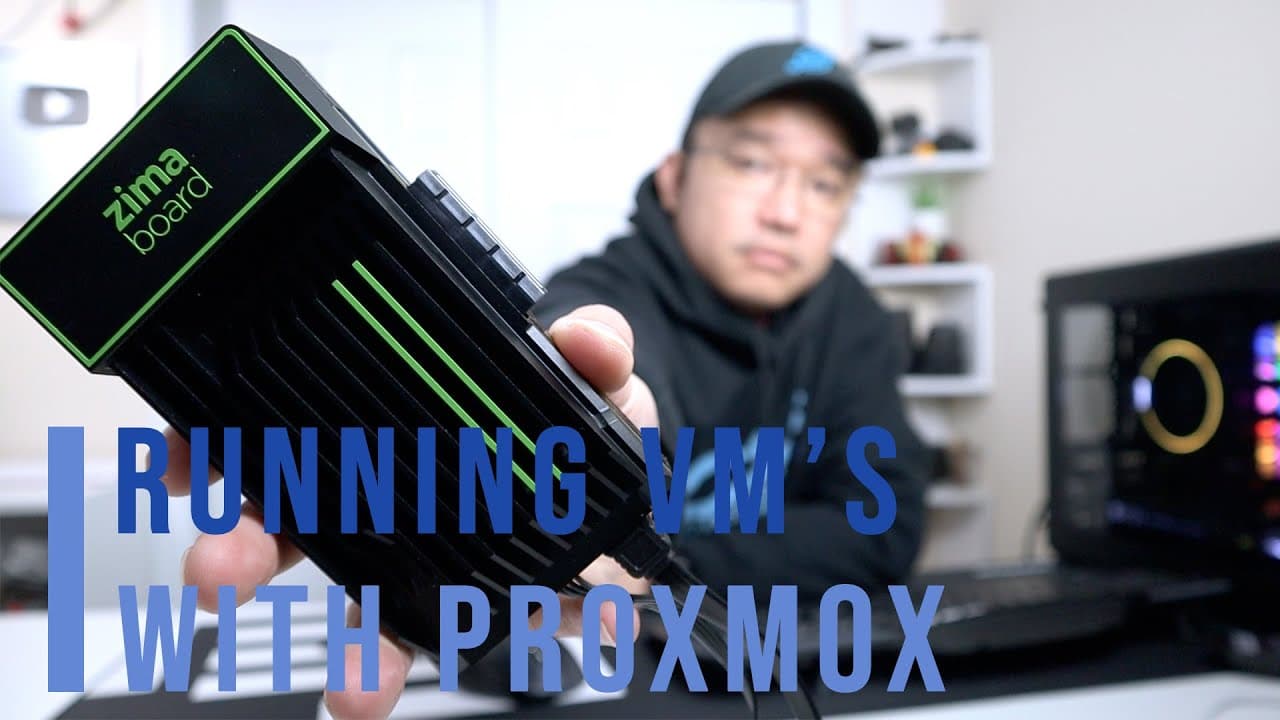
Installing Proxmox on the Zima Board enables effective virtualization on low-resource hardware. The installation process involves creating a bootable USB and following simple prompts. While the board runs VMs and supports PCIe passthrough, its limited resources necessitate careful management of virtual machines.
Transcript
hey guys what's going on it's don here from nova spare tech and welcome back to the channel and today we are going to be installing proxmox or vm emulation onto the zima board so let's get started now i do want to thank icewell for sending this over to me i did talk about this board on my last video which i i still love i really love playing with t... Read More
Key Insights
- 😘 Proxmox is an effective platform for managing virtual environments, particularly useful for low-resource hardware like the Zima Board.
- ❓ The installation process of Proxmox is relatively straightforward, primarily involving creating a bootable USB and following installation prompts.
- 🏃 The Zima Board's specifications suggest that it's more suited for testing and development than for running production-level applications due to memory and processing constraints.
- 🤗 Pass-through capability on the Zima Board opens opportunities for specialized uses, including testing of specific hardware configurations.
- 🏂 Users may maximize performance by utilizing lightweight containers rather than full virtual machines on limited-resource boards.
- 🏃 While capable, running multiple VMs on the Zima Board is challenging, necessitating a balance between resource allocation and required tasks.
- 🥹 Given its features, the Zima Board holds potential for various applications, including being a firewall or storage server when configured correctly.
Install to Summarize YouTube Videos and Get Transcripts
Explore YouTube Video Summarizer or Get YouTube Transcript Extractor
Questions & Answers
Q: What is Proxmox and what are its main features?
Proxmox is an open-source virtualization management platform used to run virtual machines and containers. It features a web-based management interface, supports various storage types, utilizes KVM for virtualization, and allows for advanced configurations like clusters and high-availability setups.
Q: How does the Zima Board perform with Proxmox considering its hardware specs?
The Zima Board includes a quad-core CPU at 1.1 GHz and 8 GB of RAM, which limits its ability to efficiently run multiple virtual machines. While it managed to host a full-fledged Ubuntu VM, its performance is constrained by the available hardware resources, allowing potentially only 2 to 3 virtual machines.
Q: What steps are involved in installing Proxmox on the Zima Board?
The installation requires creating a bootable USB with the Proxmox ISO and booting from it. Users select the SATA SSD as the installation target, follow installation prompts, and upon completion, they access the Proxmox dashboard to manage virtual machines.
Q: Can the Zima Board handle PCIe pass-through for VMs, and how does it function?
Yes, the Zima Board can successfully handle PCIe pass-through. This feature enables specific hardware components, like an NVMe controller, to be directly accessed by virtual machines, enhancing their capabilities while allowing for resource experimentation in the virtual environment.
Summary & Key Takeaways
-
The video demonstrates the installation of Proxmox on the Zima Board using a SATA SSD while retaining the main operating system on eMMC storage.
-
It covers the specifications of the Zima Board, which includes a quad-core CPU, 8 GB RAM, and highlights limitations in running multiple virtual machines due to hardware constraints.
-
Pass-through capabilities for PCIe devices are tested, showcasing the board’s ability to allocate specific hardware resources to virtual environments.
Read in Other Languages (beta)
Share This Summary 📚
Summarize YouTube Videos and Get Video Transcripts with 1-Click
Try YouTube Summary with ChatGPT & Claude or YouTube Transcript Generator
Explore More Summaries from Novaspirit Tech 📚






Summarize YouTube Videos and Get Video Transcripts with 1-Click
Try YouTube Summary with ChatGPT & Claude or YouTube Transcript Generator