Is Claude Sonnet 4.5 Better for AI Agents?
TL;DR
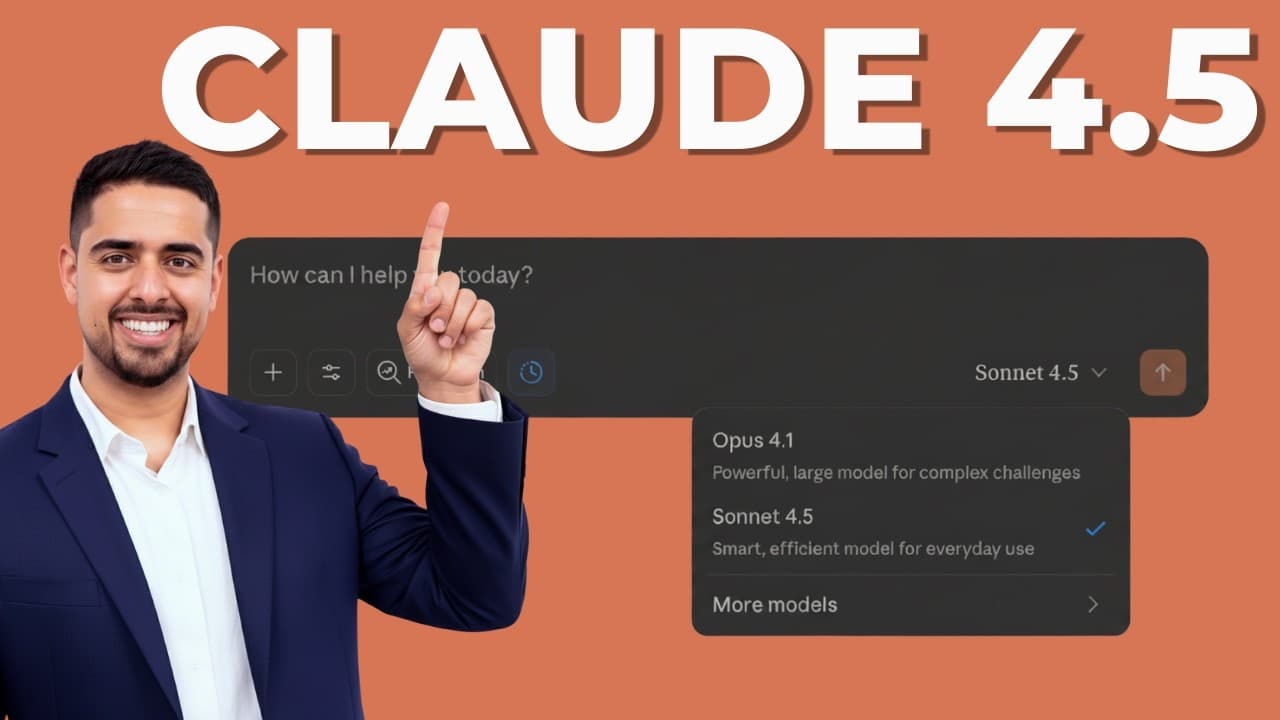
Claude Sonnet 4.5 is better for AI agents in the demonstrated workflows because it combines fast execution with stronger handling of context, multi-step analysis, coding, and polished deliverables. In Cursor, the Sonnet 4.5 Max setup completed eight tasks while Sonnet 4 was still working on its first. Read on for the report, prototyping, and CSV application comparisons behind that conclusion.
Transcript
Claude 4.5 Sonnet just dropped and needless to say, it's impressive. It's better at coding. It's better at vibe coding, and it's better at things like data analysis and creating really polished documents. I'm going to walk you through a head-to-head comparison, comparing Sonnet 4.5 to Sonnet 4 on tasks like data analysis, as well as vibe coding. So... Read More
Key Insights
- Context use supports agency: Sonnet 4.5 is described as having a much larger context window and being better able to use most of the context supplied to it. That matters in the demonstrated assignments because analysis, document generation, interface construction, testing support, and recommendations must remain connected across several steps rather than being handled as isolated responses.
- Speed and complexity coexist: The comparison does not claim that Sonnet 4.5 replaces Opus in every situation. Opus remains the winner for especially complex tasks that need much more time to break down. Sonnet 4.5 occupies a different position, offering fast responses while still performing well on complex, multi-step work where execution speed is valuable.
- Deliverables extend beyond text: The standout document improvement is not simply better prose or more markdown formatting. Sonnet 4.5 turns its e-commerce analysis into a structured report with colored tables, visual emphasis, and a direct DOCX download. This reduces the copying, cleanup, and reformatting normally required before a generated analysis can resemble an editable professional document.
- Report styling serves comprehension: The heat-map-style detail in the Sonnet 4.5 report is small, but it reveals a broader behavior observed by the presenter. The model considers what might draw a reader's attention after completing the required analysis. That extra visual treatment makes the output feel more thoughtful than a report that merely includes the requested text and tables.
- Validation remains necessary: A polished appearance does not establish that every calculation is correct. While reviewing the heat-map-style element, the presenter explicitly notes that the numbers themselves would have to be double-checked. Sonnet 4.5 therefore improves presentation and usability, but the demonstration does not treat visual quality as a substitute for verifying analytical results.
- Imagine enables live experimentation: Claude Imagine constructs a small data visualization interface while the presenter watches, rather than exposing code and revealing only a final result. Once sample data is pasted, it offers visualization choices and responds to selections. The environment demonstrates how a user can test an interface concept rapidly without first building the application through a conventional coding workflow.
- Data columns guide visualizations: The Claude Imagine prototype does more than display a generic chart container. It recognizes that hours by assignee corresponds to a column in the pasted dataset and produces the related view. When the user selects a status pie chart, the system creates that chart in real time, showing that the interface responds to both the data structure and user choices.
- Prototype and production differ: The presenter directly rejects using the demonstrated Claude Imagine application as a production build. Its value lies in tinkering, observing an idea take shape, and trying interactions inside a sandbox. When the concept needs to become production-ready, the suggested next environment is Claude Code, separating rapid exploration from the more serious implementation stage.
- Identical prompts expose differences: The business intelligence comparison uses the same large prompt with both Sonnet 4 and Sonnet 4.5. It asks for demanding work across segmentation, seasonal forecasting, churn, pricing, and supply chain questions. Holding the prompt constant makes the contrast center on how each model structures, formats, and delivers its response rather than on different instructions.
- Coding completion was dramatically faster: In the Cursor test, the Sonnet 4.5 Max setup completes a list of eight tasks while Sonnet 4 is still working on the first. The presenter qualifies this result by noting that Max is more powerful than standard Sonnet. Even with that caveat, the observed gap is central to the claim that the newer model accelerates agent-style coding.
- One attempt produced a working project: Sonnet 4.5 returns a project overview, a full project structure, and a working React and TypeScript application on its first attempt. The presenter then only needs to request that a local host be started for viewing. By contrast, Sonnet 4 requires roughly four exchanges to correct an interface that is initially broken.
- Proactive additions reduce friction: Sonnet 4.5 generates sample data even though immediate testing support is not the only core requirement of the CSV application. It also presents missing values and outliers clearly, explains their seriousness, and recommends possible treatments. These additions show the agent anticipating what the user will need to evaluate the application and act on its findings.
Install to Summarize YouTube Videos and Get Transcripts
Explore YouTube Video Summarizer or Get YouTube Transcript Extractor
Questions & Answers
Q: Is Claude Sonnet 4.5 better for AI agents?
Claude Sonnet 4.5 is better for the AI agent workflows demonstrated on the page. It has a larger context window and is described as using more of the supplied context, which helps it execute connected steps across analysis, document creation, coding, and testing. In Cursor, the Sonnet 4.5 Max setup completed eight listed tasks while Sonnet 4 was still handling the first. The comparison also shows more proactive behavior, including generating sample data and recommending treatments for data-quality problems, although the Max setup is more powerful than standard Sonnet.
Q: How does Claude Sonnet 4.5 compare with Sonnet 4?
Sonnet 4.5 produces more polished deliverables and completes the demonstrated coding assignment faster than Sonnet 4. On the e-commerce analysis, Sonnet 4 returns a conventional response with an executive summary, insights, analysis, and tables, while Sonnet 4.5 creates a structured report with colored tables, visual emphasis, and DOCX export. On the React and TypeScript task, Sonnet 4.5 delivers a working project in one attempt, while Sonnet 4 needs roughly four exchanges to repair its interface. The contrast matters because it reduces both execution time and the manual work required after generation.
Q: What makes Sonnet 4.5 suitable for multi-step work?
Sonnet 4.5 has a much larger context window and is described as making better use of the context provided to it. That allows connected requirements to remain active while it analyzes data, structures findings, creates a document, and adds supporting details. The demonstrations show this through a complex business intelligence prompt and a multi-task coding assignment. Its suitability comes from combining that contextual handling with fast execution rather than treating every requested step as a separate interaction.
Q: How does Sonnet 4.5 create better BI reports?
Sonnet 4.5 converts the e-commerce analysis into a structured and visually polished business intelligence report. It uses colored tables and a heat-map-style detail to help selected information stand out to the reader. It also provides a downloadable DOCX file that is fully editable, avoiding immediate copying, cleanup, and reformatting. The improvement is practical because the result is closer to a deliverable, although the presenter still says the underlying numbers should be double-checked.
Q: What can users build with Claude Imagine?
Claude Imagine can build an interactive prototype from a natural-language description in real time. In the demonstration, it creates a small interface where the user pastes sample data and chooses among several visualization options. It recognizes an hours-by-assignee column, renders that view, and later creates a status pie chart when selected. This is useful for testing a data visualization concept quickly because the user can interact with the emerging application inside the sandbox.
Q: Is Claude Imagine appropriate for production development?
Claude Imagine is not presented as the place to build the demonstrated application for production. The presenter describes it as an interesting sandbox for tinkering with an idea and watching an interface develop in real time. Its purpose is rapid experimentation, including pasting data and trying different visualizations. For a more production-ready application, the presenter recommends moving to Claude Code because that environment supports a more serious implementation workflow.
Q: What CSV analysis app did Sonnet 4.5 build?
Sonnet 4.5 built a React and TypeScript application for uploading and analyzing a CSV file. The application profiles columns, identifies problems such as missing values and outliers, and presents its findings through a summary dashboard. It explains how serious the detected issues are, recommends possible treatments, and suggests further analysis or forecasting opportunities. The model also creates sample data proactively, which lets the presenter test the working project without first preparing another dataset.
Q: When should someone choose Opus instead of Sonnet 4.5?
Opus is the preferred option in this comparison for especially complex tasks that require much more time to break down. Sonnet 4.5 is positioned as the faster choice that remains strong on complex and multi-step assignments. The distinction is therefore based on the demands of the task: maximum depth favors Opus, while a balance of speed, reasoning, and agent-oriented execution favors Sonnet 4.5. This explains why the presenter praises Sonnet 4.5 without claiming that it wins every model comparison.
Summary & Key Takeaways
-
Introducing the agent-focused upgrade: Claude Sonnet 4.5 is presented as an improvement for coding, vibe coding, data analysis, polished documents, presentations, spreadsheets, and detailed multi-step work. Its larger context window and stronger use of supplied context are highlighted as reasons it suits agent workflows. Opus still wins for especially complex tasks that require much more time to break down, but Sonnet 4.5 offers a combination of speed and competence on complex assignments.
-
Exploring Claude Imagine prototypes: The Claude interface includes access to Claude Imagine, a vibe coding sandbox that builds an application from a natural-language request in real time. The demonstration asks for a small interface that accepts pasted sample data and offers several visualization choices resembling PowerBI or Tableau. After receiving data, the prototype identifies an hours-by-assignee column, renders that view, and creates a status pie chart. The presenter considers it useful for tinkering, but recommends Claude Code for production-ready development.
-
Comparing business intelligence reports: Both Sonnet versions receive the same substantial prompt about an e-commerce transactions dataset containing fields such as transaction ID, customer ID, and product category. The requested analysis covers advanced segmentation, seasonal demand forecasting, churn, pricing optimization, and supply chain insights. Sonnet 4 returns a familiar written response with an executive summary, key insights, analysis, and tables. Sonnet 4.5 instead produces a more structured, colored, and polished report that appears closer to a finished analyst deliverable.
-
Exporting an editable deliverable: Sonnet 4.5 lets the presenter download the business intelligence report directly as a DOCX file. The downloaded document is fully editable, eliminating the immediate need to copy the response into another document, remove interface formatting, and rebuild its presentation. A small heat-map-style detail near the bottom makes information stand out visually. Although the presenter says the underlying numbers would still need checking, this design choice demonstrates more thoughtful attention to what a report reader may want to notice.
-
Testing the coding workflow: The final comparison uses the same React and TypeScript prompt to create a CSV analysis application. In Cursor, Sonnet 4.5 Max completes all eight listed tasks while Sonnet 4 remains on the first, though the Max configuration is acknowledged as more powerful than standard Sonnet. Sonnet 4.5 produces a working project in one attempt, adds sample data for immediate testing, and explains missing values and outliers with possible treatments. Sonnet 4 requires roughly four exchanges to repair its initially broken interface.
Read in Other Languages (beta)
Share This Summary 📚
Summarize YouTube Videos and Get Video Transcripts with 1-Click
Try YouTube Summary with ChatGPT & Claude or YouTube Transcript Generator
Explore More Summaries from Mark Kashef 📚






Summarize YouTube Videos and Get Video Transcripts with 1-Click
Try YouTube Summary with ChatGPT & Claude or YouTube Transcript Generator