How to Start Learning Python for Beginners
TL;DR
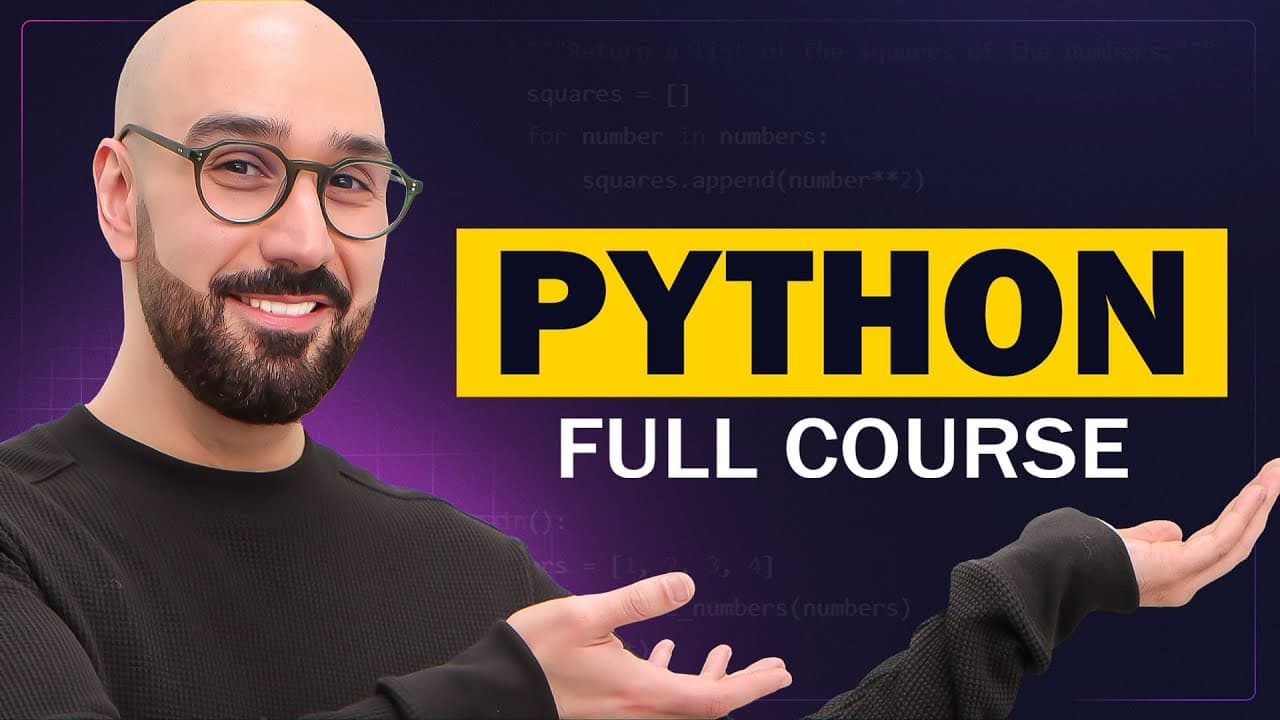
To start learning Python, enroll in a comprehensive course that covers core concepts, automation, AI, and web development. Download Python from python.org and use PyCharm as your code editor to write and execute your code. With consistent practice, beginners can quickly gain confidence and begin programming projects.
Transcript
Hi, my name is Mosh, and I'm going to be your instructor in this Python course. In this course, you're going to learn everything you need to get started programming in Python. Python is one of the most popular programming languages, and every day people use it to do cool things like automation, they use it in AI, as well as building applications an... Read More
Key Insights
- 🎰 Python is widely used for automation, AI, website development, and machine learning.
- 🛄 The instructor aims to make learning Python accessible and easy for beginners.
- 👨💻 PyCharm is a recommended code editor for writing Python programs.
- 🦮 Downloading and installing Python is simple and can be done by following a step-by-step guide.
Install to Summarize YouTube Videos and Get Transcripts
Explore YouTube Video Summarizer or Get YouTube Transcript Extractor
Questions & Answers
Q: What are some applications of Python mentioned in the content?
Python is used in automation, AI, website development, and machine learning. It is versatile and widely used across various industries.
Q: How does the instructor emphasize the ease of learning Python?
The instructor mentions that Python is easy to learn for people of all ages and provides exercises to build confidence in writing Python programs.
Q: What is the first project discussed in the course?
The first project is the creation of a website for an imaginary grocery store using the Django framework, teaching students how to build a website from scratch.
Q: What are some benefits of using PyCharm code editor?
PyCharm is a popular code editor that offers additional features, making it easy to write and debug Python code. It is particularly suitable for writing Python programs.
Key Insights:
- Python is widely used for automation, AI, website development, and machine learning.
- The instructor aims to make learning Python accessible and easy for beginners.
- PyCharm is a recommended code editor for writing Python programs.
- Downloading and installing Python is simple and can be done by following a step-by-step guide.
- The course covers various projects, including building a website and working with machine learning algorithms in Python.
Summary & Key Takeaways
-
The content introduces the Python course, highlighting its relevance in various industries, including automation, AI, and website development.
-
The instructor emphasizes the ease of learning Python, catering to beginners and providing exercises to build confidence.
-
A step-by-step guide is provided for downloading and installing Python on a computer, including the use of popular code editor PyCharm.
Read in Other Languages (beta)
Share This Summary 📚
Summarize YouTube Videos and Get Video Transcripts with 1-Click
Try YouTube Summary with ChatGPT & Claude or YouTube Transcript Generator
Explore More Summaries from Programming with Mosh 📚


Summarize YouTube Videos and Get Video Transcripts with 1-Click
Try YouTube Summary with ChatGPT & Claude or YouTube Transcript Generator