How Many Containers Can You Run on a Raspberry Pi?
TL;DR
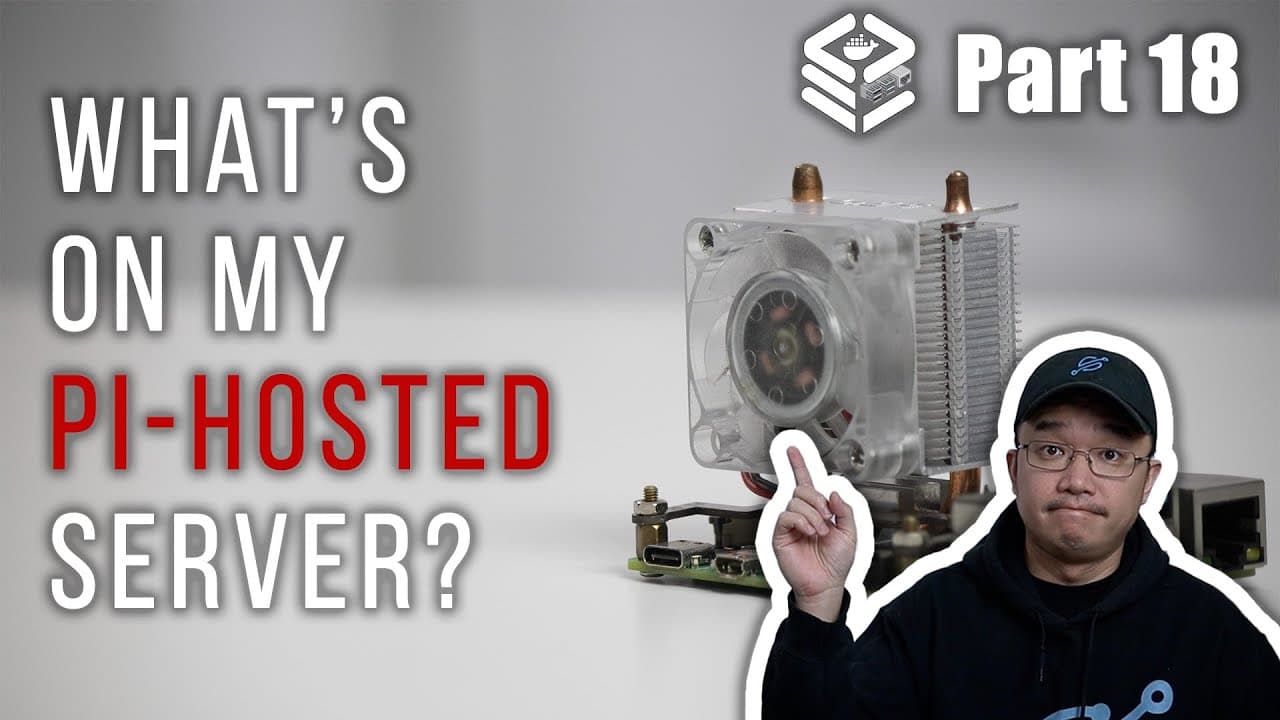
A Raspberry Pi can efficiently host 25 or more containers, managing applications like network monitoring, downloading, and remote desktop services. By closely monitoring CPU and RAM usage, users can optimize performance and scalability, ensuring the server remains functional even under heavier loads. Future expansions may be necessary as container usage increases.
Transcript
hey guys what's going on it's don here from nova spare tech and welcome back to the channel and today we're going to be going through the 25 containers i currently have on my pi hosted server so let's get started now it's been a year since we started the series and i did mention in the beginning of how many containers can we actually fit on a raspb... Read More
Key Insights
- 🏃 The capacity of a Raspberry Pi server can significantly exceed common expectations, as demonstrated by running 25 containers efficiently.
- 🈸 Resource efficiency is crucial; careful monitoring of CPU and RAM usage enables successful management of numerous applications.
- 🛟 Containers like Uptime Kuma and Guacamole enhance both monitoring and remote access, pivotal for a comprehensive server setup.
- 🥺 The presenter emphasizes community engagement through Discord, showcasing how shared knowledge can lead to improved setups.
- ❣️ The balance between resource consumption and performance ensures the server remains functional and responsive, especially during heavier tasks.
- 💗 Future expansions and adaptations to additional hardware may be necessary as container usage grows, indicating a roadmap for scalability.
- 🐕🦺 Knowing when to decommission services or to scale back is essential in sustaining performance levels.
Install to Summarize YouTube Videos and Get Transcripts
Explore YouTube Video Summarizer or Get YouTube Transcript Extractor
Questions & Answers
Q: What are the main benefits of running multiple containers on a Raspberry Pi?
Running multiple containers allows users to maximize the utility of a Raspberry Pi, enabling various services such as media streaming, network monitoring, and remote access from a single device. It also encourages efficient resource management, allowing for numerous applications to operate simultaneously while keeping costs low.
Q: How does the presenter manage resource usage with 25 containers?
The presenter monitors the resource usage actively, noting that with 25 containers, memory usage peaks at around 3.7 GB on an 8 GB Raspberry Pi. Analyzing system load and tweaking configurations helps maintain optimal performance, especially when downloading content, which tends to consume more resources.
Q: What are some key containers mentioned in the video, and what do they do?
Key containers include Uptime Kuma for monitoring server health, MeTube for downloading YouTube videos, and Guacamole for remote desktop access. Each serves specific purposes that enhance the overall functionality of the server while contributing to the user's productivity and efficiency in managing tasks.
Q: What challenges might one face when using multiple containers on a Raspberry Pi?
Challenges may include resource limitations, as running many containers can strain CPU and memory, leading to performance slowdowns. Additionally, technical issues like configuration conflicts or network connectivity problems can arise when managing complex setups involving multiple services and applications.
Q: Can you explain the role of VPNs in the presented setup?
VPNs are employed to secure network connections while using certain applications, like torrent downloaders. The use of multiple VPNs allows for flexible routing of traffic, delivering additional privacy and security by encrypting data and allowing users to control how and where their information is transmitted.
Q: What future plans does the presenter have for expanding their server?
The presenter plans to continue adding more containers until resource limits are reached, with the possibility of expanding to multiple Raspberry Pi systems in the future. They express interest in exploring new containers and configurations, as well as regularly updating their audience on progress and findings.
Summary & Key Takeaways
-
The video presents an in-depth exploration of 25 containers running on a Raspberry Pi server, showcasing their functions and resource utilization.
-
Key applications include network monitoring tools, downloading services, and remote desktop capabilities, with insights into performance metrics and resource management.
-
The presenter shares personal experiences with the installation and performance of each container while highlighting the potential for expansion and future experimentation.
Read in Other Languages (beta)
Share This Summary 📚
Summarize YouTube Videos and Get Video Transcripts with 1-Click
Try YouTube Summary with ChatGPT & Claude or YouTube Transcript Generator
Explore More Summaries from Novaspirit Tech 📚






Summarize YouTube Videos and Get Video Transcripts with 1-Click
Try YouTube Summary with ChatGPT & Claude or YouTube Transcript Generator