How to Install and Configure the Homer Dashboard on Raspberry Pi
TL;DR
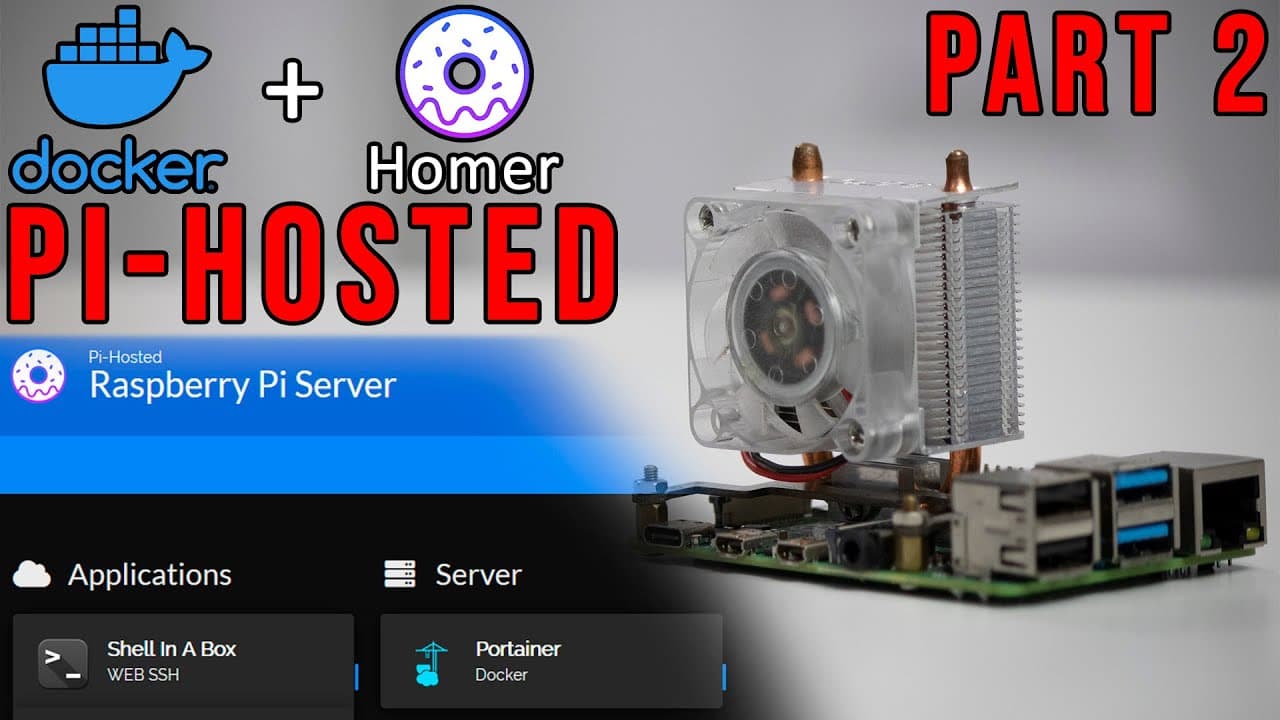
To install and configure the Homer dashboard on a Raspberry Pi, begin by deploying the container via Docker, then customize it using the configuration files. You can change themes, add services, and upload custom icons. This setup allows for a personalized and functional dashboard experience for managing multiple applications.
Transcript
hey guys what's going on it's don here from nova spirit tech and today we are going to continue off with our series from last week which is pi hosted and we are going to be installing a dashboard this time called homer so let's get started now in case you guys missed my last video i actually got a new playlist for this new series and the first epis... Read More
Key Insights
- 👻 The Homer dashboard installation is part of a broader Raspberry Pi project to host multiple applications securely.
- 🔨 Initial setup requires basic tools like SSH, Docker, and Portainer for effective process management and containerization.
- 👻 Advanced configuration via YAML files allows extensive customization of the Homer dashboard, proving to be user-friendly despite its technical interface.
- 👤 Themes can be switched easily to match user preferences, enhancing visual appeal and usability.
- 💄 The ability to add custom icons improves the interface, making it visually appealing and more intuitive.
- 😀 Docker’s container system simplifies app management on Raspberry Pi by isolating different services.
- 👤 Regular updates and community engagement, like Reddit, can provide valuable insights and improvements for users undertaking similar setups.
Install to Summarize YouTube Videos and Get Transcripts
Explore YouTube Video Summarizer or Get YouTube Transcript Extractor
Questions & Answers
Q: What is the purpose of the Homer dashboard?
The Homer dashboard serves as an organized interface for managing multiple services hosted on Raspberry Pi. It allows users to click and access different applications easily, combining functionality and aesthetics into one centralized location, thus enhancing user convenience and experience.
Q: How do you change the theme of the Homer dashboard?
Changing the theme in the Homer dashboard involves editing the configuration YAML file. Users can select either light or dark mode among other customizable options, enabling them to personalize the dashboard's look. Modifications should maintain proper spacing and structure to ensure correct display.
Q: What steps are involved in adding a new service to the Homer dashboard?
To add a new service in the Homer dashboard, one needs to access the configuration file and specify details such as the service name, URL, and icon. Proper YAML formatting must be followed, paying attention to spacing, to successfully integrate and display the service on the dashboard.
Q: How can custom icons be added to the Homer dashboard?
Custom icons are added by downloading the desired PNG files and placing them in the appropriate directories within the Homer configuration structure. Users can then link these icons in the dashboard settings to ensure they represent the correct services visually and improve interface aesthetics.
Summary & Key Takeaways
-
The video demonstrates how to install the Homer dashboard on Raspberry Pi after previously setting up the base system and necessary tools like Docker and Portainer.
-
Viewers will learn how to configure Homer, including changing themes, adding services, and managing icons through the configuration files.
-
Additional tips are provided for navigating the dashboard interface, ensuring a customized experience for users, and enhancing its functionality.
Read in Other Languages (beta)
Share This Summary 📚
Summarize YouTube Videos and Get Video Transcripts with 1-Click
Try YouTube Summary with ChatGPT & Claude or YouTube Transcript Generator
Explore More Summaries from Novaspirit Tech 📚






Summarize YouTube Videos and Get Video Transcripts with 1-Click
Try YouTube Summary with ChatGPT & Claude or YouTube Transcript Generator