How to Write Better Prompts for Google Gemini
TL;DR
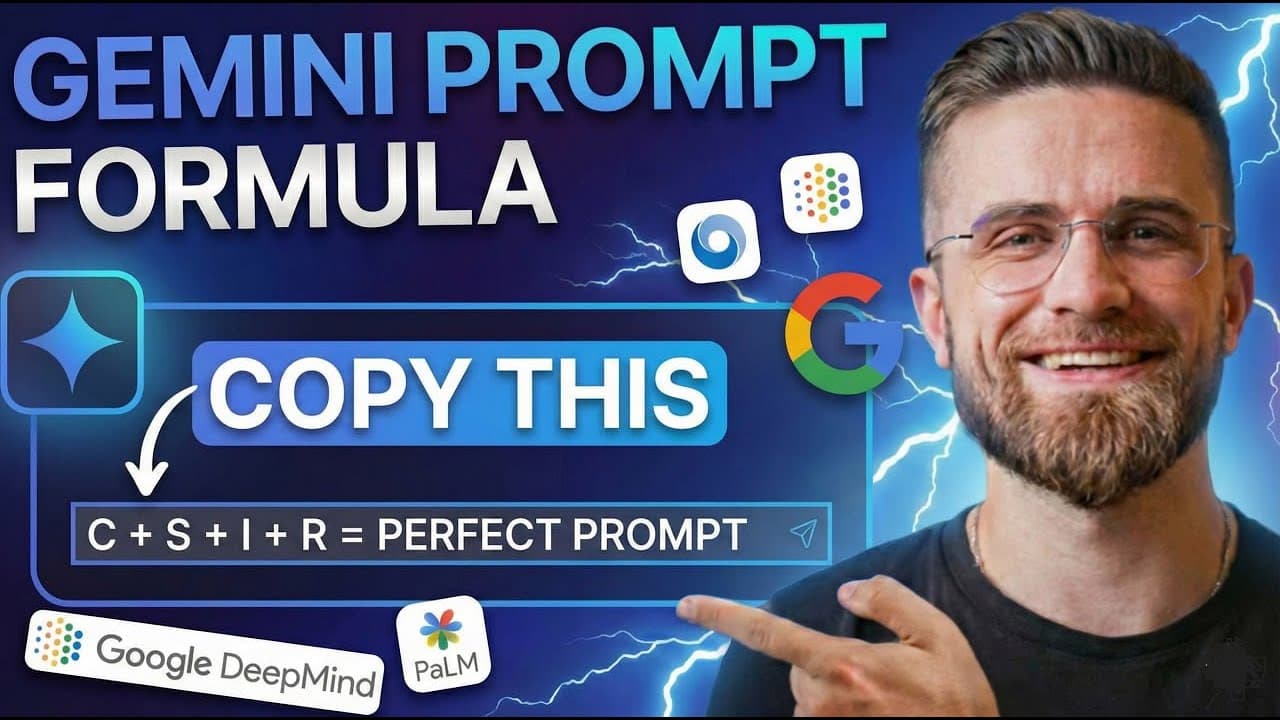
Better Gemini prompts specify the task, relevant context, desired scope, audience, format, and decision the output should support. For stronger research and drafting, define comparison criteria, reference permitted Google Drive files with an @ mention, request concise structure, and verify cited sources instead of relying on a vague one-line instruction.
Transcript
Do you know that Google released their own official prompting guide for Gemini and they keep updating it? Most people have no idea this exists. While everyone's guessing how to write better prompts, Google literally published the internal formula their own teams use. And here's the best part. These techniques work with any LM, Chat GPT, Claw, Gemin... Read More
Key Insights
- Effective prompting is a combination of topic, scope, context, audience, purpose, and format. A request becomes more useful when it identifies what to examine, which dimensions matter, who will use the answer, and how long or structured the result should be.
- Deep Research is presented as an autonomous research workflow that searches numerous websites, reads multiple sources, cross-references information, and produces a structured report. Its citations let users inspect the underlying material rather than treating the generated synthesis as automatically correct.
- A strategic research prompt is stronger when it explains the decision behind the request. Asking about AI video trends becomes more actionable when the prompt also requests advantages, disadvantages, leading companies, and relevance to a content team's potential investment.
- Comparison prompts work best with explicit products and evaluation criteria. The example compares Zapier, Make, N8N, Active Pieces, and Relay.app across small-team pricing, accessibility for non-technical users, AI integration capabilities, and major complaints reported by users.
- NotebookLM's audio overview is described as a podcast-style conversation generated from uploaded source material. The hosts discuss concepts, ask follow-up questions, emphasize important findings, and can make a long report easier to consume while the listener performs another activity.
- Structured source documents are better inputs for coherent audio overviews. The transcript warns that a random collection of unrelated notes can produce a disjointed result, while a document with a clear topic and logical flow gives NotebookLM stronger material to explain.
- Google Drive grounding works by using an @ mention to select a file that the user has permission to view. Gemini can then draft or summarize content using that file's specific positioning, value propositions, project details, specifications, or voice guidelines.
- Grounded drafting reduces manual context transfer because users do not need to copy relevant passages into every prompt. The transcript applies this technique to client emails, meeting summaries, executive updates, presentations, product descriptions, and brand-voice rewrites.
Install to Summarize YouTube Videos and Get Transcripts
Explore YouTube Video Summarizer or Get YouTube Transcript Extractor
Questions & Answers
Q: How do you write a better prompt for Google Gemini?
A better Gemini prompt states the subject, scope, context, audience, desired structure, and practical purpose. Instead of asking generally about AI video tools, ask for the top three emerging trends, the advantages and disadvantages of each, the leading companies, and how the findings support an investment decision. Add constraints such as length, tone, or required sections so the response matches the intended use.
Q: How does Gemini Deep Research work?
Gemini Deep Research is described as searching numerous websites, reading articles, collecting data from multiple sources, cross-referencing findings, and reasoning over the collected information. It then creates a structured report with sections and source citations. Users can inspect those citations to verify the material, while the generated synthesis reduces the time otherwise spent gathering, sorting, and organizing information manually.
Q: What should a Gemini research prompt include?
A Gemini research prompt should identify both the topic and the boundaries of the investigation. It can specify the number of findings, comparison dimensions, relevant companies, intended audience, business context, and preferred length. For example, a quantum computing request can target non-technical executives, focus on current business applications, address the timeline to mainstream adoption, identify leading companies, and stay under three pages.
Q: How can Gemini compare products or automation tools?
Name every product and define the criteria that matter to your decision. The transcript's example asks Gemini to compare Zapier, Make, N8N, Active Pieces, and Relay.app, focusing on small-team pricing, ease of use for non-technical users, AI integration capabilities, and major user complaints. Clear criteria encourage a comparison matrix and make the result easier to evaluate than an unrestricted request for general differences.
Q: How do NotebookLM audio overviews summarize documents?
NotebookLM analyzes an uploaded PDF, Google Doc, research paper, meeting record, or other document and generates a podcast-style discussion between two AI hosts. According to the transcript, one host may explain an idea while the other asks follow-up questions, emphasizes key points, or responds conversationally. This format can distill major findings, simplify methodology, and identify apparent inconsistencies while the user listens.
Q: What documents work best with NotebookLM audio overviews?
Documents with a clear subject, recognizable structure, and logical flow work best for NotebookLM audio overviews. The transcript specifically warns that a random set of unrelated notes can lead to a disjointed discussion. A structured report or paper gives the generated hosts enough continuity to connect findings, explain the methodology, emphasize central ideas, and create a more coherent listening experience.
Q: How do @ mentions ground Gemini in Google Drive files?
In Google Docs, Gmail, or the Gemini side panel, type the @ symbol and select an available file from Google Drive or another supported Google service. That file becomes contextual material for the request. Gemini can then draft an email, summary, presentation, or rewrite using details from the selected source instead of depending only on broad patterns from its training data.
Q: What can you create with Gemini using an @ mentioned file?
An @ mentioned file can support client emails based on project notes, meeting summaries, presentations based on quarterly reports, product descriptions based on technical specifications, and rewrites aligned with a style guide. The transcript also suggests referencing a project brief to create an executive email covering progress, challenges, and next-quarter priorities, with a word limit and bullet-point formatting for readability.
Summary & Key Takeaways
-
Effective prompts replace broad requests with a defined topic, scope, audience, purpose, and output format. The transcript demonstrates this by turning a general request about AI video tools into a strategic research task covering three trends, their advantages, disadvantages, leading companies, and relevance to an investment decision.
-
Gemini's Deep Research can search numerous websites, read and cross-reference material, and return a structured report with citations. The approach shifts effort away from opening tabs, skimming articles, copying quotations, and organizing notes, allowing the user to spend more time analyzing findings and making decisions.
-
Google tools can ground outputs in user-provided material. NotebookLM turns structured documents into conversational audio overviews, while @ mentions connect Gemini to files the user may view in Google Drive. These methods help produce summaries, emails, presentations, and rewrites based on specific source material instead of generic model knowledge.
Read in Other Languages (beta)
Share This Summary 📚
Summarize YouTube Videos and Get Video Transcripts with 1-Click
Try YouTube Summary with ChatGPT & Claude or YouTube Transcript Generator
Explore More Summaries from AI Master 📚



Summarize YouTube Videos and Get Video Transcripts with 1-Click
Try YouTube Summary with ChatGPT & Claude or YouTube Transcript Generator