How to Choose the Right Linux Distro for You
TL;DR
To choose the best Linux distro, visit DistroWatch to check the page hit rankings and trending distributions, and use DistroTest.net to test them in a virtual environment without installation. Understanding the differences between init systems like SystemD and SysV can also guide your decision based on your needs for configurability and performance.
Transcript
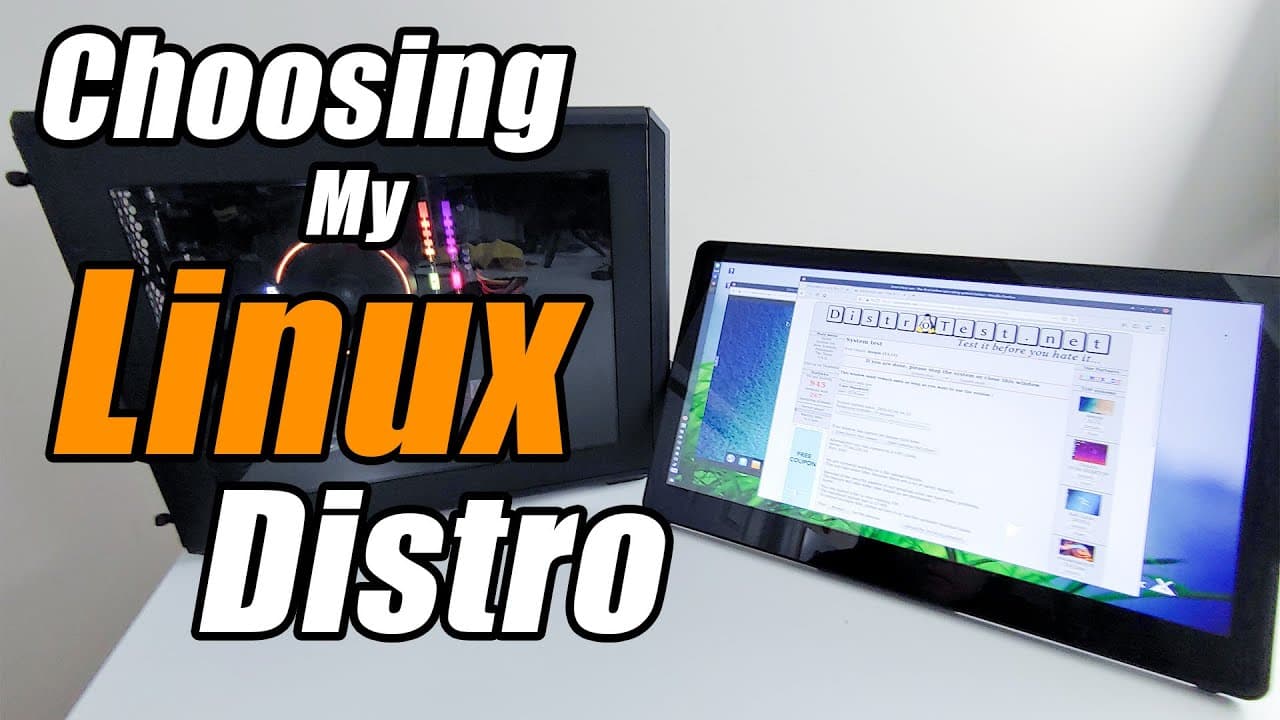
hey guys what's going on is down here from Nova spirit second today I'm gonna show you guys what I use to choose my Linux OS for my computer so let's get started now on my last video I actually finished building this system for my Linux editing rig and you might have noticed that I have installed Papo s but that wasn't the main choice now I wanted ... Read More
Key Insights
- ✋ MX Linux was chosen for its high ranking and features suitable for editing tasks.
- 👤 The distinction between SystemD and SysV is critical for users seeking configurability in Linux systems.
- 📈 DistroWatch is a vital resource for identifying popular and trending Linux distributions.
- 💨 The DistroTest.net platform provides a convenient way to test Linux without installation, saving time and effort.
- 😄 Learning about alternative applications to common software can ease the transition to Linux.
- 🌱 The creator plans to evaluate MX Linux further after using it for a few weeks.
- 🫵 Community interaction is encouraged, as viewers can suggest essential software for future videos.
Install to Summarize YouTube Videos and Get Transcripts
Explore YouTube Video Summarizer or Get YouTube Transcript Extractor
Questions & Answers
Q: What factors did the creator consider when choosing MX Linux?
The creator evaluated several factors including MX Linux's top page hit ranking on DistroWatch, its status as a systemd-free OS using SysV, and the desire for configurability and control over the operating system. This approach ensured that MX Linux would meet their needs for an editing rig while providing flexibility.
Q: How does DistroWatch assist with selecting a Linux OS?
DistroWatch offers comprehensive information on various Linux distributions, showcasing their popularity through page hit rankings. The creator specifically checks the rankings for the past year and six months, allowing them to identify trending distributions that may be worth testing or exploring further.
Q: What is the benefit of using DistroTest.net?
DistroTest.net allows users to experience different Linux distributions without installing them, running them in virtual machines instead. This lets users experiment with various operating systems and their configurations in a low-risk environment, making it easier to find the right OS before committing to a full installation.
Q: What are some tips mentioned for optimizing Linux performance?
The creator mentions discovering the EarlyOOM system for managing low memory performance as a useful tip from DistroWatch Weekly. Such tools help users fine-tune their systems, especially if they have resource constraints or are running applications that require higher memory management efficiency.
Summary & Key Takeaways
-
The creator shares their process for selecting a Linux operating system, ultimately settling on MX Linux for their editing rig.
-
They recommend using DistroWatch to track page hit rankings and new distributions, along with DistroTest.net for testing Linux distros in a virtual environment.
-
The video emphasizes the importance of understanding different init systems like SystemD and SysV, highlighting their impact on system configuration flexibility.
Read in Other Languages (beta)
Share This Summary 📚
Summarize YouTube Videos and Get Video Transcripts with 1-Click
Try YouTube Summary with ChatGPT & Claude or YouTube Transcript Generator
Explore More Summaries from Novaspirit Tech 📚






Summarize YouTube Videos and Get Video Transcripts with 1-Click
Try YouTube Summary with ChatGPT & Claude or YouTube Transcript Generator