How to Browse Anonymously with Tails OS
TL;DR
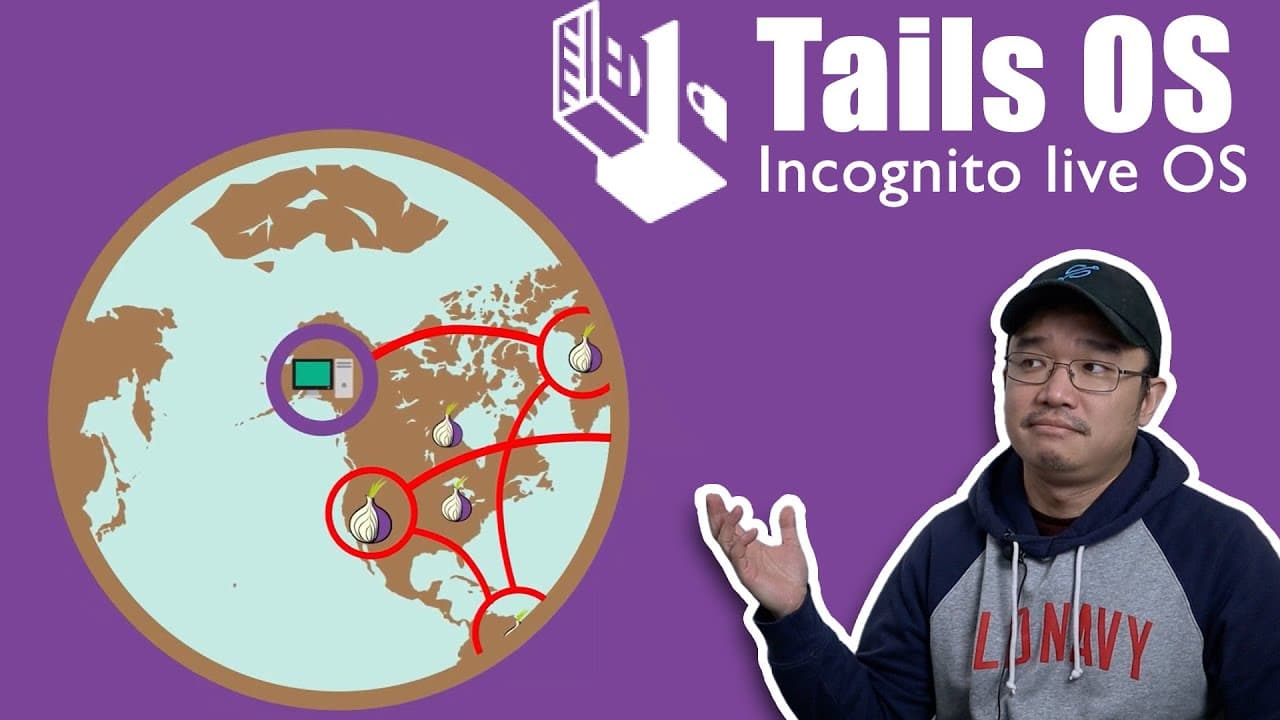
Tails OS allows users to browse the internet anonymously by connecting to the Tor Network, hiding their online activity from ISPs. It can be run live from a USB or DVD without storing data, making it ideal for secure, disposable internet use, particularly for research into sensitive topics.
Transcript
hey guys what's going on it's Don here from Nova Spirit Tech and welcome back to the channel and today we're going to be checking out an operating system called Tails OS which gives you the ability to browse the web privately so let's get started now I recommend this operating system to be put onto your tool belt if you guys run ventoy like I do on... Read More
Key Insights
- 😚 Tails OS is specifically aimed at users concerned about privacy, making it a powerful tool for anonymous web access.
- 👤 Users can choose between a live session or installing Tails on persistent storage for flexibility depending on their needs and usage requirements.
- 🐎 The connection speed on Tails can be slower than traditional internet due to its reliance on multiple proxy servers in the Tor Network.
- 👻 Tails helps users access the dark web, allowing navigation to onion links while ensuring safety from personal data exposure.
- ❓ Utilizing Ventoy, you can easily manage multiple operating systems without cumbersome installation processes for varied tasks.
- 😚 The disposable nature of Tails OS makes it suitable for risky online activities, as it can be easily destroyed or reset after use.
- 🪛 Initial boot performance can vary depending on the speed of the USB drive; faster drives enhance the overall user experience significantly.
Install to Summarize YouTube Videos and Get Transcripts
Explore YouTube Video Summarizer or Get YouTube Transcript Extractor
Questions & Answers
Q: What is Tails OS, and why is it recommended?
Tails OS is a privacy-focused operating system designed for anonymous browsing through the Tor Network. It's recommended as a security tool for those who may be using untrusted computers, providing a way to surf the web without leaving traces or risking personal data on their primary system.
Q: How can one install Tails OS, and what are the best practices?
Tails OS can be installed in two main ways: as a live system on a DVD or USB stick, which does not retain information, or as a persistent installation allowing data saving. Using a USB stick, especially USB 3.0, is advised for faster boot times and functionality, while using Ventoy is a popular method to run multiple operating systems from one USB.
Q: How does Tails OS ensure user privacy while browsing the internet?
Tails OS routes internet traffic through the Tor Network, which anonymizes users by bouncing their connection through multiple servers globally. This means the user's original IP address is masked, significantly enhancing privacy and reducing the likelihood of surveillance by ISPs or malicious entities.
Q: What kind of applications come pre-installed with Tails OS?
Tails OS includes various essential applications such as the Tor Browser for anonymous internet access, Audacity for audio editing, a Bitcoin node, and tools for managing passwords securely. These applications are geared towards enhancing user privacy and providing functionality without compromising anonymity.
Summary & Key Takeaways
-
Tails OS allows users to browse the web privately by connecting to the Tor Network, obscuring their internet activity from ISPs and other prying eyes.
-
Installation options for Tails include running it live from a DVD or using a USB stick, facilitating a quick boot into a secure environment without saving data between sessions.
-
The operating system comes pre-loaded with essential software tools, and its disposable nature makes it ideal for researching sensitive topics without compromising the integrity of a primary computer.
Read in Other Languages (beta)
Share This Summary 📚
Summarize YouTube Videos and Get Video Transcripts with 1-Click
Try YouTube Summary with ChatGPT & Claude or YouTube Transcript Generator
Explore More Summaries from Novaspirit Tech 📚






Summarize YouTube Videos and Get Video Transcripts with 1-Click
Try YouTube Summary with ChatGPT & Claude or YouTube Transcript Generator