How to Build Faster With Claude and Claude Code
TL;DR
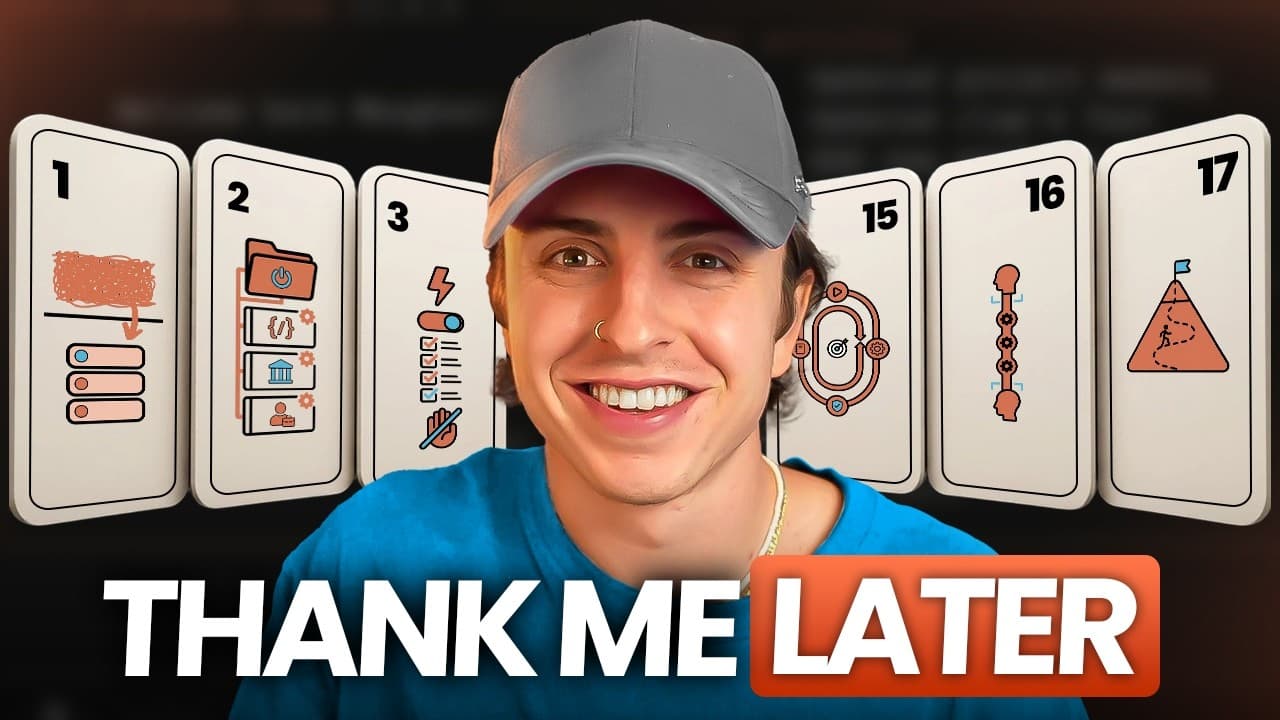
Build faster with Claude by turning repeated work into customized skills, scripts, hooks, and project templates. Improve efficiency further by monitoring context usage, assigning independent tasks to parallel sub-agents, selecting the cheapest capable model for each skill, and making Claude interview you with clearly formatted questions before it begins important work.
Transcript
All right, so trick number one is enhance your clawed skills with ask user question. By adding ask user question to a clawed skill, it ensures that each time you use that skill, it asks you questions in a perfectly formatted way. To visualize this, on the left, I call a skill that doesn't have ask user questions set up. It asks me a bunch of questi... Read More
Key Insights
- AskUserQuestion is a way to make a Claude skill collect information through clearly formatted prompts instead of presenting several questions inside one difficult block of text. An audit prompt can identify existing skills that would benefit from this interaction and propose the questions each skill should ask.
- A customized /init skill is a reusable starting template for work performed frequently. The presenter uses separate initialization skills for Next.js proof-of-concept micro apps and new client onboarding, allowing each project type to begin with the preferred structure and setup.
- Auto approve mode is intended to reduce repeated permission interruptions during a Claude Code session. It can be made the default for new sessions, while conversation-based settings updates or Anthropic's fewer-permissions prompt can reduce requests for actions already approved during that conversation.
- A SessionStart hook is a mechanism that runs when a session begins and can display reminders based on the day of the week. The presenter's example offers a Friday reminder to run a system-improvement skill, although these messages require the terminal because the desktop app hides them.
- A voice-to-text remapping glossary is a list that corrects repeatedly mistranscribed terms before they reach Claude. This reduces confusion caused by inconsistent names, such as the presenter's buildpartner.ai being transcribed as “boat partner,” and can be configured in the voice transcription tool.
- The status line is a resource-management display showing the selected model, effort level, and current context. When context reaches 60 percent, the presenter recommends considering /compact or /clear, while warning that /clear should be reserved for tasks that are already finished because it removes the context.
- Parallel sub-agents are useful for independent end-to-end tasks and separate evaluations because they do not share context. The presenter suggests assigning different research sources to different agents and using an agent other than the producer to review output, reducing the self-review bias compared with one agent checking its own work.
- A minimum viable model is the least expensive model capable of completing a particular skill's task. The presenter recommends asking whether AI from one or two years earlier could handle the work, then specifying an appropriate model inside each skill instead of automatically using the default model everywhere.
Install to Summarize YouTube Videos and Get Transcripts
Explore YouTube Video Summarizer or Get YouTube Transcript Extractor
Questions & Answers
Q: How can AskUserQuestion improve a Claude skill?
AskUserQuestion can make a skill gather required information through a sequence of clearly formatted questions. Without it, Claude may place several questions in one block of text, making individual responses harder to provide. The presenter recommends auditing existing skills to identify where this feature would help and generating a list of the specific questions that each enhanced skill should ask.
Q: How should I customize the /init skill in Claude Code?
Customize /init around project types or onboarding processes that you repeat regularly. Begin with the existing initialization skill, then encode the setup steps, structure, and preferences you normally apply. The presenter maintains one initialization skill for Next.js proof-of-concept micro apps and another for client onboarding, so each new project starts in a consistent, task-specific way.
Q: How can I reduce repeated permission prompts in Claude Code?
Set Claude Code to auto approve mode and make that mode the default for new sessions if it matches your workflow. The presenter also suggests using a prompt that updates settings so actions already approved in the current conversation do not trigger the same permission request repeatedly. Anthropic's provided fewer-permissions prompt is presented as another way to streamline approvals.
Q: How can SessionStart hooks create recurring reminders?
A SessionStart hook fires when a Claude session begins, so it can display a reminder determined by the current day of the week. The presenter uses a Friday message that offers to run a system-improvement skill. These hook messages are visible when using Claude Code in the terminal, while the desktop application hides them, according to the transcript.
Q: How does a remapping glossary improve voice prompts?
A remapping glossary replaces words that voice-to-text software repeatedly transcribes incorrectly. Correcting those predictable errors prevents Claude from interpreting one recurring term as multiple unrelated concepts. The presenter gives the example of buildpartner.ai being heard as “boat partner” and recommends adding mappings for important names and keywords inside whichever voice-to-text tool is being used.
Q: When should I use /compact or /clear in Claude Code?
Use /compact when the context is becoming full but the current task still requires useful information from the conversation. Use /clear only after finishing the task because it removes the context rather than compressing it. The presenter specifically suggests considering one of these commands when the context indicator reaches 60 percent and recommends watching the status line for that information.
Q: Why should I run Claude sub-agents in parallel?
Parallel sub-agents can complete independent tasks simultaneously instead of forcing every activity through one sequential conversation. Because they do not share context, they are suited to distinct end-to-end assignments, separate research sources, and independent reviews. The presenter suggests one agent for YouTube research, another for Google research, and another for AI findings before combining their results.
Q: How do I choose cheaper models for Claude skills?
Choose the minimum viable model that can reliably perform each specific task instead of automatically assigning every skill and sub-agent the default, most expensive model. The presenter proposes asking whether an AI model from one or two years earlier could complete the assignment. If so, define a cheaper model inside that skill to use tokens more efficiently when it runs.
Summary & Key Takeaways
-
The foundation focuses on reducing everyday friction. Add AskUserQuestion to skills, customize the /init process for recurring project types, streamline repeated permission requests, create day-specific SessionStart reminders, maintain a voice transcription glossary, and monitor the status line so model choice, effort, and context consumption remain visible.
-
The compounding system uses parallel sub-agents, cheaper task-appropriate models, multiple project threads, reusable scripts, documented gotchas, and structured interviews. These practices turn lessons and repeated procedures into durable workflow components, while separate reviewing agents can evaluate generated work without carrying the producing agent's context.
-
The autonomous level introduces workflow history, skill-driven verification, orchestration loops, and a middle-to-middle building strategy. The listed progression moves from configuring individual sessions toward repeatable systems that can perform and check work with less direct involvement, while the final advice emphasizes maintaining urgency and continually improving the workflow.
Read in Other Languages (beta)
Share This Summary 📚
Summarize YouTube Videos and Get Video Transcripts with 1-Click
Try YouTube Summary with ChatGPT & Claude or YouTube Transcript Generator
Explore More Summaries from Austin Marchese 📚




Summarize YouTube Videos and Get Video Transcripts with 1-Click
Try YouTube Summary with ChatGPT & Claude or YouTube Transcript Generator