How to Start Projects Effectively in Claude Code
TL;DR
Start most Claude Code projects in plan mode, clarify the problem through questions, and approve a precise plan before allowing implementation. Keep CLAUDE.md minimal, define a verification loop, separate parallel sessions into nonoverlapping tasks, and package frequently repeated workflows into slash commands or skills so future work requires less prompting.
Transcript
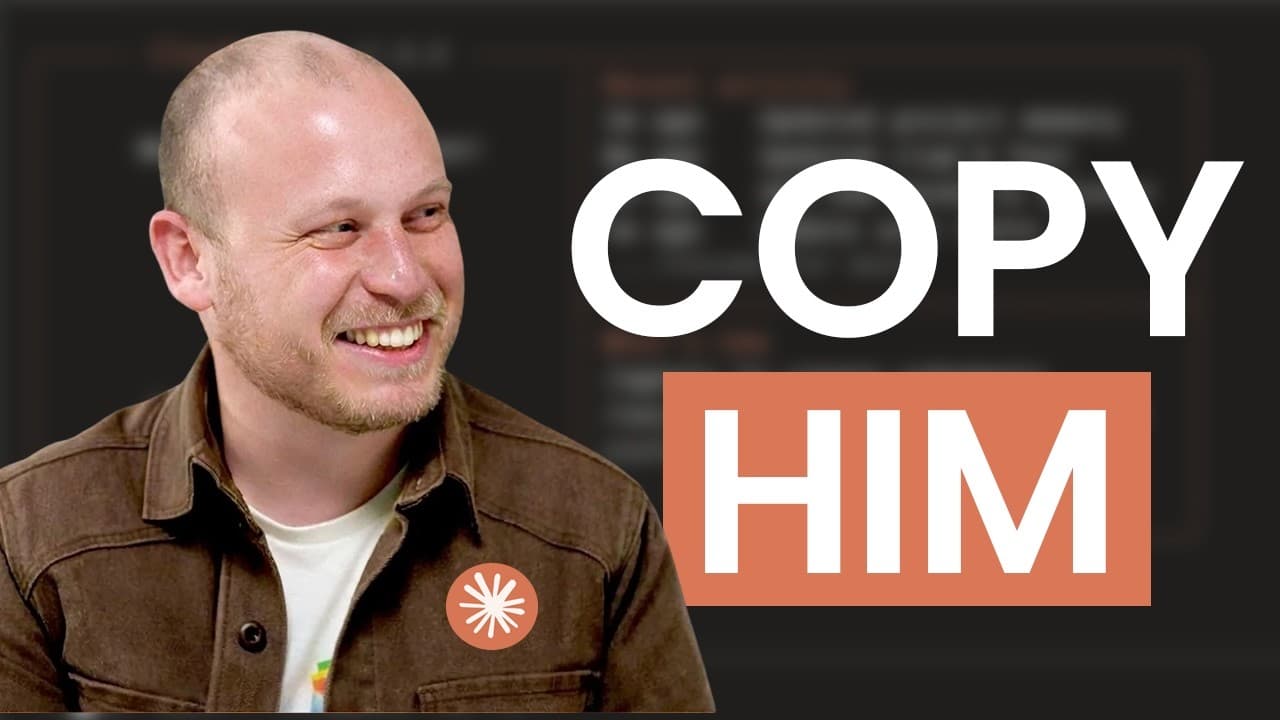
Boris Cherney, the creator of Claude Code, says that his setup is pretty vanilla. So, I started researching Boris and how he worked. I dug up interviews, threads, everything he shared publicly about how he actually uses Claude Code. Despite him having an engineering background, all the principles he uses anyone can apply. So, in this video, I'm goi... Read More
Key Insights
- Plan mode is the starting point for about 80% of Boris Cherny's sessions because it concentrates supervision before implementation. A carefully reviewed plan reduces the chance that Claude solves a different problem from the one the user actually intended.
- Vague requests are a major source of incorrect solutions because Claude may optimize for a quick apparent fix. In the example presented, changing a database value corrected one display while breaking about five other parts of the application.
- An interview prompt is a practical way to expose hidden assumptions before coding. Claude can ask about the core problem, intended users, definition of success, and prohibited behavior, then summarize the answers for approval before writing code.
- CLAUDE.md is a persistent instruction file that Claude reads when a new chat begins. It can record lessons from mistakes, but excessive instructions may create confusion and make the most important rules less likely to be applied consistently.
- Minimal guidance is Boris Cherny's preferred approach to CLAUDE.md because newer models may no longer need older corrective instructions. His recommendation is to delete a bloated file, observe where Claude goes off track, and restore only the rules that remain necessary.
- Verification is a feedback loop that can improve final output quality by two to three times, according to the quoted post. Claude needs a way to inspect its output, knowledge of that inspection tool, and instructions to iterate until the result works.
- Parallel work is effective when separate Claude sessions receive clearly partitioned tasks that do not overlap. Independent context windows can increase throughput, avoid conflicting file changes, and let a fresh session notice problems that a context-heavy session may overlook.
- Inner-loop workflows are tasks repeated many times during the day. Boris Cherny turns these recurring activities into slash commands, which reduces repeated prompting and creates a more systematic way to invoke familiar processes whenever they are needed.
Install to Summarize YouTube Videos and Get Transcripts
Explore YouTube Video Summarizer or Get YouTube Transcript Extractor
Questions & Answers
Q: How should I start a new project in Claude Code?
Start in plan mode before asking Claude Code to build anything. Discuss the problem until the proposed approach accurately reflects the intended outcome, then ask Claude to identify missing assumptions. A useful interview should cover the core problem, the intended user, the definition of success, and what the project must not do. Approve Claude's summary before any code is written.
Q: Why does plan mode improve Claude Code results?
Plan mode moves the most important supervision to the beginning of the project. Without that preparation, Claude may interpret a vague request differently from the user and implement a fast solution that only appears correct. Reviewing the plan creates agreement about the real problem, constraints, and desired result, so implementation can continue with less babysitting and fewer avoidable corrections.
Q: What questions should Claude ask before writing code?
Claude should ask what core problem the project solves, who the project is for, what successful completion looks like, and what the solution should not do. These questions reveal gaps that Claude might otherwise fill with its own assumptions. After gathering the answers, Claude should summarize its understanding so the user can correct misunderstandings before implementation begins.
Q: How should CLAUDE.md be used in a project?
CLAUDE.md should act as a concise set of persistent instructions that Claude reads when a new conversation starts. When a mistake reveals a reusable lesson, ask Claude to update the file so the same problem is less likely to recur. The file should remain focused, because duplicate, contradictory, obsolete, or unnecessary instructions can weaken the effectiveness of the rules that matter.
Q: When should I delete or clean up CLAUDE.md?
Clean up CLAUDE.md when it becomes long, repetitive, contradictory, or filled with guidance that may no longer be necessary. Boris Cherny recommends deleting a bloated file and adding back rules only when Claude demonstrates that it still needs them. A more cautious alternative is asking Claude to remove obsolete guidance, duplicates, contradictions, and unnecessary material while retaining useful instructions.
Q: How can Claude Code verify its own work?
Give Claude a tool that can inspect the result, tell Claude that the tool exists, and require it to use the resulting feedback. For a website, Claude can open a browser, test what it built, and iterate until it works. For writing, it can compare the draft with brand guidelines. For automations, it can run the workflow and check the output.
Q: How can multiple Claude sessions work in parallel?
Assign each Claude session a separate task with boundaries that prevent overlap. Sessions working on the same files or problem can duplicate effort and create conflicts, while partitioned workflows can progress independently. A fresh context window can also review a problem without the accumulated context of the first session, potentially noticing an obvious issue that the original session missed.
Q: What are inner-loop workflows in Claude Code?
Inner-loop workflows are tasks repeated many times throughout the day. Boris Cherny uses slash commands for these recurring activities so he does not need to recreate the same prompt each time. Turning a stable, frequently repeated process into a command or skill makes it easier to invoke consistently and gives everyday Claude Code work a more systematic structure.
Summary & Key Takeaways
-
Strong Claude Code workflows move most reasoning before implementation. Plan mode helps align the requested solution with the actual problem, while an interview prompt exposes missing assumptions about users, goals, success criteria, and exclusions. Once the plan is accurate, execution can proceed with less supervision and fewer costly corrections afterward.
-
CLAUDE.md should contain only the minimum instructions required to keep Claude on track. When mistakes recur, useful rules can be added, but duplicate, contradictory, obsolete, or unnecessary guidance should be removed. Boris Cherny recommends starting fresh when the file becomes bloated, while the presenter prefers periodically asking Claude to clean it up.
-
Reliable results require feedback loops and deliberate task separation. Claude should receive a tool for inspecting its output and clear instructions to use it. Independent sessions can handle nonoverlapping work in parallel or review problems with fresh context. Repeated daily workflows can then become slash commands or skills, reducing repetitive prompting.
Read in Other Languages (beta)
Share This Summary 📚
Summarize YouTube Videos and Get Video Transcripts with 1-Click
Try YouTube Summary with ChatGPT & Claude or YouTube Transcript Generator
Explore More Summaries from Austin Marchese 📚




Summarize YouTube Videos and Get Video Transcripts with 1-Click
Try YouTube Summary with ChatGPT & Claude or YouTube Transcript Generator