How to Use Your Smartphone for Professional Vlogging
TL;DR
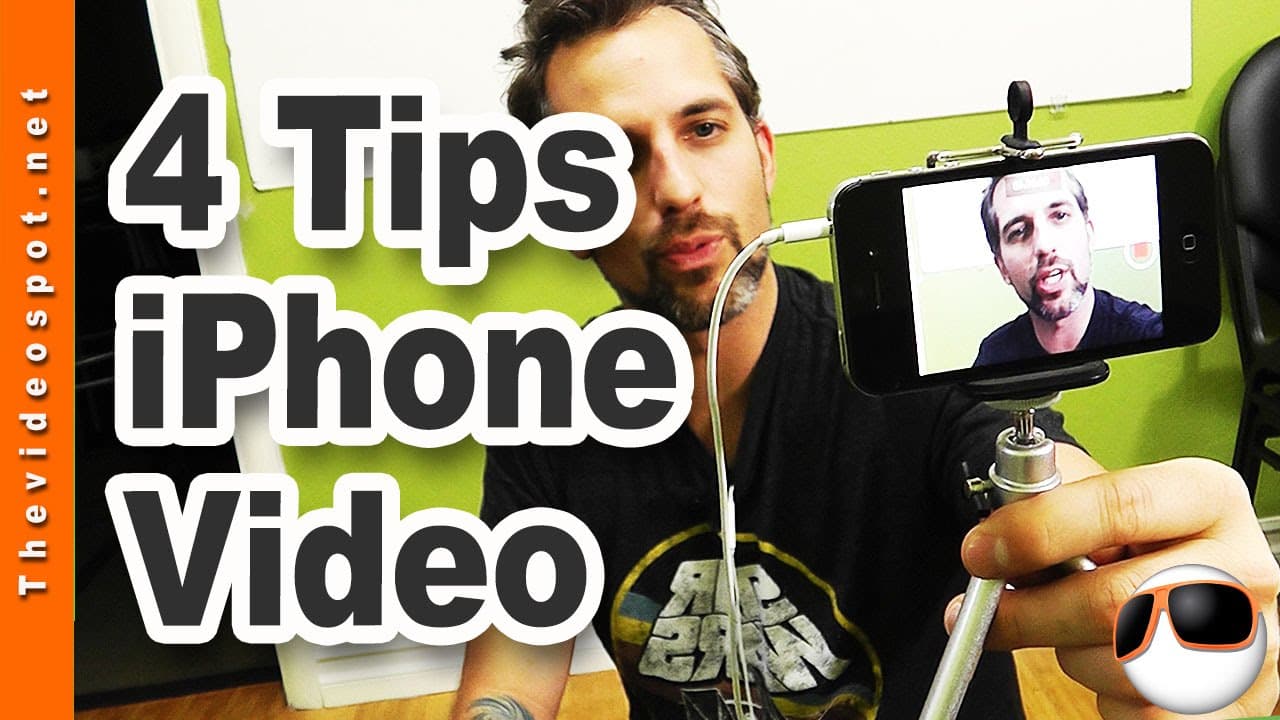
To achieve professional vlogging with your smartphone, ensure you have enough storage and utilize Dropbox for automatic uploads. Invest in a smartphone stabilizer for steady shots and a portable charger for extended shoot time. For better audio, use your smartphone headset as a microphone and always shoot in landscape orientation.
Transcript
today i'm going to be showing you how to set up your smartphone to be your primary vlogging camera so stick around hey rockstars what's happening this is owen at the videospot.net coming to you with a very special topic today i wanted to show you the workflow that i use to shoot with my iphone or with my smartphone camera and i shoot with both um i... Read More
Key Insights
- ❓ Sufficient storage is essential to avoid interruptions in the vlogging workflow.
- 📁 Dropbox is recommended for automatic file transfers due to its ease of use and file-sharing capabilities.
- 🎮 Smartphone adapters and stabilizers help achieve stable shots and better video quality.
- 🔋 Additional battery power, such as a portable charger, is crucial for prolonged vlogging sessions.
- 🎙️ Using a smartphone headset as a microphone provides a convenient and affordable audio solution.
- 🌠 Shooting videos in landscape orientation is preferred for vlogging.
- 📱 The mentioned tools and accessories can make smartphone vlogging more professional and efficient.
Install to Summarize YouTube Videos and Get Transcripts
Explore YouTube Video Summarizer or Get YouTube Transcript Extractor
Questions & Answers
Q: Why is it important to have enough storage on your smartphone for vlogging?
Sufficient storage is crucial to avoid running out of space while shooting videos. It ensures a smooth workflow and enables you to shoot multiple videos without worrying about storage issues.
Q: Why is Dropbox recommended over Google Drive for uploading video files?
Dropbox allows for easier file transfer between users and provides more flexibility in downloading and managing files. This makes it convenient for vloggers to share their videos with others.
Q: What are the benefits of using a smartphone adapter and stabilizer while vlogging?
Using a smartphone adapter and stabilizer helps achieve stable shots and better video quality. It allows for easy attachment to tripods and helps vloggers shoot in landscape mode, which is typically preferred for vlogging.
Q: How can a smartphone headset be used as a microphone for vlogging?
By detaching the microphone piece and clipping the headset to your vest, you can use it as an external microphone for improved audio quality. This method is especially useful when vlogging on-the-go.
Summary & Key Takeaways
-
Ensure you have enough storage on your phone and use a camera upload program like Dropbox for automatic file transfers.
-
Use a smartphone adapter and stabilizer to shoot videos in landscape orientation for better quality.
-
Carry extra battery power using a portable charger like Fuel Rod and use your smartphone headset as a microphone for improved audio.
Read in Other Languages (beta)
Share This Summary 📚
Summarize YouTube Videos and Get Video Transcripts with 1-Click
Try YouTube Summary with ChatGPT & Claude or YouTube Transcript Generator
Explore More Summaries from Owen Video 📚






Summarize YouTube Videos and Get Video Transcripts with 1-Click
Try YouTube Summary with ChatGPT & Claude or YouTube Transcript Generator