Is Zorin OS 17 Good for Windows Users Switching to Linux?
TL;DR
Zorin OS 17 is an excellent choice for Windows users transitioning to Linux, featuring a familiar interface that minimizes learning challenges. It enhances performance and hardware compatibility with a modern kernel, making it suitable for both new and older machines. Additionally, it supports the installation of Windows applications, further easing the migration process.
Transcript
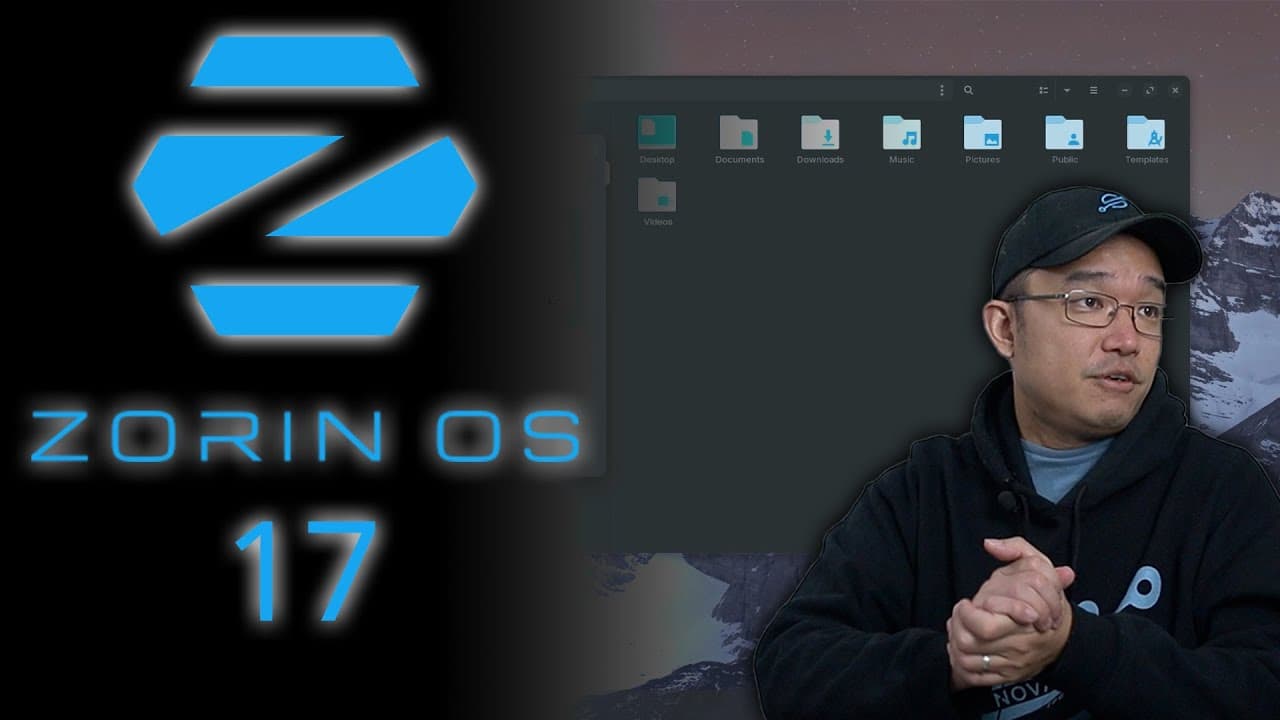
hey guys what's going on it's Don here from Nova Spirit Tech and welcome back to the channel and today we're going to be checking out Zoran OS 17 the long awaited update so let's get started now zor OS 17 is a Linux operating system based off upun 22204 now what has my attention on this operating system is the design feature the design of the deskt... Read More
Key Insights
- 👤 Zorin OS 17 maintains a user-friendly, Windows-like interface that eases the transition for new Linux users.
- 😚 The OS significantly enhances hardware support and performance by using a newer kernel, suited for both modern and older systems.
- 👤 Built-in compatibility for Windows applications encourages users to adopt Linux without sacrificing access to familiar software.
- 🈸 The software center simplifies the installation of applications with support for Snap and Flatpak, enhancing software diversity.
- 🧑🦽 Advanced window management features are included, though some require manual activation to enhance multitasking.
- 👤 Users have the option to customize themes and appearance, enabling personal preferences while maintaining usability.
- 😚 The OS's resource management makes it highly efficient, crucial for running on minimal hardware setups.
Install to Summarize YouTube Videos and Get Transcripts
Explore YouTube Video Summarizer or Get YouTube Transcript Extractor
Questions & Answers
Q: What is the primary focus of Zorin OS 17 for new users?
Zorin OS 17 prioritizes a smooth transition for Windows users to Linux. Its design closely replicates the Windows environment, which helps novices acclimate to Linux without feeling overwhelmed by a completely different interface. This familiar structure allows users to utilize their existing knowledge while gradually learning the Linux operating system itself.
Q: What are the hardware requirements for running Zorin OS 17?
Zorin OS 17 operates efficiently on older hardware, making it an excellent choice for users with legacy PCs. It can run on machines with as little as 4GB of RAM. In tests, the system utilized around 1.5GB of RAM on a more powerful setup, indicating that it maintains a low overhead while delivering modern performance and features.
Q: Can Zorin OS 17 run Windows applications?
Yes, Zorin OS 17 includes built-in support for running Windows applications via PlayOnLinux, significantly simplifying the installation process for these applications. Users can double-click Windows executables, and the system manages the installation through Wine, thereby eliminating some complexities typically associated with running Windows software on Linux.
Q: What are some notable features of the desktop interface in Zorin OS 17?
Zorin OS 17's desktop interface boasts a variety of features resembling Windows, including a customizable start menu, multiple themes, and a dock for managing applications. Additionally, it supports advanced window tiling, although users need to enable this feature manually. The 3D desktop cube and “wobbly windows” effects also add a unique touch to the user experience.
Q: How does Zorin OS 17 handle software management and installation?
The operating system includes a comprehensive software center that supports various package formats, such as Snap, Flatpak, and Deb. This flexibility allows users to easily find and install a wide range of applications from within the OS without needing to hunt for external solutions. It streamlines the software installation process significantly compared to many traditional Linux distros.
Q: What improvements does Zorin OS 17 offer over its predecessor?
Zorin OS 17 is based on Ubuntu 22.04, presenting users with a more up-to-date kernel version (6.2) and enhanced hardware compatibility. This shift from the outdated 20.04 base presents better performance, security, and support for modern applications. Furthermore, users benefit from long-term support through 2027, ensuring stability and updates for several years.
Summary & Key Takeaways
-
Zorin OS 17 is a user-friendly Linux distribution designed for those transitioning from Windows, featuring a familiar desktop interface to ease the learning curve.
-
The update improves hardware compatibility and system performance using a modern Linux kernel while maintaining a low resource footprint, making it suitable for older machines.
-
Users can easily install Windows applications through built-in support, enhancing the system's versatility and reducing barriers to entry for new users.
Read in Other Languages (beta)
Share This Summary 📚
Summarize YouTube Videos and Get Video Transcripts with 1-Click
Try YouTube Summary with ChatGPT & Claude or YouTube Transcript Generator
Explore More Summaries from Novaspirit Tech 📚






Summarize YouTube Videos and Get Video Transcripts with 1-Click
Try YouTube Summary with ChatGPT & Claude or YouTube Transcript Generator