How to Download Closed Captions from Microsoft Stream
TL;DR
To download closed captions from Microsoft Stream, click the three dots for video options, select 'Download Video' for the video file, and 'Download Closed Captions' for the captions. Then, make necessary adjustments to convert the file to SRT format before importing it into software like Camtasia for editing.
Transcript
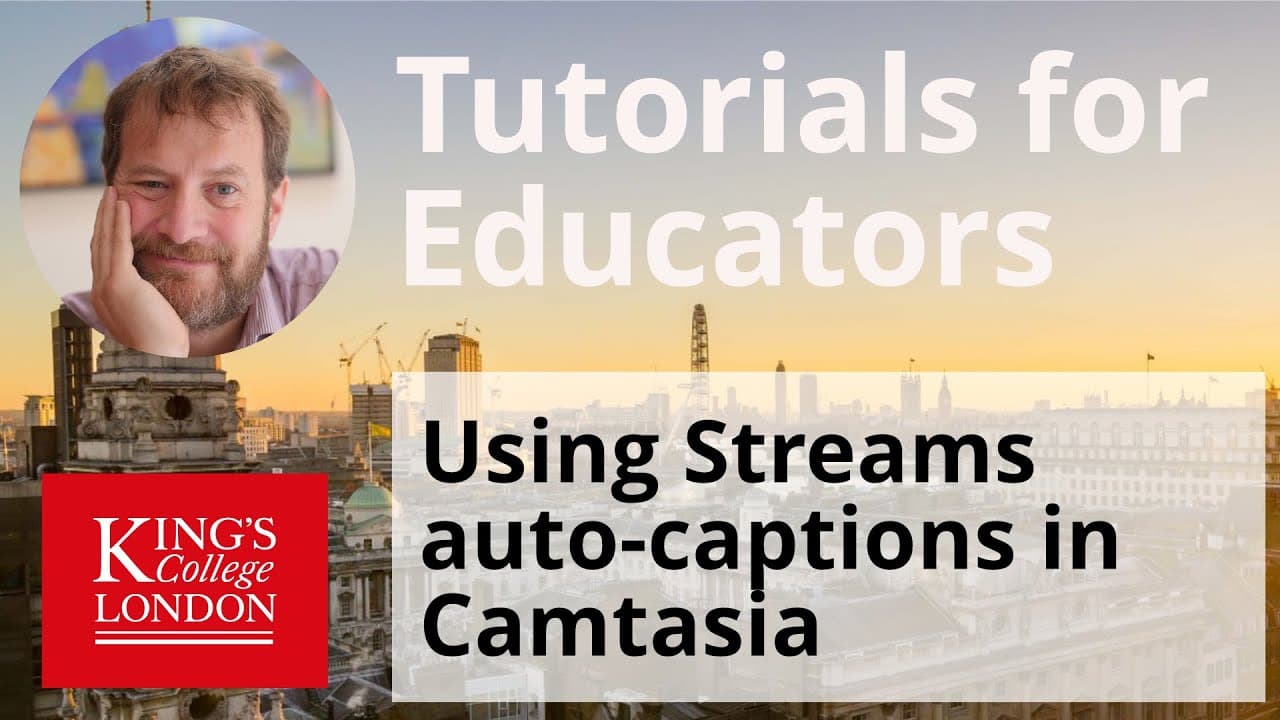
hello my name is james clark from the department of physiology at king's college london and in this tutorial i'm going to show you how to get your closed captions or subtitles from a microsoft stream video onto your desktop computer in order to add those closed captions using video editing software to the video to upload to other platforms this may... Read More
Key Insights
- 😚 Microsoft Stream automatically generates closed captions for uploaded videos.
- 😚 Closed captions can be viewed, edited, and downloaded within the Microsoft Stream platform.
- 😚 Video editing software like Camtasia can import closed captions for easy synchronization.
- 📁 Closed captions in Microsoft Stream use a slightly different file format from traditional SRT files.
- 😚 By making the necessary adjustments to the file format, closed captions can be successfully imported into video editing software.
- 😚 Downloaded closed captions can be edited and corrected manually.
- 😚 Closed captions are useful for accessibility and can be preserved when uploading videos to other platforms.
Install to Summarize YouTube Videos and Get Transcripts
Explore YouTube Video Summarizer or Get YouTube Transcript Extractor
Questions & Answers
Q: How can I download closed captions from Microsoft Stream videos?
To download closed captions, click on the three dots and select "Update video details". On the right-hand side, choose to download the closed captions file.
Q: Can the closed captions be edited?
Yes, the closed captions can be edited within the Microsoft Stream platform by clicking on the pen icon next to the captions. Any mistakes can be corrected manually.
Q: What video editing software can be used to add closed captions?
Camtasia is a recommended video editing application for adding closed captions. It allows for the import and synchronization of closed captions with the video.
Q: Are there any specific file requirements for the closed captions?
Closed captions in Microsoft Stream are saved in a file format called SRT. However, the format used by Microsoft Stream has a minor difference in the use of decimal places instead of commas for seconds and milliseconds.
Summary & Key Takeaways
-
Microsoft Stream automatically generates closed captions for uploaded videos.
-
Closed captions can be viewed, edited, and downloaded within the Microsoft Stream platform.
-
To download the video and closed captions, click on the three dots and select the appropriate options.
Read in Other Languages (beta)
Share This Summary 📚
Summarize YouTube Videos and Get Video Transcripts with 1-Click
Try YouTube Summary with ChatGPT & Claude or YouTube Transcript Generator
Explore More Summaries from Dory Video 📚






Summarize YouTube Videos and Get Video Transcripts with 1-Click
Try YouTube Summary with ChatGPT & Claude or YouTube Transcript Generator