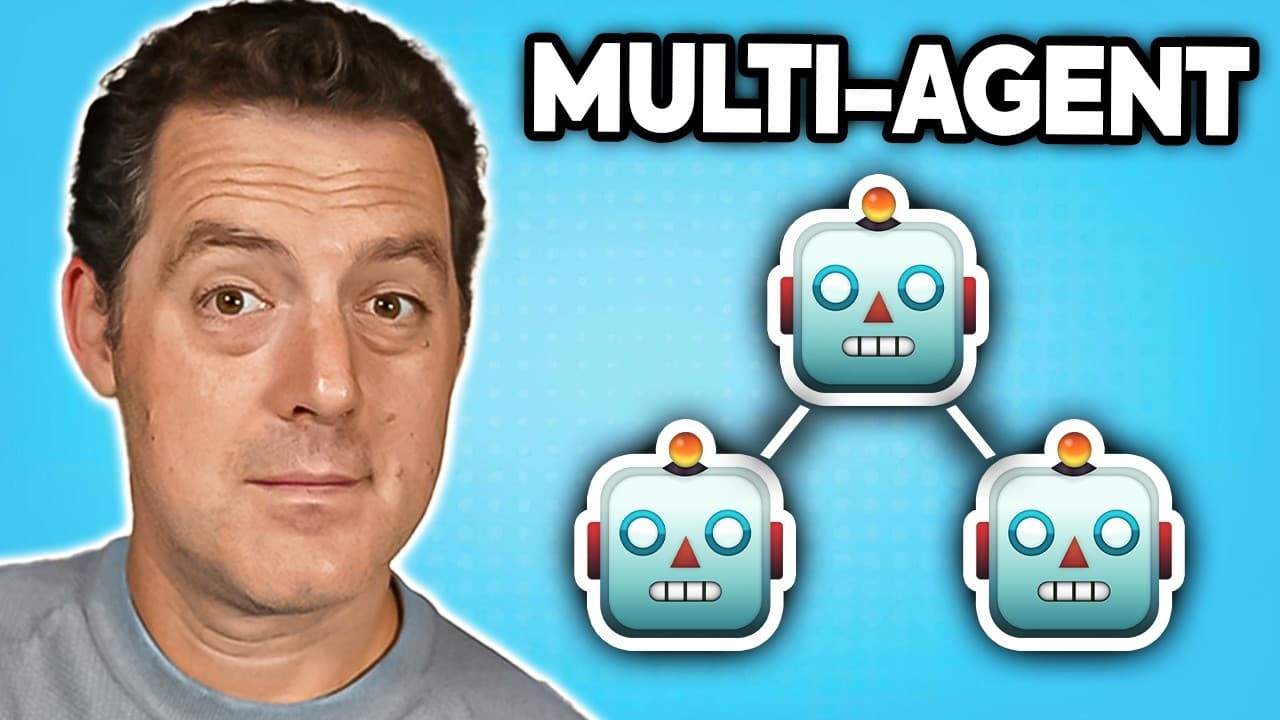
How to Build a Multi-Agent Team with AWS Strands Agents
TL;DR
Strands Agents is a free, open-source, model-agnostic framework from AWS with built-in MCP and memory support that works alongside Crew AI and Langraph. You can build a working agent in four lines of code using built-in tools like the calculator, plug in any LLM provider, and scale up to a multi-agent business-intelligence team that pulls live news and produces executive reports.
Transcript
Today we're going to be building a multi- aent research team that goes out, gets real-time information from news websites and puts together a business report for us. And we're going to be using Strand agents from Amazon Web Services, which is a completely open source and free agentic framework that is model agnostic. So bring any model you want and... Read More
Key Insights
- Strands Agents is an open-source, free, model-agnostic agentic framework from AWS, meaning you can bring any model you want. It also plays well with other agent frameworks like Crew AI and Langraph, and has MCP and memory built in.
- A basic Strands agent takes only four lines of code: import the agent object, import a tool like the calculator, instantiate the agent with that tool, then pass a natural-language prompt such as 'What is the square root of 1764?' and print the result.
- By default Strands looks for AWS credentials and errors with 'unable to locate credentials' if none exist. You add access by going to IAM in the AWS console, attaching the Bedrock policy to a user, and creating an access key stored in the .env file.
- IAM authentication with Strands and Bedrock is the recommended approach for production, while developers just getting started can simply use the API key. Both methods work for authenticating the agent against AWS Bedrock.
- Custom tools are created by decorating a Python method with @tool and writing a triple-quoted docstring on the first line describing what the method does. The agent reads that description to understand the tool and calls it when needed.
- A multi-agent workflow assigns tools to specialized agents: a math agent gets add and multiply, a text agent gets count characters and count words. Agents pass results between each other, like counting words then multiplying that count.
- Strands has many built-in tools at github.com/strands-agents/tools, including memory, AWS clients, read files, and write files. You can also plug in any MCP server, local or remote, or write your own tools from scratch in Python.
- The business-intelligence project coordinates seven specialized agents (content, social media, research, strategic expert, sentiment, recommendations, and executive synthesizer) using the agent-as-tools pattern, though Strands also supports graph, swarms, and workflow patterns.
Install to Summarize YouTube Videos and Get Transcripts
Explore YouTube Video Summarizer or Get YouTube Transcript Extractor
Questions & Answers
Q: What is Strands Agents and who makes it?
Strands Agents is an agentic framework from Amazon Web Services that is completely open source and free. It is model agnostic, so you can bring any model you want, and it plays well with other agent frameworks like Crew AI and Langraph. It also has MCP and memory built in, making it easy to use for building multi-agent systems. AWS sponsored the video demonstrating it.
Q: How do you build a basic Strands agent in four lines of code?
You import the agent object from the Strands library and import a tool such as the calculator from the Strands tools library. Then you instantiate an agent object with the calculator tool assigned to it, give the agent a natural-language prompt like 'What is the square root of 1764?' assigned to a result variable, and print the result in the console. Those four lines produce a working agent.
Q: Why does Strands throw an 'unable to locate credentials' error?
By default, Strands looks for your AWS credentials when it runs. If none are configured, it returns an 'unable to locate credentials' error because it does not yet know which LLM to plug into. To fix it you log into the AWS console, go to IAM, attach the Bedrock policy to your user, create an access key, and store the credentials in your .env file so the agent can authenticate with AWS Bedrock.
Q: How do you use a different model provider like OpenAI with Strands?
You import the OpenAI model with 'from strands.models.openai import OpenAIModel', load up the model by giving it the model ID, for example the old-school GPT-3.5 Turbo, and then pass that model into the agent when instantiating it. After that you run the script just like before, and the agent will use the OpenAI model instead of the default AWS Bedrock model.
Q: How do you create a custom tool in Strands?
You decorate your function with @tool at the top, then define your method just like any other Python method. On the first line inside triple quotes you write a docstring describing what the method does, because the agent reads that description to understand the tool. For example, an add_numbers tool describes itself as 'add two numbers' and returns a plus b using standard code. The agent then calls it when needed.
Q: How does a multi-agent workflow pass data between agents in Strands?
You create multiple agents and give each its own tools. In the demo, a math agent has add and multiply while a text agent has count characters and count words. The math agent adds 15 and 25 to get 40, the text agent counts four words in a sample string, and then the result goes back to the math agent to multiply four by two, producing eight. Agents hand results to one another to complete the task.
Q: What agents make up the business intelligence project?
The project uses seven specialized agents coordinated with Strands: a content agent that processes live news, a social media agent that simulates social sentiment, a research agent compiling background intelligence, key players, and timelines, a strategic expert agent analyzing market dynamics and opportunities, a sentiment agent scoring emotional tone, a recommendations agent creating actionable advice with implementation steps, and an executive synthesizer agent combining everything into an executive presentation.
Q: What multi-agent orchestration patterns does Strands support?
The business intelligence build uses the agent-as-tools pattern, described as the simpler but flexible and powerful approach for multi-agent orchestration. Beyond that pattern, Strands also supports graph, swarms, and workflow patterns for coordinating agents. This gives developers multiple ways to structure how their specialized agents collaborate, from straightforward tool-based delegation to more complex graph or swarm arrangements depending on the project's needs.
Summary & Key Takeaways
-
The tutorial builds a multi-agent research team using Strands Agents, an open-source and free agentic framework from AWS that is model agnostic, works with Crew AI and Langraph, and has MCP and memory built in. The goal is to gather real-time news and produce a business report.
-
It starts with a basic four-line demo using the built-in calculator tool to compute the square root of 1764 as 42 via AWS Bedrock, covers setting up IAM Bedrock credentials, and shows how to swap in another provider like OpenAI's GPT-3.5 Turbo.
-
The build progresses to custom Python tools decorated with @tool and a multi-agent workflow, then a full business-intelligence system of seven specialized agents that fetch TechCrunch AI headlines and synthesize an executive report using the agent-as-tools orchestration pattern.
Read in Other Languages (beta)
Share This Summary 📚
Summarize YouTube Videos and Get Video Transcripts with 1-Click
Try YouTube Summary with ChatGPT & Claude or YouTube Transcript Generator
Explore More Summaries from Matthew Berman 📚



Summarize YouTube Videos and Get Video Transcripts with 1-Click
Try YouTube Summary with ChatGPT & Claude or YouTube Transcript Generator