How to Build Durable AI Coding Workflows
TL;DR
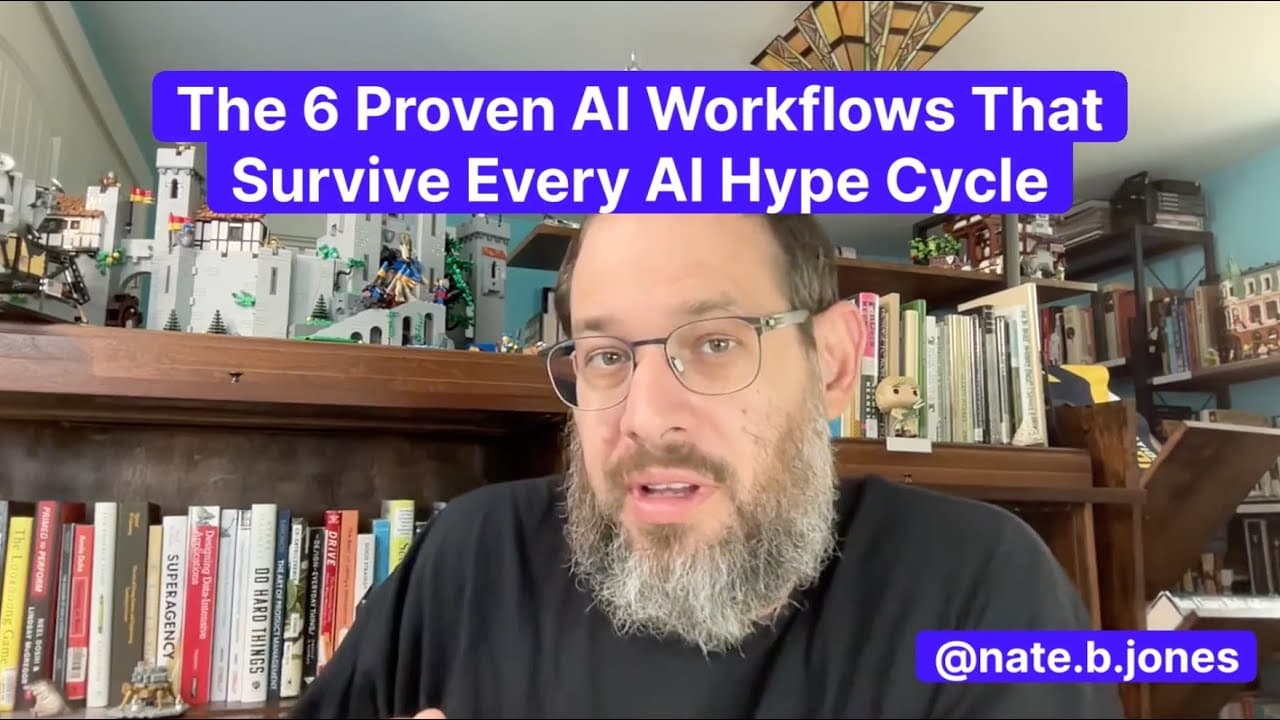
Build reliable AI-assisted software by organizing work around six durable workflows: codebase mapping, plan-first development, natural-language coding, debugging and testing, reviews and refactors, and context engineering. Tools and models will change, but clear intent, approved plans, maintained context files, scoped edits, explicit error traces, and human review make these practices reusable across platforms.
Transcript
You know, one of the challenges with artificial intelligence and development or building in code is that everyone is going for this is my particular hack or this is my gimmick that I use, this is the tool set. And it all feels really brittle. It feels like if you don't use the tool and if you don't use the prompt and if you don't build exactly that... Read More
Key Insights
- Codebase mapping is a durable AI workflow that begins by pointing a model at a repository and requesting summaries, graphs, or pull-request analysis. The generated material can accelerate onboarding, expose high-level context, and help both engineers and non-engineers understand an existing system.
- AI-generated repository documentation is a starting point rather than a finished authority. Teams should refine its assessments, begin with smaller codebases, update context files regularly, and share useful maps or summaries as collaborative onboarding material.
- Plan-first development is the practice of using AI as an architect before asking it to generate code. A useful plan covers functions, logic, edge cases, pseudocode, solution design, and an actionable breakdown that a human can approve and refine.
- An approved development plan is both an implementation guide and a recovery mechanism. Building in chunks against that plan reduces tangential output, improves coherence and maintainability, and provides documentation that remains useful if a tool breaks, loses context, or refuses further work.
- Natural-language coding is useful for prototypes, scripts, exploration, and deployable applications. Its principal strength is speed, including zero setup in some tools, while its principal constraint is whether the user can express the intended behavior clearly and precisely.
- Ambiguous prompts are a major risk in natural-language development because human phrases must be translated into unambiguous code. Intent-rich instructions help keep implementations aligned, while vague requests can steer a codebase away from the desired design or produce verbose, incorrect output.
- AI-augmented debugging and testing works by supplying explicit error traces, requesting root-cause analysis, iterating on fixes in a sandbox, and checking for regressions. This workflow gives generated changes a structured validation loop instead of treating the first proposed fix as final.
- Context engineering improves consistency by preserving repository-level instructions in files such as .cursor-rules or claude.md. Maintained context helps prompts stay aligned, reduces hallucinations, and supports coherent multi-agent work, while human sign-off remains necessary for reviews, refactors, and scoped changes.
Install to Summarize YouTube Videos and Get Transcripts
Explore YouTube Video Summarizer or Get YouTube Transcript Extractor
Questions & Answers
Q: How can AI speed up codebase onboarding?
AI can speed up onboarding by examining an existing repository and generating summaries, maps, graphs, pull-request analysis, or other high-level explanations. These materials give new engineers and non-engineers an initial model of the system before deeper exploration. The output should be refined manually, and teams should update shared context files and AI-generated documentation as the codebase evolves.
Q: What should an AI codebase map include?
An AI codebase map can include repository summaries, structural graphs, relevant pull-request analysis, and explanations of the coding patterns used in the project. The goal is to extract high-level context quickly rather than replace careful inspection. Starting with a small codebase makes the process easier to assess, while regular updates keep the resulting context files and onboarding documents useful.
Q: Why should developers plan before generating code with AI?
Developers should plan first because an architectural outline reduces tangential output and improves coherence and maintainability. The model can identify functions, logic, edge cases, pseudocode, solution structure, and implementation steps before editing anything. A human can then approve and refine the plan, build against it in chunks, and return to it if the selected tool breaks or loses context.
Q: How detailed should an AI-generated development plan be?
An AI-generated development plan should provide a full picture of the problem and its proposed solution. It can contain a feature breakdown, functions, logic, edge cases, pseudocode, roadmap items, diagrams, and an actionable task list. The transcript includes an example of a 40-step plan, but the essential requirement is that the plan be reviewable and approved before coding begins.
Q: How does natural-language vibe coding work?
Natural-language coding works by describing an application or change in plain English, allowing an AI tool to generate code, and then iterating through increasingly precise refinements. It is suited to prototypes, scripts, exploration, and real applications. Tools such as Lovable, Cursor, Replit, Windsurf, Gemini, Claude Code, and v0 are presented as different ways to support this pattern.
Q: Why do ambiguous prompts cause problems in AI coding?
Ambiguous prompts cause problems because the model must convert an imprecise human phrase into precise code. If the intended behavior, constraints, or interface is unclear, the generated implementation can move the codebase in the wrong direction or become verbose and incorrect. Clear, intent-rich instructions reduce this risk and help natural-language workflows produce changes that match the desired outcome.
Q: How should AI be used for debugging and code review?
AI-assisted debugging should begin with explicit error traces, followed by a request for root-cause analysis and iterative fixes inside a sandbox. Testing should check for regressions rather than assuming the first repair is correct. For reviews and refactors, the model can inspect scoped diffs before a pull request, but a human should approve the result to prevent uncontrolled edits.
Q: What makes an AI coding workflow durable across tools?
A durable workflow depends on repeatable work patterns rather than a single model, prompt, or product. The six patterns are codebase mapping and onboarding, plan-first development, natural-language coding, debugging and testing, reviews and refactors, and context engineering. New tools can be inserted into this playbook while clear intent, maintained context, scoped work, validation, and human approval remain stable.
Summary & Key Takeaways
-
AI can accelerate codebase onboarding by analyzing repositories, producing summaries or graphs, and reviewing pull requests. These outputs should serve as starting points for manual refinement. Regularly updated context files and shared AI-generated documentation help engineers and non-engineers understand existing systems while supporting faster, more collaborative onboarding.
-
Planning before generation makes AI-assisted development more coherent and maintainable. The model should first outline the solution, functions, logic, edge cases, pseudocode, and roadmap. After a human approves and refines that plan, implementation can proceed in manageable chunks, with the original plan serving as both a recovery point and documentation.
-
Natural-language coding enables rapid prototyping and application development, but its effectiveness depends on precise intent. Debugging, testing, reviews, refactoring, and persistent repository instructions add safeguards around that speed. Together, the six workflows create a stable playbook that can accommodate changing models and tools without depending on one product or prompting trick.
Read in Other Languages (beta)
Share This Summary 📚
Summarize YouTube Videos and Get Video Transcripts with 1-Click
Try YouTube Summary with ChatGPT & Claude or YouTube Transcript Generator
Explore More Summaries from AI News & Strategy Daily | Nate B Jones 📚




Summarize YouTube Videos and Get Video Transcripts with 1-Click
Try YouTube Summary with ChatGPT & Claude or YouTube Transcript Generator