How to Edit Viral Short-Form Videos Step by Step
TL;DR
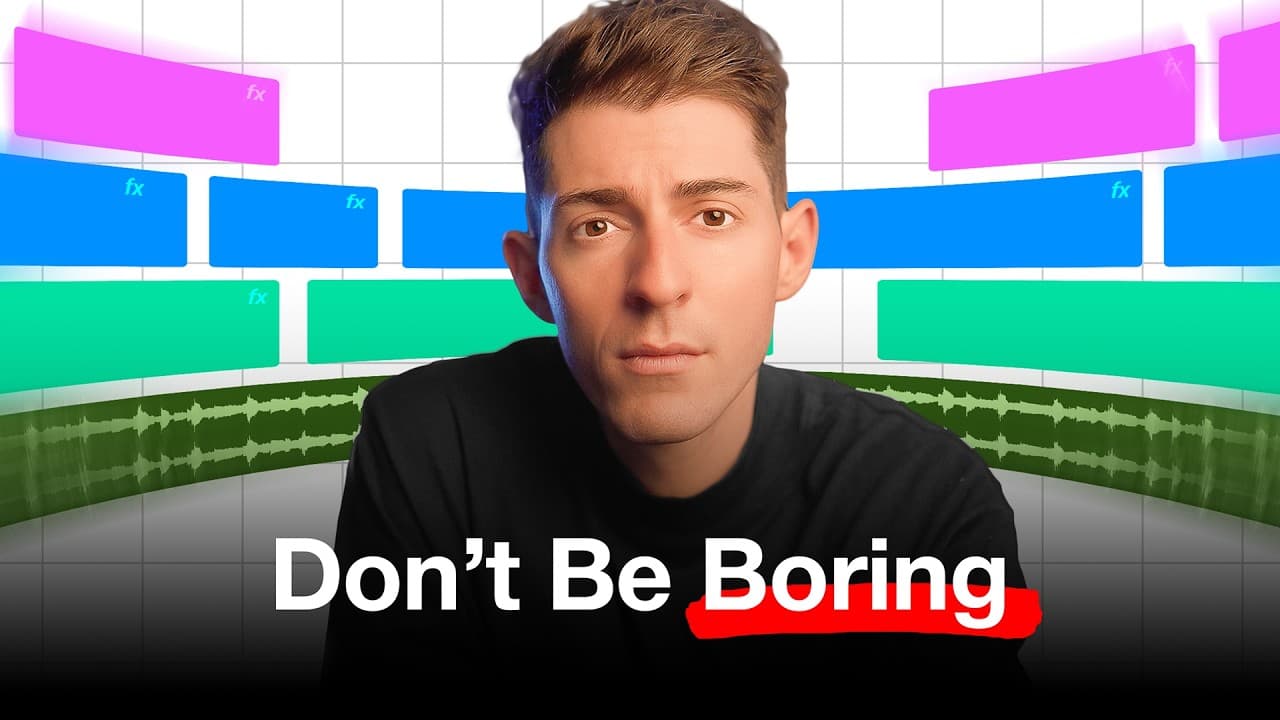
To edit viral short-form videos, use keyframes to animate position, scale, and opacity while keeping every effect focused on the story. The creator demonstrates these techniques in Premiere Pro after editing more than 50 viral videos, including an Apple AI video that received 870,000 Instagram views and more than 200,000 TikTok views. Read on for practical steps, tools, and editing principles.
Transcript
I've gone viral over 50 times and I edited every single one of those videos myself so in this video I'm going to show you the 8020 of short form video editing these are the beginner tricks that honestly are all you need to make your videos perform well and by the way I use Premiere Pro but if you use cap cut Da Vinci resolve or fina... Read More
Key Insights
- Keyframes are the foundation of motion in video editing. They allow for changes in position, scale, and opacity over time.
- Position keyframes create movement by defining start and end points for elements on the screen.
- Scale keyframes adjust the size of elements, creating zoom effects that add dynamism to videos.
- Opacity keyframes allow for fade-in and fade-out effects, adding subtle transitions between scenes.
- Mister Horse's Premiere Composer simplifies adding animated elements like arrows without manual keyframing.
- CleanShot X is a tool for capturing high-quality screenshots, useful for incorporating tweets or other graphics.
- Text chopping creates a rapid change effect by alternating between different text styles or sizes in quick succession.
- Storytelling and scripting are crucial for video success, with editing enhancing the narrative rather than overshadowing it.
Install to Summarize YouTube Videos and Get Transcripts
Explore YouTube Video Summarizer or Get YouTube Transcript Extractor
Questions & Answers
Q: How do you edit viral short-form videos?
Start with fundamental keyframe effects that change an element’s position, scale, or opacity over time. Use those effects to support strong storytelling and scripting rather than letting the editing overshadow the narrative.
Q: What are keyframes in video editing?
Keyframes are points that define where a property starts and ends a change. The editor places two keyframes on the timeline, and the selected property changes between those points.
Q: How do you make text slide onto the screen in Premiere Pro?
Turn on position keyframes with the stopwatch in the Motion tab, then add a starting keyframe with the text positioned off-screen. Add a second keyframe later and move the text to its final on-screen position; in the example, the horizontal center is set to 540.
Q: Which keyframe properties are most useful for short-form video editing?
Position, scale, and opacity are the fundamental properties highlighted on the page. Position creates movement, scale produces size changes or zooms, and opacity creates fade effects.
Q: Can these short-form editing techniques work outside Premiere Pro?
Yes. The creator uses Premiere Pro but says the techniques also work in CapCut, DaVinci Resolve, and Final Cut, although editors must determine how to perform them in each application.
Q: How can Mister Horse Premiere Composer help with short-form editing?
Mister Horse Premiere Composer provides pre-made animated elements such as arrows. It can streamline the process by adding those animations without requiring manual keyframing.
Q: What is CleanShot X used for in short-form video editing?
CleanShot X captures clean, high-quality screenshots for use inside video projects. It is especially useful when incorporating visual material such as tweets or other graphics.
Q: Why should editing support storytelling in short-form videos?
Storytelling and scripting provide the structure that holds viewers’ attention and communicates the message. Editing should reinforce that narrative with motion and visual emphasis instead of overshadowing it.
Summary & Key Takeaways
-
Keyframes in Premiere Pro are essential for creating motion effects, such as text slides and zooms. Tools like Mister Horse for animated arrows and CleanShot X for clean screenshots enhance the editing process. The focus should be on storytelling and scripting, with editing serving as a supportive element.
-
Position, scale, and opacity keyframes are fundamental techniques in video editing. They allow for movement, size adjustments, and fade effects, adding visual interest to videos. Mastering these basics can significantly enhance video quality.
-
Supplementary tools like Mister Horse and CleanShot X streamline the editing process by providing pre-made animations and easy screenshot capabilities. These tools, combined with strong storytelling, can elevate short-form videos to viral status.
Read in Other Languages (beta)
Share This Summary 📚
Summarize YouTube Videos and Get Video Transcripts with 1-Click
Try YouTube Summary with ChatGPT & Claude or YouTube Transcript Generator
Explore More Summaries from Kallaway 📚



Summarize YouTube Videos and Get Video Transcripts with 1-Click
Try YouTube Summary with ChatGPT & Claude or YouTube Transcript Generator