Should You Upgrade to Synology DSM 7.0?
TL;DR
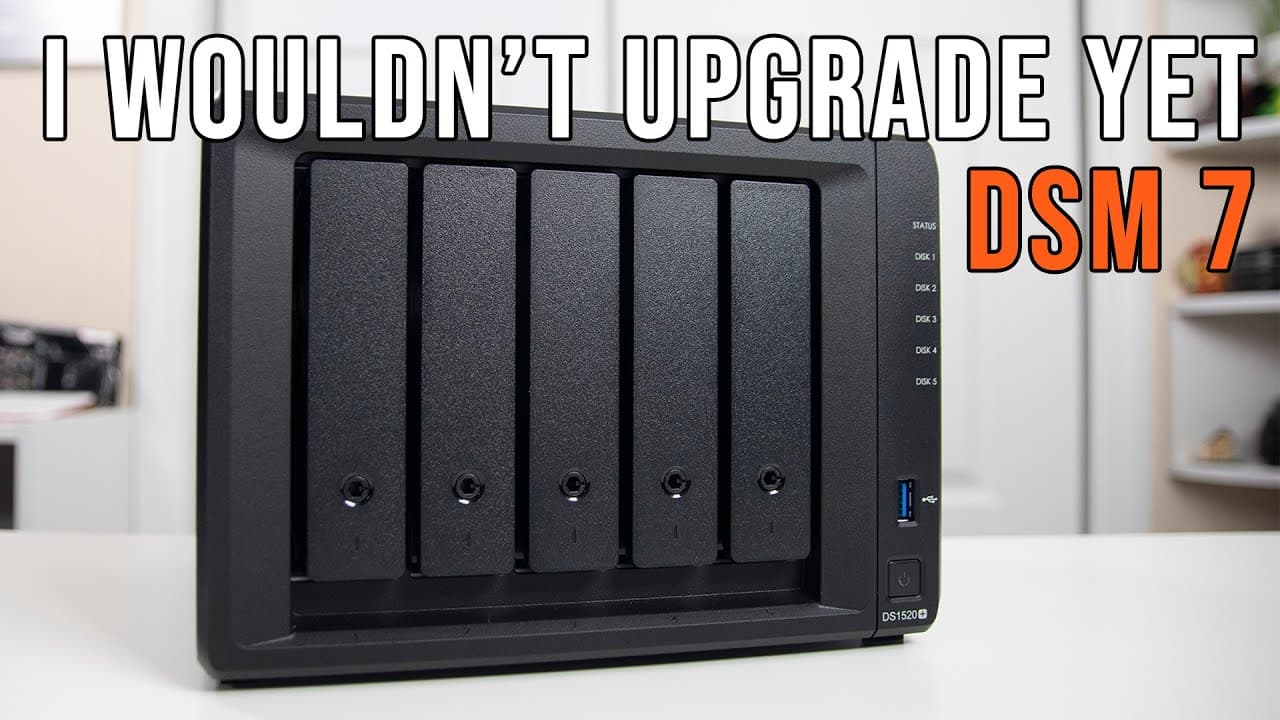
Upgrading to Synology DSM 7.0 is beneficial for improved interface and responsiveness, but it lacks support for many USB dongles and third-party apps. Users reliant on these technologies should carefully assess compatibility before upgrading, as downgrading can be complicated if issues arise. Check your device's eligibility and backed-up file systems to ensure a smooth transition.
Transcript
hey guys don here from nova spare tech and welcome back to the channel and today i am going to try to answer your question if you should upgrade to dsm 7.0 so let's get started now as of june 29 2021 the official release of dsm 7.0 is out and yes you can upgrade your synology all the way from 21 to 13. so if it's the first two digits which is like ... Read More
Key Insights
- ❓ DSM 7.0 represents a significant update from DSM 6.2, offering a modern interface and improved responsiveness but necessitating careful consideration for compatibility issues.
- 👤 Users should check device eligibility based on the model's year of manufacture and confirm that their current file system can migrate seamlessly.
- 🥶 Upgrading to DSM 7.0 poses risks for those dependent on older USB dongles, as support for these accessories is currently unavailable.
- 🈸 The removal of root application support for many third-party apps could hinder functionality for a sizeable user base.
- 🪡 Assessing application needs ahead of an upgrade is crucial; downgrading from DSM 7.0 can be difficult if compatibility issues occur.
- 💁 Information regarding supported and unsupported applications is available via Synology's knowledge base, which users should consult prior to upgrading.
- 💨 The upgrade's interface improvements are geared toward enhancing user experience but do not translate to faster file transfer speeds.
Install to Summarize YouTube Videos and Get Transcripts
Explore YouTube Video Summarizer or Get YouTube Transcript Extractor
Questions & Answers
Q: What are the major improvements in DSM 7.0 compared to previous versions?
DSM 7.0 features a modernized interface with a more fluid login and desktop experience. Users have noted marked improvements in responsiveness, making navigation smoother. However, the upgrade comes with significant changes, particularly around third-party application support and USB dongle functionalities, which might affect users' experiences.
Q: Can all Synology devices upgrade to DSM 7.0?
Not all Synology devices are eligible for the DSM 7.0 upgrade. Users can upgrade models from 2013 onward, while those with older versions may face challenges. It's essential to verify if your device's model number corresponds to the upgrade eligibility before proceeding with the update.
Q: What issues might arise from upgrading to DSM 7.0 for users with older file systems?
Users with older ext3 file systems will face considerable challenges when upgrading to DSM 7.0, as the new operating system no longer supports ext3. Migrating data to a more compatible file system like Btrfs may take six hours or more, depending on the data size. Therefore, thorough preparation is essential before initiating the upgrade.
Q: How does DSM 7.0 affect third-party application support?
DSM 7.0 has limited support for third-party applications, especially those requiring root access, such as Plex. This lack of support might lead to functionality issues for users heavily reliant on such applications. Additionally, downgrading from DSM 7.0 to an earlier version can be complicated, increasing the risk for those dependent on specific software.
Q: Is the upgrade process to DSM 7.0 straightforward?
The upgrade process is not always straightforward, particularly for users of certain Synology models. For instance, manual updates are required for some models like the 1520 Plus. The upgrade took roughly 20 minutes in this case, but users must ensure they have the correct ISO download and follow the necessary steps for a successful transition.
Q: What advice would you give to users considering upgrading to DSM 7.0?
Users should first assess their reliance on third-party applications and USB dongles before upgrading. If their usage includes critical software that may not be supported in DSM 7.0, it may be wise to wait. Carefully review compatibility lists provided by Synology, and consider engaging in user discussions to gather insights on potential issues.
Summary & Key Takeaways
-
DSM 7.0, released on June 29, 2021, allows upgrades from Synology units dating back to 2013, but older file systems like ext3 may face challenges during the upgrade process.
-
Users will notice a refreshed interface, improved responsiveness, but limited USB dongle and third-party app support could hinder those reliant on older technology.
-
It's crucial to assess individual application needs before upgrading, as downgrading can be complicated if compatibility issues arise with third-party software.
Read in Other Languages (beta)
Share This Summary 📚
Summarize YouTube Videos and Get Video Transcripts with 1-Click
Try YouTube Summary with ChatGPT & Claude or YouTube Transcript Generator
Explore More Summaries from Novaspirit Tech 📚






Summarize YouTube Videos and Get Video Transcripts with 1-Click
Try YouTube Summary with ChatGPT & Claude or YouTube Transcript Generator