How to Use AI Agents for Efficient Coding
TL;DR
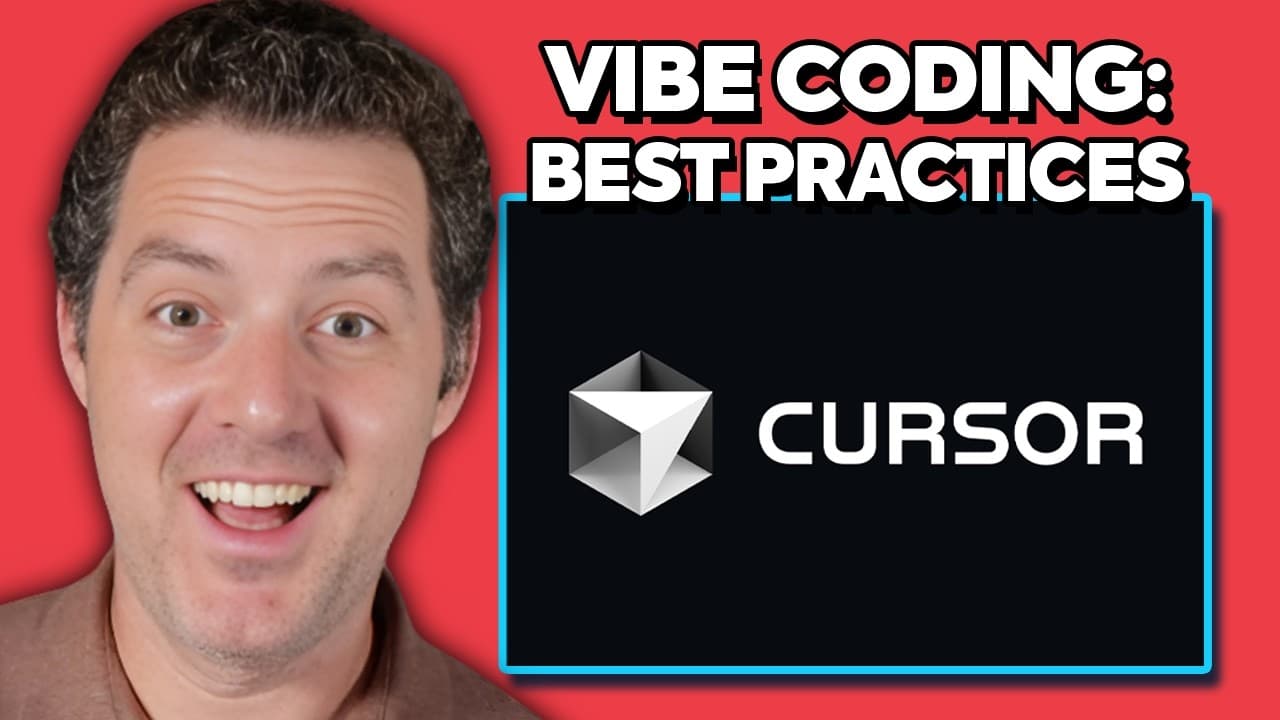
Vibe coding involves using AI agents to write entire applications with minimal manual coding. The process leverages tools like Cursor and Windsurf and models such as CLA 3.7 to automate coding tasks. Users must set up specific rules to guide the AI, ensuring it adheres to preferred coding standards and environments.
Transcript
I've been Vibe coding like crazy lately which basically just means using an AI agent to do my coding for me very little actual writing of code in fact basically none and I'm going to tell you all of the things that I learned along the way to get the most out of it let's get right into it all right so quickly what I'm talking about with Vibe coding ... Read More
Key Insights
- Vibe coding uses AI agents to automate the coding process, minimizing manual code writing.
- Cursor and Windsurf are platforms that facilitate AI-driven coding, supporting various models.
- Setting up detailed specifications and rules for the AI is crucial to guide its coding behavior.
- AI models like CLA 3.7 are recommended for their support of agentic behavior and function calling.
- Ensuring separate environments for development, testing, and production is essential to avoid conflicts.
- AI agents can inadvertently duplicate code or use unintended technologies, requiring explicit rules.
- Regularly committing code changes and using version control helps manage and revert changes effectively.
- Using popular technology stacks increases AI efficiency due to better model exposure and documentation.
Install to Summarize YouTube Videos and Get Transcripts
Explore YouTube Video Summarizer or Get YouTube Transcript Extractor
Questions & Answers
Q: How to set up AI agents for coding automation?
To set up AI agents for coding automation, use platforms like Cursor or Windsurf that support agentic coding. Choose AI models such as CLA 3.7 that excel in function calling and agent behavior. Define clear specifications and rules to guide the AI's coding process, ensuring it adheres to your preferred coding standards and environments.
Q: What are the benefits of Vibe coding?
Vibe coding offers significant benefits by automating the coding process using AI agents. It reduces the need for manual code writing, speeds up development, and allows for asynchronous work. By leveraging AI, developers can focus on higher-level tasks while the AI handles repetitive and detailed coding tasks efficiently.
Q: Why is setting up coding rules important for AI agents?
Setting up coding rules is crucial for guiding AI agents in the coding process. Without clear rules, AI may duplicate code, use unintended technologies, or mismanage environments. Rules ensure the AI follows preferred coding standards, uses the correct technology stack, and maintains separate development, testing, and production environments.
Q: What challenges might arise with AI-driven coding?
AI-driven coding can present challenges such as code duplication, unintended technology use, and environment mismanagement. AI agents may also struggle with large context windows, affecting performance. Developers need to define explicit rules, manage context size, and regularly commit changes to mitigate these challenges and maintain code integrity.
Q: How to manage coding environments with AI agents?
Managing coding environments with AI agents involves defining clear rules for separate development, testing, and production environments. This prevents conflicts and ensures changes are appropriately isolated. Developers should specify environment-specific rules and regularly commit changes to manage environments effectively and maintain code stability.
Q: What technology stack is recommended for AI coding?
For AI coding, a popular technology stack is recommended to enhance AI efficiency. Common choices include Python for the backend, HTML and JavaScript for the frontend, and SQL databases. Using widely adopted technologies ensures better model exposure, documentation, and AI performance due to the availability of resources and community support.
Q: How to handle code duplication with AI agents?
To handle code duplication with AI agents, set explicit rules to avoid duplicating existing code. Instruct the AI to check the codebase for similar functionality before adding new code. Emphasize fixing existing code rather than adding new code, and ensure the AI adheres to these guidelines to maintain a clean and efficient codebase.
Q: Why is version control important in AI-driven coding?
Version control is crucial in AI-driven coding for managing and reverting code changes. It allows developers to track changes, commit often, and roll back to previous versions if necessary. This ensures code stability and integrity, especially when AI agents make extensive changes, and helps recover from errors or unintended modifications efficiently.
Summary & Key Takeaways
-
Vibe coding leverages AI agents to automate extensive coding tasks, reducing the need for manual input. By using tools like Cursor and Windsurf, users can set up specific AI models to handle coding tasks efficiently. Key practices include defining rules, managing environments, and using popular tech stacks to optimize AI performance.
-
Users should define clear coding rules and specifications to guide AI agents in automating the coding process. This includes specifying environments, avoiding code duplication, and ensuring the use of preferred technologies. Regular commits and version control are crucial for managing changes and maintaining code integrity.
-
AI agents can automate coding tasks but require careful setup to avoid issues like code duplication and unintended technology use. By using platforms like Cursor and Windsurf, and models like CLA 3.7, users can optimize the coding process. Clear rules and environment management are essential for successful AI-driven coding.
Read in Other Languages (beta)
Share This Summary 📚
Summarize YouTube Videos and Get Video Transcripts with 1-Click
Try YouTube Summary with ChatGPT & Claude or YouTube Transcript Generator
Explore More Summaries from Matthew Berman 📚


Summarize YouTube Videos and Get Video Transcripts with 1-Click
Try YouTube Summary with ChatGPT & Claude or YouTube Transcript Generator