How to Automate Daily Work With Grok Bot Agents
TL;DR
Grok Bot can reduce repetitive work by triaging email, labeling messages, managing calendars, publishing files, operating websites, and coordinating specialized agents. The most effective setup gives each bot one primary task, connects only the services it needs, supplies relevant context, and uses scheduled routines for recurring jobs while preserving user approval for consequential actions.
Transcript
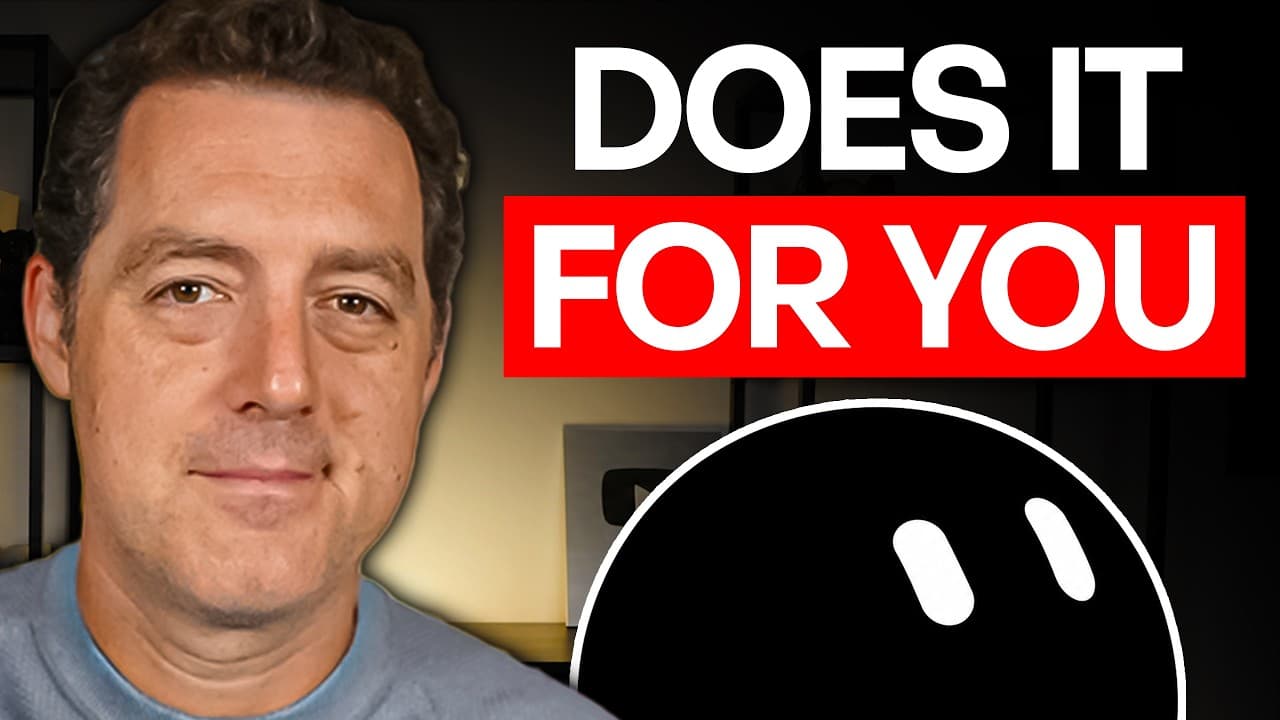
I've been using Grockbot every day since it came out, and it feels more personal and more capable than any other agent that I've used. And to be honest, I wasn't expecting it. The UI is built to give every bot the feeling of a persistent character rather than a thread that you can just throw away. And I really like it. So, in this video, I'm going ... Read More
Key Insights
- Email triage is organized into progressively demanding groups: easy archival candidates, low-effort messages that require reading but no reply, and messages requiring a decision or action. This structure lets the user review summaries and approve batch actions instead of opening every email separately.
- Gmail integration gives the bot permission to read messages, add labels, draft replies, and archive email after the user authorizes the plugin. The demonstrated morning routine runs at 7:30 a.m. and reviews overnight messages along with unresolved items from the previous day.
- Additional business context improves email recommendations because the bot can check previous correspondence, HubSpot information, Google Drive notes, and stored contracts. It then summarizes the full situation and proposes a next action, such as making a decision or sending a drafted reply.
- Email classification works as a lead-scoring system for sponsorship inquiries. The bot applies a scoring heuristic developed over time, automatically archives spam-like offers, and labels useful messages so the user can later request a consolidated view of high-quality sponsorship opportunities.
- Scheduled routines can limit unnecessary activity by running only when useful. The demonstrated classification routine operates every 30 minutes between 8:00 a.m. and 7:00 p.m. on weekdays, while a separate batch job processes accumulated messages first thing in the morning.
- Publishing through the Here Now plugin converts bot outputs into shareable public or private URLs within seconds. The presenter demonstrates publishing a picture and says the service can publish almost anything without requiring an account, although the description discloses an investment relationship with Here Now.
- Calendar automation handles multiple calendars, negotiates meeting times, detects overlapping events, assists with rescheduling, and creates events from dates found in emails. The calendar bot usually receives delegated requests from a chief of staff bot rather than interacting with the user directly.
- Cloud browser control can perform tasks that normally require navigating websites, including finding products, completing purchases after sign-in, preparing grocery lists, processing Amazon returns, registering a car, booking gym sessions, and arranging doctor appointments. The browser can preserve a completed sign-in for later use.
Install to Summarize YouTube Videos and Get Transcripts
Explore YouTube Video Summarizer or Get YouTube Transcript Extractor
Questions & Answers
Q: How can Grok Bot automate daily email management?
Grok Bot can review overnight and unresolved email on a schedule, identify messages that appear safe to archive, and present them as a batch for approval. It can then summarize low-effort messages that need attention but no reply. For remaining messages, it reads the thread and prior interactions, summarizes the context, recommends a next action, and can draft a reply.
Q: How do you connect Gmail to a Grok Bot email agent?
Open the plugins area, add the Gmail plugin, and use the connection prompt that appears in the thread. After Gmail authorization, the bot can read email, add labels, draft replies, and archive messages. The demonstrated workflow still asks the user to approve groups of archival candidates, while repeated instructions can teach the bot how similar messages should be handled later.
Q: How does extra context improve Grok Bot email replies?
Extra context helps the bot evaluate more than the current email thread. In the demonstrated setup, it can review previous interactions with the sender and consult connected sources such as HubSpot, Google Drive notes, and stored contracts. That broader record helps it summarize the situation, recommend an appropriate action, and draft replies that better reflect the user's working style.
Q: How can Grok Bot classify sponsorship emails?
Grok Bot can apply a scoring heuristic to incoming sponsorship messages, automatically archive spam-like offers, and treat the remaining messages as scored leads. It can also add labels for sponsorships, public relations, internal operations, and other categories. Those labels make later retrieval easier, such as asking the bot to show all high-quality sponsorship inquiries received over time.
Q: How should recurring Grok Bot routines be scheduled?
Recurring routines should run when their results are useful instead of operating continuously. The email classification example runs every 30 minutes on weekdays between 8:00 a.m. and 7:00 p.m., with a separate batch job in the morning. A user can ask the bot to create the routine directly, so the schedule does not need to be configured manually.
Q: How can Grok Bot publish files or images online?
The Here Now plugin allows the bot to publish an item and return a public or private URL within seconds. The presenter demonstrates the process by asking the bot to publish a picture of a 3D-printed boat, after which it provides a link. The service is described as free and usable without an account, and the description discloses an investment relationship.
Q: What calendar tasks can a Grok Bot agent handle?
A dedicated calendar agent can work across multiple authenticated calendars, help negotiate meeting times, check for overlapping meetings, assist with rescheduling, and create calendar events from several dates contained in an email. In the demonstrated system, a chief of staff bot usually delegates requests to the calendar bot, supporting the practice of assigning each specialized bot one primary responsibility.
Q: What browser tasks can Grok Bot perform in the cloud?
Grok Bot can use a cloud browser for tasks that involve navigating websites. Examples include searching Amazon for a product, completing a purchase after the user signs in, assembling grocery lists, processing an Amazon return and retrieving its QR code, registering a car through a DMV website, booking gym times, and arranging doctor appointments. A browser sign-in can persist for later tasks.
Summary & Key Takeaways
-
The email agent reviews overnight and leftover messages each morning, identifies easy archival candidates, summarizes low-effort items, and analyzes messages requiring action. Connecting Gmail enables reading, labeling, drafting, and archiving, while access to HubSpot and Google Drive supplies additional context for suggested decisions and replies.
-
Email classification turns the inbox into a structured workflow. The bot scores sponsorship inquiries using an established heuristic, archives spam-like offers, and applies labels for categories such as public relations and internal operations. A scheduled routine runs every 30 minutes during weekday working hours, plus a morning batch.
-
Separate agents handle publishing, calendars, browser tasks, and coding coordination. The publishing plugin returns public or private links, while the calendar agent negotiates meeting times and creates events from emails. Cloud browser use supports shopping, returns, bookings, and administrative websites, with persistent sign-in available for authenticated tasks.
Read in Other Languages (beta)
Share This Summary 📚
Summarize YouTube Videos and Get Video Transcripts with 1-Click
Try YouTube Summary with ChatGPT & Claude or YouTube Transcript Generator
Explore More Summaries from Matthew Berman 📚
Summarize YouTube Videos and Get Video Transcripts with 1-Click
Try YouTube Summary with ChatGPT & Claude or YouTube Transcript Generator