DWIN Displays - Review and tutorial
TL;DR
This video guides viewers on programming and using Divin displays.
Transcript
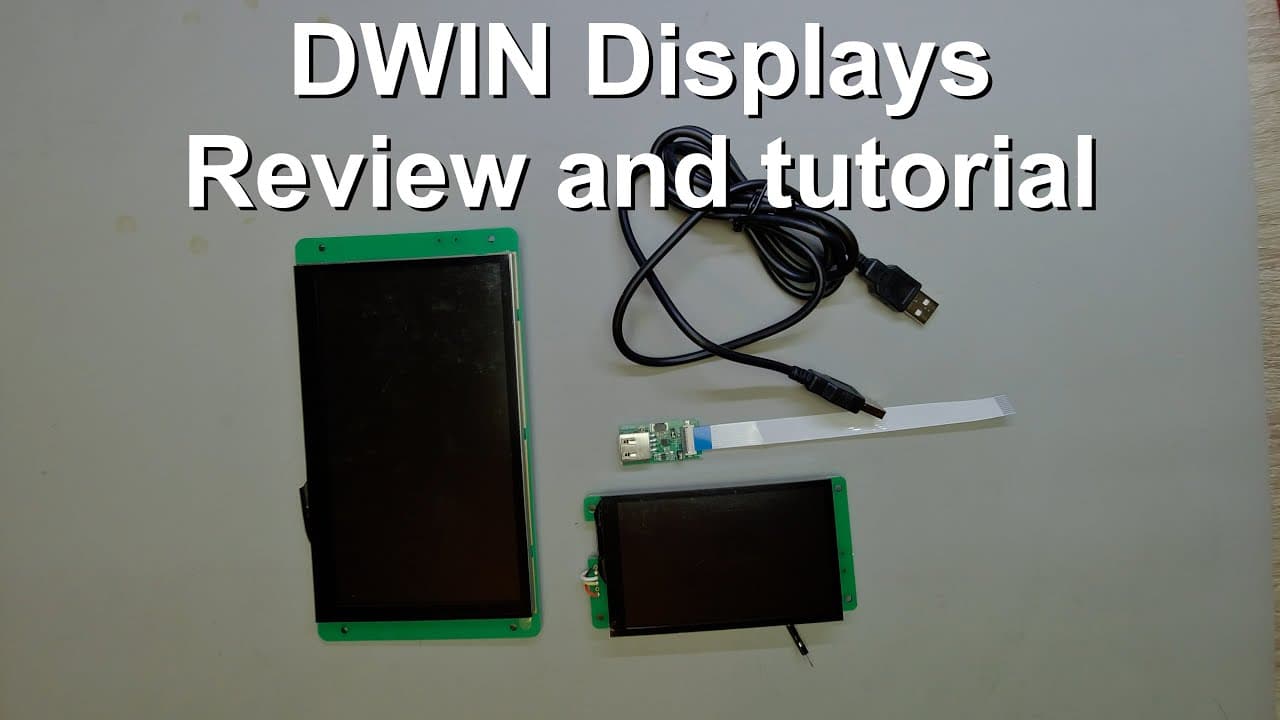
welcome everyone in this video i'm going to introduce you these displays these displays were provided by divin so these are some kind of promotional materials so this video will be about these displays i will show you how they work i will also show you some kind of tutorial about how to program them and how to communicate with them and i will also ... Read More
Key Insights
- 🤑 Divin displays are versatile tools ideal for DIY projects, allowing for rich user experiences through touch capabilities.
- 📁 Proper configurations and file management on an SD card are essential for efficient programming, as these displays do not accept direct programming through USB.
- 👤 The software used to develop interfaces generally requires a solid understanding of user interface layout and programming structure, which can be initially complex.
- 👻 The proprietary chip technology allows for simultaneous processing, contributing to improved performance and responsiveness of displays.
- 🈸 Users can create interactive applications by programming various input controls (e.g., sliders and buttons) that communicate directly with microcontrollers.
- ⌛ Although the displays are cost-effective, the time investment needed to learn programming concepts can be significant.
- 👀 Detailed manuals associated with the displays provide comprehensive guidance, beneficial for both beginners and experienced users looking to expand their knowledge.
Install to Summarize YouTube Videos and Get Transcripts
Explore YouTube Video Summarizer or Get YouTube Transcript Extractor
Questions & Answers
Q: What are Divin displays used for?
Divin displays can be utilized in numerous applications, including DIY projects like control systems for tensile testing machines and other interactive devices. Their vibrant colors, high resolution, and touch-sensitive capabilities make them suitable for diverse electronic and computing tasks, enhancing user interactivity.
Q: How do you program the Divin displays?
Programming the Divin displays requires the use of an SD card to upload configuration files edited with specific software. Users need to create a project in the software, generate necessary files, and ensure all required components are placed on the SD card before inserting it into the display for operation.
Q: What should be considered when using the Divin displays?
Users should consider power connections, serial communication setups, and the card management system for programming. Additionally, understanding the display's control structure, the types of files required for configuration, and the process of image and text manipulation for user interfaces are crucial for effective usage.
Q: What are the main features of the Divin displays?
Main features include a high-resolution display driven by a proprietary dual-core chip called T5L, SD card support for program storage, touch sensitivity, customizable user interfaces, and additional options like wireless communication depending on the model. They also support multimedia integration through expandable memory.
Q: How does one handle the software for configuring the displays?
Users must download appropriate drivers and development tools from the manufacturer's website. The configuration software allows for project creation, font generation, image handling, and interface design, ultimately leading to file generation for uploading to the display via an SD card.
Q: Are there any notable challenges when working with these displays?
A common challenge is the initial learning curve associated with understanding how to effectively program the displays and manage configuration files. Users may also encounter issues with the precise input formats required by the programming software, which can lead to frustration for those inexperienced in similar technologies.
Summary & Key Takeaways
-
The video introduces Divin displays, showcasing their features, programming requirements, and practical applications for various projects including a tensile testing machine.
-
It details the programming process, including using an SD card and specific software tools necessary for creating user interfaces and configurations for the displays.
-
The video highlights the display's aesthetic quality, native chip functionalities, and additional features like touch sensitivity and expandable memory.
Read in Other Languages (beta)
Share This Summary 📚
Summarize YouTube Videos and Get Video Transcripts with 1-Click
Try YouTube Summary with ChatGPT & Claude or YouTube Transcript Generator
Explore More Summaries from Curious Scientist 📚




![Building a coil winder [Part 6] - A few improvements thumbnail](/_next/image?url=https%3A%2F%2Fi.ytimg.com%2Fvi%2F3eyxG_g2iUA%2Fhqdefault.jpg&w=750&q=75)
![Building a Peltier cooler-based cooling box - First iteration, improvements [Part 2/6] thumbnail](/_next/image?url=https%3A%2F%2Fi.ytimg.com%2Fvi%2F0YlNw0EGnzI%2Fhqdefault.jpg&w=750&q=75)
Summarize YouTube Videos and Get Video Transcripts with 1-Click
Try YouTube Summary with ChatGPT & Claude or YouTube Transcript Generator