How to Install Windows or Linux on QNAP TS-253D NAS
TL;DR
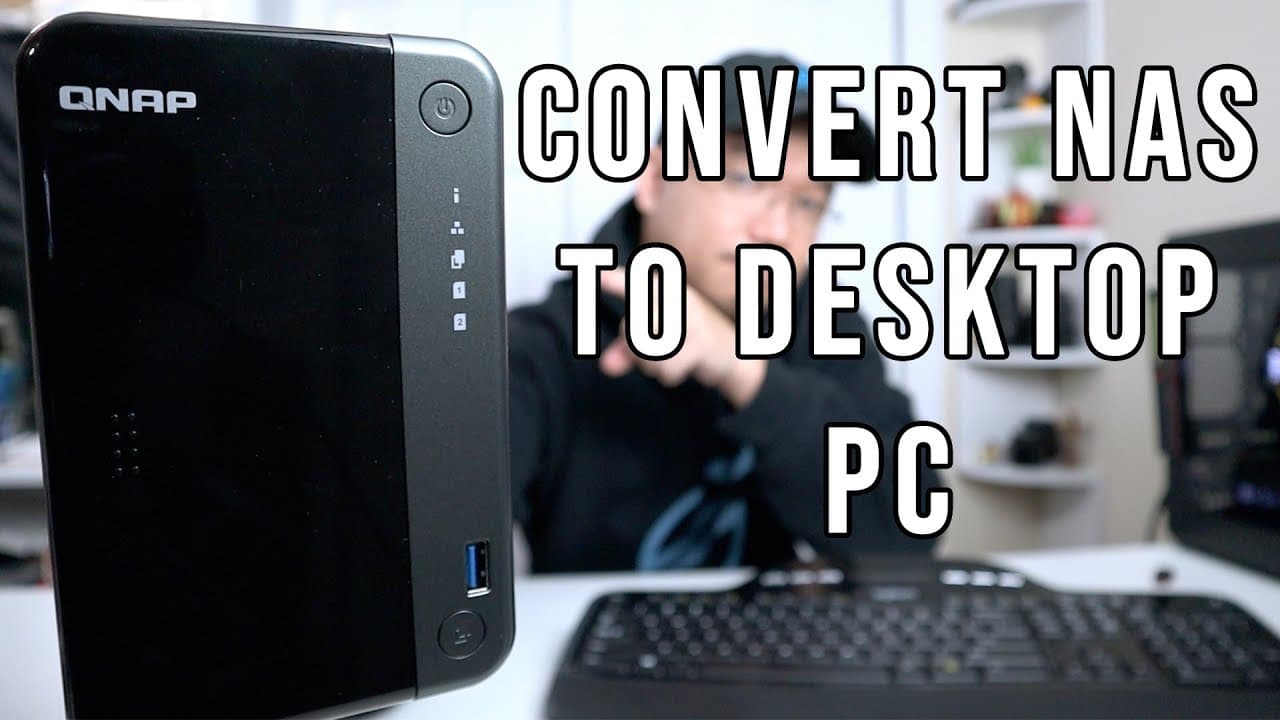
To install Windows or Linux on the QNAP TS-253D NAS, boot into the BIOS and select your installation media. Ensure you do not delete the essential QNAP OS partition during the process. After installation, the NAS can function as a mini desktop PC capable of running various applications, including media playback and virtual machines.
Transcript
hey guys what's going on it's don here from nova spur tech and welcome back to the channel and today we're gonna be converting this ts253d into a desktop pc or mini desktop pc as you would say so let's get started now one of the things that i recently discovered about this guy or actually most nazis that i have right now is that it is actually runn... Read More
Key Insights
- 🏃 The TS253D NAS has the capability to run standard desktop operating systems like Windows or Linux, making it a versatile device.
- 🌸 Understanding the structure of the partitions is essential for successful installation and to prevent loss of the QNAP OS.
- 👤 Users can replace or add storage through internal configuration, including the use of NVMe and SSD drives.
- 🎮 The video illustrates step-by-step hardware modifications, making it accessible for beginners to understand the process.
- 🏃 Intel virtualization technology is supported, enabling users to run virtual machines and explore additional operating systems like Android.
- 🧑💼 The transformed NAS can handle everyday tasks such as media playback, basic computing, and office applications without significant performance issues.
- 💬 Users are encouraged to engage with the content creator through comments and Discord, promoting community learning and support.
Install to Summarize YouTube Videos and Get Transcripts
Explore YouTube Video Summarizer or Get YouTube Transcript Extractor
Questions & Answers
Q: What are the main advantages of converting a NAS into a mini desktop?
Converting a NAS into a mini desktop allows users to leverage existing hardware for more versatile tasks beyond typical storage functions. It can run full-fledged operating systems like Windows or Linux, making the device capable of handling office work, media playback, and virtualization tasks. This transformation provides additional utility from existing technology, often reducing the need for new purchases.
Q: How can I avoid deleting the QNAP OS during the installation process?
It's crucial to identify your storage partitions accurately during the installation process. The QNAP OS typically resides on a partition that should not be erased. Consult the disk management interface to recognize the identifiers (like sda, sdb) and ensure you select the right drives for installation, deliberately avoiding any partitions that house the QNAP OS.
Q: What considerations must I make when modifying the internal hardware of a NAS?
When modifying internal hardware, such as adding RAM or SSDs, ensure that you're aware of the existing configuration. Always proceed with caution to avoid damaging components or inadvertently voiding warranties. Additionally, handle components such as PCIe cards and SSDs with care; grounding yourself can prevent static damage.
Q: Can I install any operating system on the NAS after conversion?
Yes, after converting the NAS to a desktop PC, you can install various operating systems, such as Windows, Linux, OMV, or FreeNAS. This flexibility allows you to tailor the system according to your specific needs, whether for standard computing tasks or enhanced storage solutions.
Summary & Key Takeaways
-
The video demonstrates the process of converting a NAS device, specifically the TS253D, into a functional mini desktop PC with Windows or Linux.
-
Key considerations include keeping a specific QNAP OS partition intact during installation and ensuring compatibility with hardware like SSDs and NVMe drives.
-
After installation, the converted device can run various operating systems, including Pop OS and Android, making it versatile for different tasks.
Read in Other Languages (beta)
Share This Summary 📚
Summarize YouTube Videos and Get Video Transcripts with 1-Click
Try YouTube Summary with ChatGPT & Claude or YouTube Transcript Generator
Explore More Summaries from Novaspirit Tech 📚






Summarize YouTube Videos and Get Video Transcripts with 1-Click
Try YouTube Summary with ChatGPT & Claude or YouTube Transcript Generator