How to Use Claude Code as a Coding Partner
TL;DR
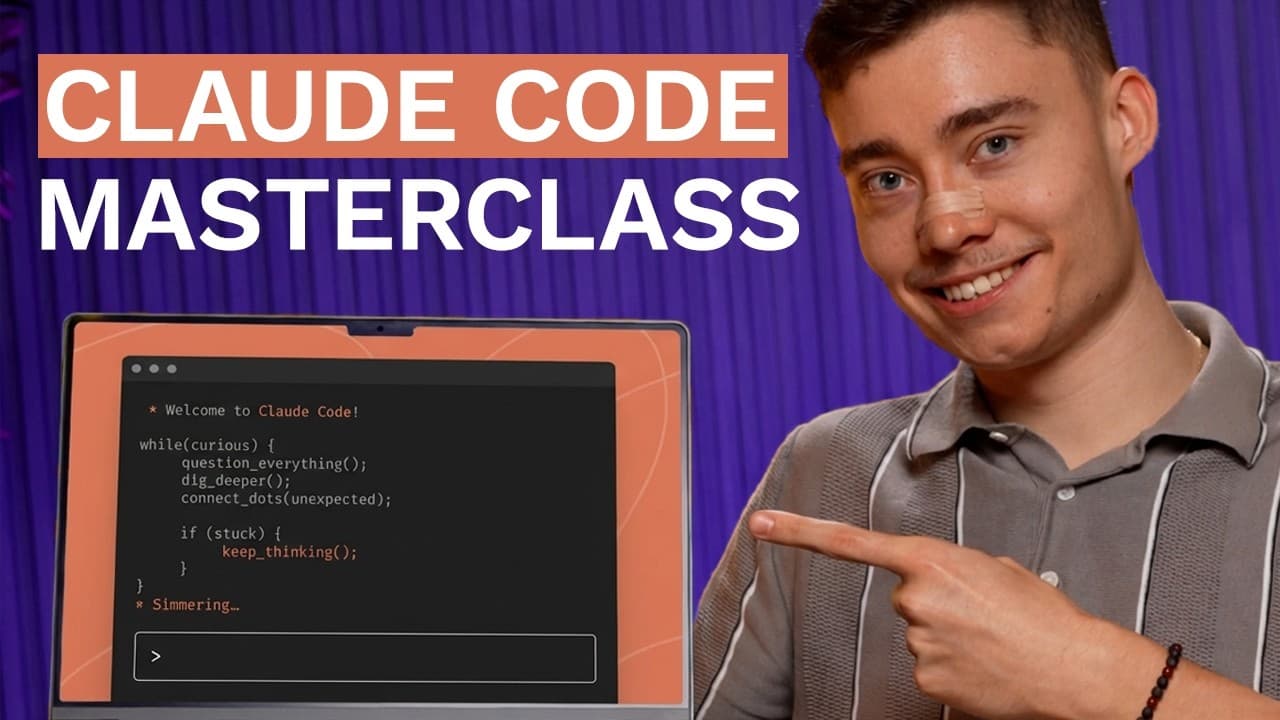
Claude Code works by repeatedly gathering context, forming a plan, and taking actions through tools until a task is complete. Install it from the official Anthropic site, launch it inside a dedicated project directory, run /init to create CLAUDE.md, and improve its project awareness by referencing critical files with @ and saving recurring instructions with #.
Transcript
Enthropic just released a master class on cloth code. So I spent 7 hours going through the entire course and compiled everything into this one video. I also included lessons I learned from spending well over 500 hours inside of cloth code. So if you really watch this video until the end, you will be ahead of 99% of people. Now everything we're goin... Read More
Key Insights
- A coding assistant is a language model equipped with tools for interacting with an external environment. It repeatedly gathers context, creates a plan, and takes action until the requested task is complete, instead of producing code through reasoning alone.
- Tools are essential because gathering context and changing a project require external actions. Claude Code can read files, edit files, run shell commands, and launch subagents, giving the language model practical ways to inspect and modify a codebase.
- Claude Code can identify performance improvements in mature software. In the cited Chalk library task, it ran benchmarks, investigated slow results, found root causes, and achieved a 3.9 times speed improvement for one specific use case.
- Claude Code can perform structured data analysis inside a Jupyter notebook. Given a streaming platform CSV file, it produced visual graphs, charts, and analyses intended to reveal churn patterns and describe the underlying user data.
- Browser-control tools can help Claude Code evaluate visual results. With a Playwright MCP server, it opened a local application, changed the chat interface and header, captured screenshots, and checked whether each design iteration looked appropriate.
- A dedicated project directory limits the working scope of Claude Code. Launching it from the intended folder gives it access to that project's backend, frontend, and related files while reducing concern about unintended changes elsewhere on the computer.
- CLAUDE.md is a persistent project guide created by running /init. Claude Code analyzes the codebase and records useful information such as architecture, essential commands, key files, technology choices, conventions, and features for inclusion in future requests.
- Context engineering improves results by making relevant information explicit. The @ syntax adds selected files to the current context, while # stores recurring instructions as memories, such as always using TypeScript, within the project's CLAUDE.md guidance.
Install to Summarize YouTube Videos and Get Transcripts
Explore YouTube Video Summarizer or Get YouTube Transcript Extractor
Questions & Answers
Q: How does a coding assistant work?
A coding assistant combines a language model with tools that can interact with its environment. It follows a repeated cycle: gather relevant context, formulate a plan, and take an action. Gathering context might involve reading project files, while taking action might involve editing code or running a shell command. The cycle continues until the requested task is complete.
Q: Why does Claude Code need tools in addition to a language model?
A language model can reason about a task, but it cannot gather current project context or modify the external environment through reasoning alone. Claude Code uses tools to read files, edit code, execute shell commands, and launch subagents. Its capabilities therefore depend on both the underlying model and the practical tools available for inspecting and changing a project.
Q: What kinds of tasks can Claude Code perform?
Claude Code can work on performance optimization, data analysis, interface styling, and pull request review. The examples include benchmarking the Chalk library and improving one use case by 3.9 times, analyzing streaming platform data in a Jupyter notebook, refining an application's chat interface and header, and automatically reviewing GitHub pull requests through a CI/CD pipeline.
Q: How do you install and launch Claude Code?
The demonstrated setup begins by finding Claude Code through the official Anthropic website and copying its installation command into a terminal. After installation, typing the Claude command in a terminal launches the tool. It asks whether the current folder should be trusted, and the user can then communicate with it in plain English without installing a separate IDE or graphical interface.
Q: Why should Claude Code run inside a dedicated project folder?
Running Claude Code inside a dedicated project directory establishes the relevant working scope. The tool can inspect the backend, frontend, and other files belonging to that project, while the user has less reason to worry about unrelated directories being affected. The demonstrated workflow changes into the startup's code folder, confirms its contents, and launches Claude Code from there.
Q: What does the /init command do in Claude Code?
The /init command asks Claude Code to analyze the current codebase and generate a CLAUDE.md file. That file summarizes useful project context, including architecture, essential commands, key files, conventions, technology choices, and application features. It is especially useful for an existing codebase because its guidance is included in future requests without requiring repeated copying and pasting.
Q: How does CLAUDE.md improve Claude Code results?
CLAUDE.md acts as a persistent project-level guide for Claude Code. Because its contents are included with requests, new sessions can quickly understand what the repository contains and how work should be performed. The file can document architecture, commands, conventions, critical resources, and instructions to read an important schema or setup file before making related changes.
Q: How do @ and # add context in Claude Code?
The @ syntax references a specific file and adds its contents to Claude Code's context, such as a schema file or package.json. The # syntax creates a memory that is saved with the project's guidance, commonly at the end of CLAUDE.md. It can preserve recurring instructions, such as always using TypeScript, for future Claude Code sessions working on the project.
Summary & Key Takeaways
-
A coding assistant combines a language model with tools that let it interact with its environment. Claude Code repeatedly gathers context, formulates a plan, and acts until the assigned task is finished. Its tools can read and edit files, run shell commands, and launch subagents for delegated work.
-
Claude Code can handle optimization, data analysis, interface styling, and automated pull request review. The examples include improving one Chalk library use case by 3.9 times, analyzing streaming data in a Jupyter notebook, and using a Playwright MCP server to inspect, modify, screenshot, and reassess a local application.
-
Claude Code runs directly in a terminal and should be launched inside a dedicated project folder. Running /init analyzes an existing codebase and creates CLAUDE.md with architecture, commands, conventions, and important files. Users can add specific files with @ and save persistent project instructions with # for later sessions.
Read in Other Languages (beta)
Share This Summary 📚
Summarize YouTube Videos and Get Video Transcripts with 1-Click
Try YouTube Summary with ChatGPT & Claude or YouTube Transcript Generator
Explore More Summaries from David Ondrej 📚




Summarize YouTube Videos and Get Video Transcripts with 1-Click
Try YouTube Summary with ChatGPT & Claude or YouTube Transcript Generator