How to Build AI Agents in n8n Using Claude Code
TL;DR
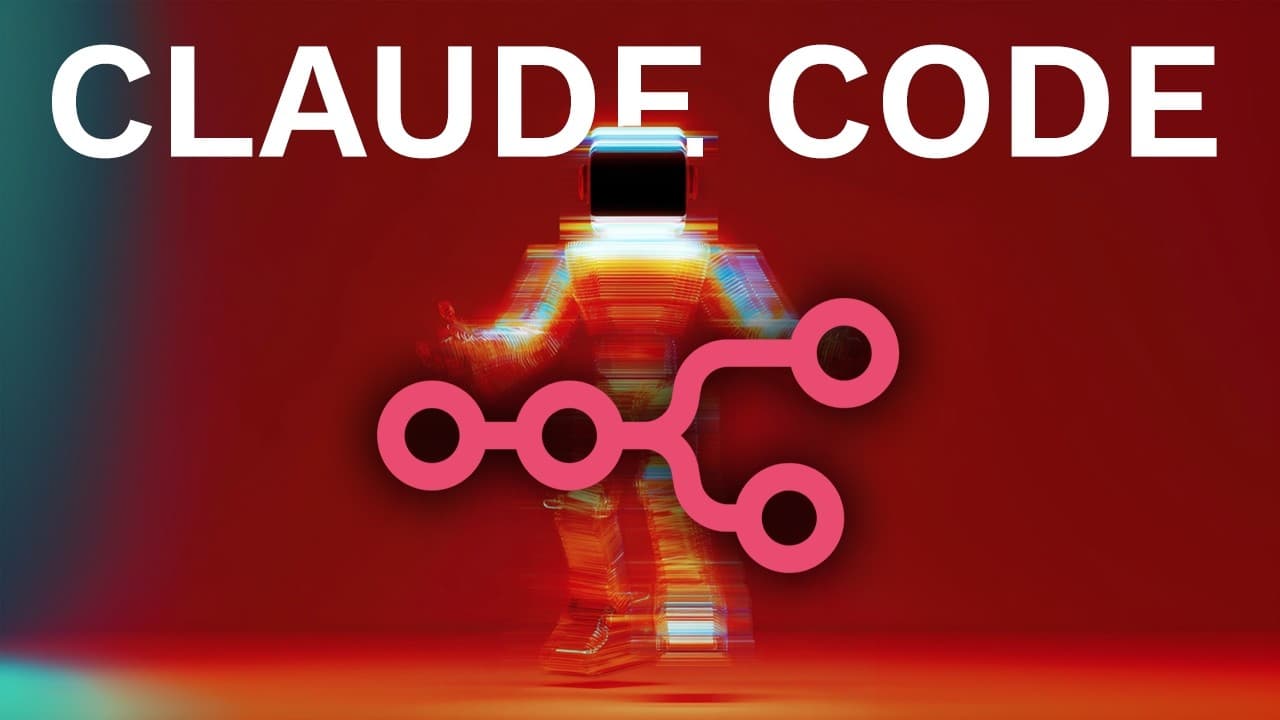
Claude Code enables users to create n8n workflows by typing in plain English, making automation accessible without programming skills. By leveraging MCPS and Hostinger for hosting, users can build reliable, scalable AI agents efficiently. This method surpasses traditional manual configurations, offering a streamlined approach to automation.
Transcript
My name is David Andre and in this video I'll show you how to create any NA10 workflow using cloth code. If you aren't using these tools, you're actually falling behind because I'll show you how to literally type in plain English and get full working automations as an output. And no, you don't have to be a programmer. So the first step is to open c... Read More
Key Insights
- Claude Code allows users to create n8n workflows by typing in plain English, eliminating the need for programming expertise.
- Installing Claude Code requires NodeJS 18 or higher, and it can be set up using a simple terminal command.
- MCPS enhances Claude Code's capabilities, enabling more reliable and up-to-date automation workflows.
- Hostinger offers a cost-effective VPS solution for hosting n8n agents, providing unlimited workflows and executions.
- The integration of MCPS with Claude Code ensures that workflows follow the latest documentation and are tested for accuracy.
- Using MCPS, Claude Code accesses official documentation to create well-structured workflows, akin to expert engineering.
- Vectal, an AI task manager, integrates with these workflows to optimize task management and enhance productivity.
- The video demonstrates the complete process of setting up and testing an n8n automation, showcasing the ease and efficiency of the tools.
Install to Summarize YouTube Videos and Get Transcripts
Explore YouTube Video Summarizer or Get YouTube Transcript Extractor
Questions & Answers
Q: How to install Claude Code for n8n automation?
To install Claude Code, ensure you have NodeJS 18 or higher. Run the installation command in any terminal to set up Claude Code on your machine. This tool allows you to create n8n workflows by typing in plain English, making automation accessible without programming skills. Follow the video for a detailed walkthrough of the installation process.
Q: What is the role of MCPS in Claude Code automation?
MCPS enhances Claude Code's capabilities by enabling it to create more reliable and up-to-date automation workflows. It accesses official documentation to ensure workflows are well-structured and accurate. This integration allows Claude Code to operate similarly to an expert engineer, significantly improving the quality and reliability of n8n workflows.
Q: Why use Hostinger for hosting n8n agents?
Hostinger offers a cost-effective VPS solution for hosting n8n agents, providing unlimited workflows and executions. Unlike other providers that limit the number of agents, Hostinger allows for extensive scalability. The setup is straightforward, with a one-click install template for n8n, making it an ideal choice for hosting automation workflows efficiently.
Q: How does Vectal integrate with n8n workflows?
Vectal, an AI task manager, integrates with n8n workflows to optimize task management. It uses cutting-edge AI models to identify the highest leverage tasks, ensuring users focus on activities that contribute most to their goals. This integration enhances productivity by automating the selection and scheduling of tasks within n8n workflows.
Q: What are the benefits of using Claude Code with MCPS?
Using Claude Code with MCPS provides several benefits, including access to the latest documentation, improved workflow reliability, and the ability to create well-structured automations without programming skills. This combination allows users to build scalable AI agents efficiently, offering a streamlined approach to automation that surpasses traditional manual configurations.
Q: How to test n8n workflows created with Claude Code?
To test n8n workflows created with Claude Code, follow the setup instructions to connect your credentials and import the workflow into n8n. Execute the workflow and monitor its performance to ensure it functions as intended. The video provides a detailed demonstration of the testing process, showcasing the ease and efficiency of this approach.
Q: What is the process for creating a Telegram bot for n8n?
Creating a Telegram bot for n8n involves using the Telegram desktop app and the BotFather. Type '/newbot' to initiate the bot creation process, then follow the steps to connect it to n8n. This setup allows the bot to interact with n8n workflows, enabling automation tasks to be triggered via Telegram messages.
Q: How does Claude Code improve productivity in task management?
Claude Code improves productivity in task management by automating the creation of n8n workflows, allowing users to focus on high-leverage tasks. By integrating with tools like Vectal, it optimizes task selection and scheduling, ensuring users work on activities that contribute most to their goals. This automation reduces manual effort and enhances overall efficiency.
Summary & Key Takeaways
-
Claude Code enables users to build n8n workflows by typing in plain English, requiring no programming skills. By using MCPS, workflows are more reliable and follow the latest documentation, ensuring accuracy. Hostinger provides a cost-effective VPS for hosting n8n agents, offering unlimited workflows and executions, making it an ideal choice for automation hosting.
-
MCPS integration with Claude Code allows access to official documentation, enabling the creation of well-structured workflows similar to expert engineering. Vectal, an AI task manager, further enhances productivity by optimizing task management. The video demonstrates the complete setup and testing of an n8n automation, highlighting the ease and efficiency of these tools.
-
The video illustrates how Claude Code, combined with MCPS and Hostinger, offers a streamlined approach to automation. By leveraging these tools, users can build scalable AI agents efficiently, surpassing traditional manual configurations. This method provides a comprehensive solution for automating repetitive tasks, significantly enhancing productivity and efficiency.
Read in Other Languages (beta)
Share This Summary 📚
Summarize YouTube Videos and Get Video Transcripts with 1-Click
Try YouTube Summary with ChatGPT & Claude or YouTube Transcript Generator
Explore More Summaries from David Ondrej 📚



Summarize YouTube Videos and Get Video Transcripts with 1-Click
Try YouTube Summary with ChatGPT & Claude or YouTube Transcript Generator