How to Build a Powerful Hermes Agent Setup
TL;DR
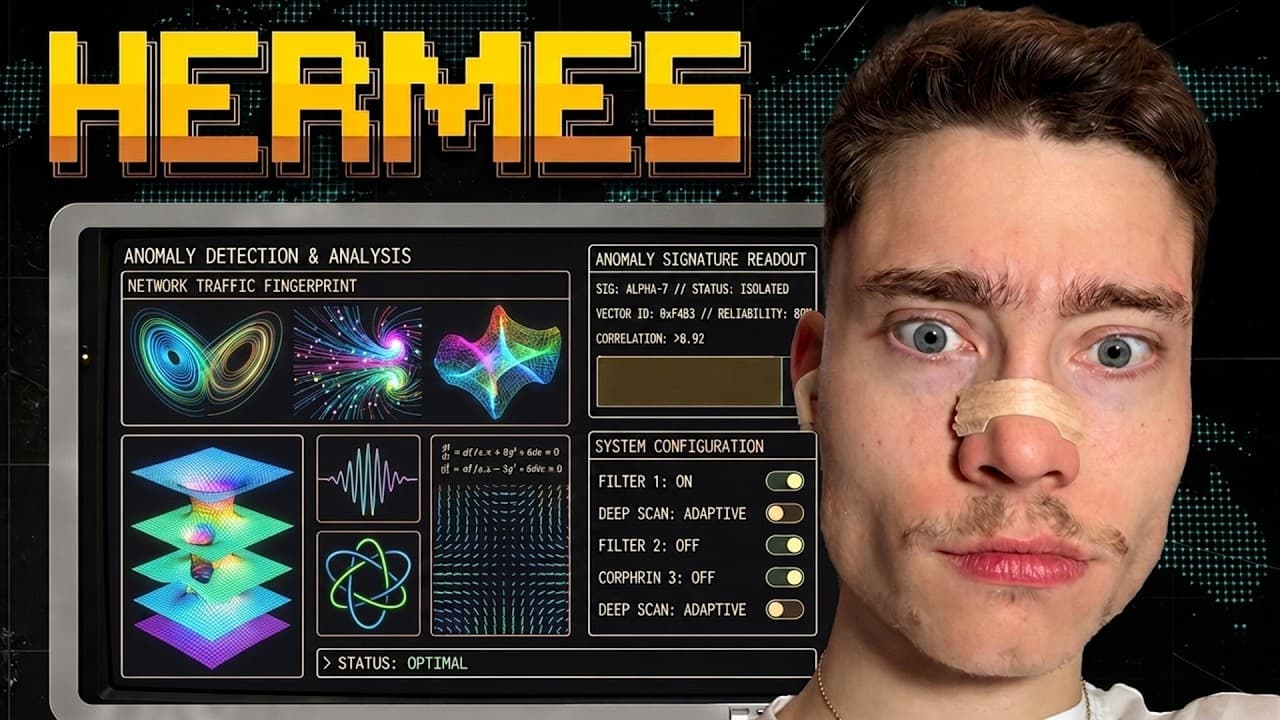
Install Hermes Agent on a dedicated VPS with its quick installer, select an inference provider, add the required credentials, and confirm that chat works. Its capabilities can then be expanded through messaging integrations, skill compaction, scheduled backups, a Kanban board, advanced memory, and an MCP server that lets other coding agents delegate work to it.
Transcript
My name is David Andre and here are the seven levels of Hermes agent. While most people only have a very basic setup, in this video I'm going to show you how to set up Hermes agent so it's actually useful and very very powerful. In the first level, we will go over the fundamentals. I'll show you how to install Hermes agent on a dedicated VPS. In th... Read More
Key Insights
- A dedicated VPS gives Hermes Agent its own continuously available computer and can also host other agents, automations, and full-stack applications. The presenter recommends installing Hermes Agent at the root level through SSH, while noting that Hostinger also offers a Docker-based deployment option for additional security.
- The Hermes Agent quick installer packages the required dependencies into a single command. After connecting to the VPS with its SSH command and root password, the user copies the installer from the official GitHub repository, runs it in the terminal, and proceeds through the guided quick setup.
- The inference provider determines how Hermes Agent accesses an AI model. The setup presents several choices, including Nous Portal, OpenRouter, Anthropic, LM Studio for local private models, and OpenAI Codex, which the presenter says can use an existing ChatGPT subscription to power the agent.
- OpenRouter provides access to many selectable models through one provider. The demonstrated process requires creating an account, adding a small amount of credit, generating an API key, optionally setting a credit limit, and pasting the private key into the terminal without exposing it to other people.
- A successful chat response confirms that the initial Hermes Agent installation is working. In the demonstration, Hermes Agent loads on the VPS with Claude Opus 4.7, displays its available skills, receives a simple greeting, and returns a response, completing the first configuration level.
- Discord integration lets users communicate with Hermes Agent through a familiar messaging service. The setup starts by stopping the active chat process, running the Hermes gateway setup command, selecting Discord, and creating a dedicated application and bot through the Discord developer portal to obtain the required token.
- Hermes Curator is designed to compact autogenerated skills and reduce token usage. It appears as the third level of the tutorial, following the VPS installation and messaging integration, and is presented as a way to make the agent's growing collection of generated skills more efficient.
- Hermes Agent can become a backend by being exposed as an MCP server. This final configuration is intended to let Claude Code, Pi Agent, Codex, and other compatible tools interact with Hermes Agent, build on top of it, and delegate tasks to it as a persistent service.
Install to Summarize YouTube Videos and Get Transcripts
Explore YouTube Video Summarizer or Get YouTube Transcript Extractor
Questions & Answers
Q: How do you install Hermes Agent on a VPS?
Connect to the VPS from a local terminal by copying its SSH command, accepting the connection prompt, and entering the root password. Open the official Hermes Agent GitHub repository, copy its one-line quick installer, and paste that command into the server terminal. After the dependencies finish installing, choose the quick setup and follow the prompts for an inference provider, credentials, and a model.
Q: Why run Hermes Agent on a dedicated VPS?
A dedicated VPS gives Hermes Agent a separate computer where it can continue operating independently of the user's local machine. The presenter also says one KVM2 plan can host Hermes Agent, OpenClaw, Agent Zero, N8N automations, and a full-stack web application. This makes the server a shared environment for agents, automations, and hosted software rather than a single-purpose installation.
Q: Which inference providers can Hermes Agent use?
The guided setup displays multiple ways to access AI, including Nous Portal, OpenRouter, Anthropic, LM Studio, and OpenAI Codex. LM Studio is presented as an option for running models locally and privately. OpenAI Codex is described as allowing an existing ChatGPT subscription to power Hermes Agent, while OpenRouter is selected in the demonstration because it offers access to many models.
Q: How do you configure OpenRouter for Hermes Agent?
Create an OpenRouter account, add some credits, open the API keys section, and generate a new key for the Hermes Agent installation. The presenter names the key for the tutorial, gives it a $30 credit limit, and pastes it into the terminal prompt. The terminal hides the characters because the value is private, and the key should not be shared with anyone.
Q: How can you verify that Hermes Agent is working?
After completing the quick setup, launch the chat interface and send Hermes Agent a simple message. The demonstration selects Claude Opus 4.7 through OpenRouter, opens the agent, displays the available skills, and sends “Hey.” Hermes Agent returns a successful response, which confirms that the VPS installation, provider credentials, selected model, and basic chat path are functioning together.
Q: How do you connect Hermes Agent to Discord?
Stop the currently running Hermes Agent chat process with Ctrl+C, clear the terminal if desired, and run the Hermes gateway setup command. Select Discord from the available messaging integrations. Hermes Agent then provides the Discord developer portal address and asks for a bot token. In the portal, create a new application and a dedicated bot for the Hermes Agent setup, then provide the required token.
Q: What does Hermes Curator do?
Hermes Curator compacts the skills that Hermes Agent generates automatically. The tutorial places this feature at the third level, after the foundational VPS installation and the Discord messaging connection. Its stated purpose is to save tokens, making the agent's skill system more economical as generated skills accumulate. The provided transcript introduces this stage but does not include its detailed configuration steps.
Q: How can Hermes Agent support automation and other coding agents?
Hermes Agent can use automations and cron jobs to perform scheduled work, including backing itself up to GitHub every day. Its built-in Kanban board can visually show task progress and organize tasks across different stages. At the final level, it can be exposed as an MCP server so Claude Code, Pi Agent, Codex, and other compatible clients can interact with it and delegate tasks.
Summary & Key Takeaways
-
The setup begins with a dedicated VPS so Hermes Agent can operate on its own computer. After connecting to the server through SSH, the quick installer adds the required dependencies. The guided configuration then lets the user choose an inference provider, enter credentials, select a model, and test the installation through chat.
-
The tutorial uses OpenRouter as the inference provider because it offers access to many models, although the setup also lists options such as Nous Portal, Anthropic, LM Studio, and OpenAI Codex. The presenter selects Claude Opus 4.7, adds an OpenRouter API key with a credit limit, and verifies that Hermes Agent responds successfully.
-
The seven-level roadmap extends the basic installation with Discord access, Hermes Curator, cron-based GitHub backups, a visual Kanban board, holographic memory, and MCP exposure. Each stage builds on the preceding configuration, moving Hermes Agent from a basic VPS installation toward a persistent backend that other coding agents can use for delegated tasks.
Read in Other Languages (beta)
Share This Summary 📚
Summarize YouTube Videos and Get Video Transcripts with 1-Click
Try YouTube Summary with ChatGPT & Claude or YouTube Transcript Generator
Explore More Summaries from David Ondrej 📚


Summarize YouTube Videos and Get Video Transcripts with 1-Click
Try YouTube Summary with ChatGPT & Claude or YouTube Transcript Generator