How to Build Reliable Claude Skills for Work
TL;DR
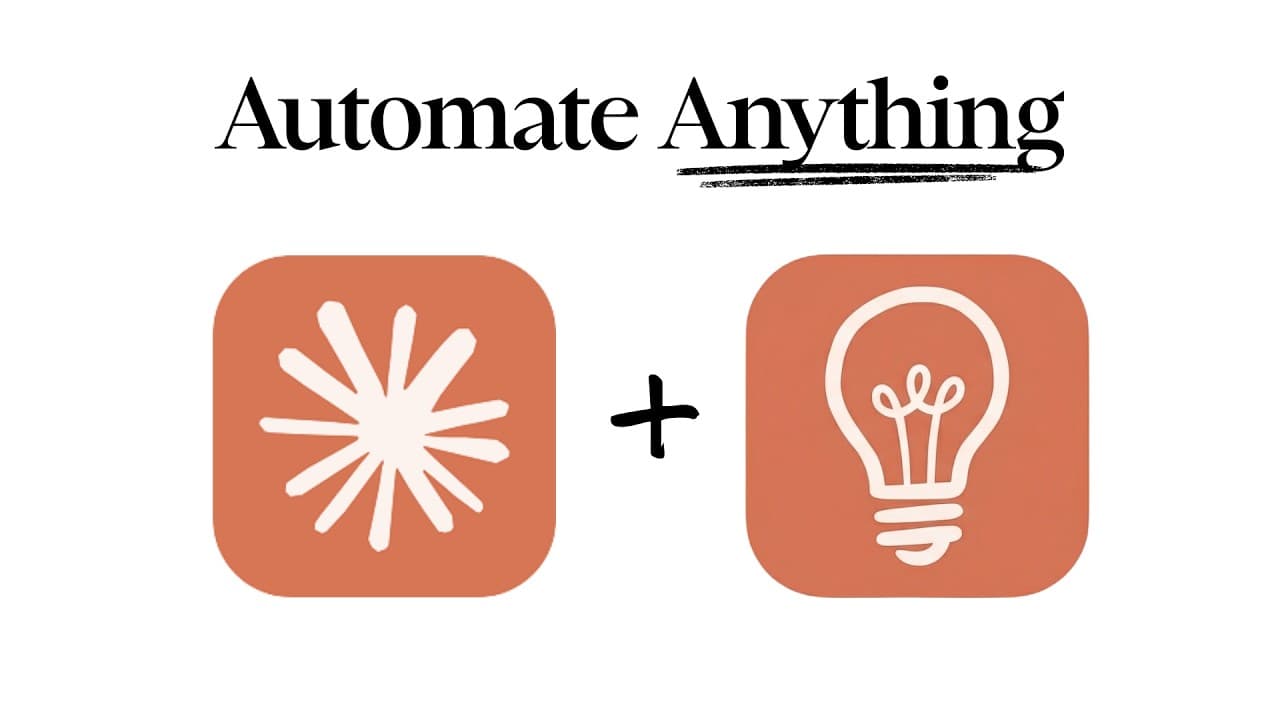
Claude skills work best as reusable instruction manuals that define goals, steps, tools, standards, and triggering conditions for a specific workflow. The Skill Creator plugin helps build, test, refine, and validate those instructions, while global storage makes approved skills available across Claude environments for consistent business tasks such as SEO optimization, document creation, and client processes.
Transcript
Anthropic have just released Claude Skills 2.0, which are AI employees that will automate your work, if you know though how to set them up correctly. Now, most people just scratched the surface when it comes to skills. But in this video, I'm going to show you exactly how to set them up from scratch and five practical business use cases that you wou... Read More
Key Insights
- Claude skills are instruction manuals that define goals, steps, tools, and standards for completing work according to a user’s preferred process. They function like onboarding documentation, giving Claude task-specific knowledge and rules that the underlying language model may not possess independently.
- Skill observability is a central improvement because users can see whether Claude engaged the intended skill and how it performed. This visibility addresses the earlier black-box problem of not knowing whether instructions were triggered or whether the resulting work met the expected standard.
- Claude skills are portable, stackable, and shareable across supported parts of Anthropic’s ecosystem. A workflow can combine multiple skills, while teams can distribute the same instructions to encourage consistent outputs and shared operating standards across repeated tasks.
- Capability-uplift skills fill gaps in tasks that the underlying model does not perform well, such as PDF completion, front-end design, or presentation creation. These skills may become unnecessary when a newer model performs the same task better without specialized instructions.
- Encoded-preference skills preserve an organization’s specific way of working, including NDA review checklists, code review procedures, and client onboarding sequences. These workflows remain useful even when model capabilities improve because their value comes from custom preferences rather than general technical ability.
- The Skill Creator tests a proposed skill against Claude’s baseline ability before finalizing it. The testing process identifies what worked, surfaces weaknesses, and supports conversational refinement so the saved skill is intended to add value beyond an unassisted model response.
- Skill design begins with clear triggering conditions and output requirements. Users should explain when the skill should activate, what inputs it will receive, which subject areas matter, what responsibilities Claude should handle, and what the completed output should look like.
- Global skill storage makes an approved workflow reusable across Claude applications and environments. After testing and approval, the user can ask Claude to create the skill, name it, and save its files in the global skills directory for future access.
Install to Summarize YouTube Videos and Get Transcripts
Explore YouTube Video Summarizer or Get YouTube Transcript Extractor
Questions & Answers
Q: What is a Claude skill and how does it work?
A Claude skill is a reusable instruction manual that tells Claude how to perform a particular workflow. It can define the goal, required steps, available tools, quality standards, triggering conditions, and expected output. The skill captures expert knowledge or business preferences that Claude may not otherwise know, allowing repeated tasks to follow a more consistent and organization-specific process.
Q: How do you create a Claude skill with Skill Creator?
Install the Skill Creator plugin through Claude’s plugin interface, enable it, and restart the environment if necessary. Invoke Skill Creator, describe the workflow you want, and answer its questions about triggers, inputs, priorities, and output format. Ask it to test the proposed instructions with a sample, review the results, request refinements, and approve creation only when the output meets your needs.
Q: How can you tell whether a Claude skill is working?
The updated skill workflow provides information about whether Claude triggered the intended skill and how the skill performed. This helps resolve the earlier uncertainty around skills behaving like a black box. Users can examine test results, compare the skill’s work with Claude’s baseline ability, review successful changes, and identify weaknesses that should be corrected before saving the workflow.
Q: What is the difference between capability and preference skills?
A capability-uplift skill helps Claude perform a task that the underlying model does not handle well, such as filling PDFs, creating presentations, or producing front-end designs. An encoded-preference skill documents a user’s particular workflow, such as an NDA checklist or client onboarding sequence. Capability skills may become obsolete, while preference skills remain valuable because they preserve custom standards.
Q: How should a Claude skill be tested before approval?
A proposed skill should be run against a representative sample that reflects the work it will receive. Claude can assess what the skill handled well, identify areas requiring adjustment, and compare the result with its natural baseline ability. The user should review both the final artifact and the explanation of changes, then refine the instructions conversationally before approving and saving the skill.
Q: How does the SEO optimization skill revise an article?
The SEO example accepts an article and handles optimization responsibilities requested by the user. It can produce a revised article with SEO metadata, add useful explanatory sections, organize a change log by category, and review elements such as the heading and URL slug. The output also shows the original material, allowing the user to inspect what changed before approving the reusable skill.
Q: Why should Claude skills be saved globally?
Saving a completed skill in the global skills directory makes the approved workflow available beyond the immediate project or conversation. The transcript presents global storage as the step that supports use across Claude applications. This allows the same tested instructions, assets, triggering conditions, and quality standards to be reused without rebuilding the workflow each time it is needed.
Q: What business tasks can Claude skills automate?
The provided examples include SEO optimization, infographic generation, lead magnet creation, retrieval-based database building, invoice generation, and competitive intelligence. The transcript also mentions NDA review, code review, client onboarding, PDF completion, front-end design, and presentation creation. These tasks illustrate how skills can encode either missing capabilities or a business’s preferred process for repeated work.
Summary & Key Takeaways
-
Claude skills capture expert knowledge and operating standards in reusable instructions. They can reduce repetitive work, enforce business rules, support compliance, and produce more consistent results. The updated workflow addresses uncertainty by helping users determine whether a skill is being triggered and whether its output improves on Claude’s baseline performance.
-
The setup process begins by installing and enabling the Skill Creator plugin in a Claude development environment. Users then describe the desired task, triggering conditions, important subject areas, and output format through conversation. Claude turns those requirements into a proposed goal, workflow, checks, assets, and testable definition for the skill.
-
An SEO optimization example shows the complete development cycle. Claude asks clarifying questions, revises a sample article, adds metadata, records changes by category, and identifies possible improvements. After the user approves the result, Claude creates the skill and saves it in the global skills directory for reuse across supported Claude applications.
Read in Other Languages (beta)
Share This Summary 📚
Summarize YouTube Videos and Get Video Transcripts with 1-Click
Try YouTube Summary with ChatGPT & Claude or YouTube Transcript Generator
Explore More Summaries from Jack Roberts 📚


Summarize YouTube Videos and Get Video Transcripts with 1-Click
Try YouTube Summary with ChatGPT & Claude or YouTube Transcript Generator