How to Fine-Tune a Local Mistral 7B Model Step by Step
TL;DR
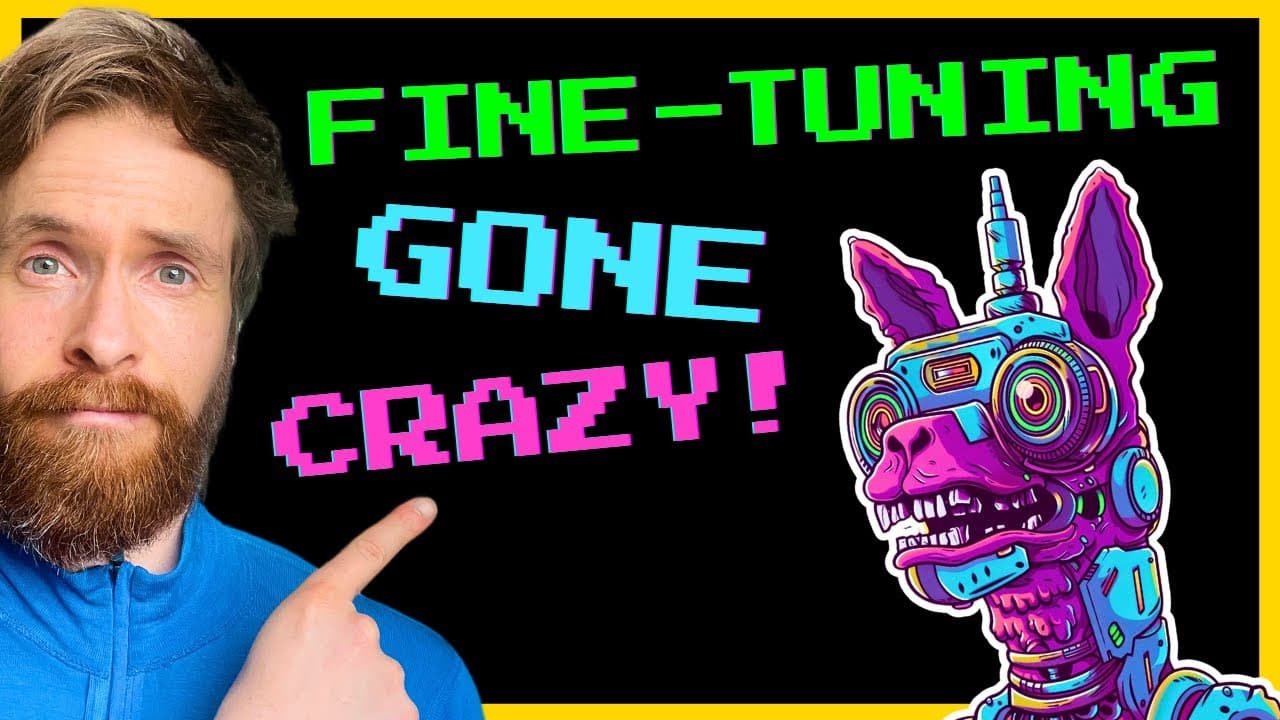
To fine-tune a local Mistral 7B model, begin by creating a dataset using a Python script, formatting it to JSONL, and uploading it to the Together AI platform. After running a fine-tuning job, download the model and convert it into a usable format like GGUF for integration with LM Studio.
Transcript
today we are going to find tune a mistal 7B model step by step we're going to generate our data set using our local model then we're going to use the together AI platform to actually do the fine tuning job then we're going to download the model we're going to turn it into a format we can actually use upload it to LM studio and test it out so let's ... Read More
Key Insights
- 😑 Fine-tuning a pre-trained model like Mistal 7B can enhance its performance for specific applications.
- ❓ Creating a dataset with appropriate examples is crucial for successful fine-tuning.
- 🏃 Together AI platform provides a convenient interface for uploading datasets and running fine-tuning jobs.
- 👻 Conversion of the fine-tuned model into a usable format, such as GG UF, allows for integration with other tools and frameworks.
Install to Summarize YouTube Videos and Get Transcripts
Explore YouTube Video Summarizer or Get YouTube Transcript Extractor
Questions & Answers
Q: What is the purpose of fine-tuning a Mistal 7B model?
Fine-tuning a Mistal 7B model allows for customization and optimization of the model's performance on specific tasks or datasets. It can improve the model's accuracy and make it more specialized for a particular application.
Q: How is the dataset created for fine-tuning?
The dataset is created using a Python script that randomly feeds the model with a list of questions. The model responds in a specific format, and the examples are saved to text files for further processing.
Q: How is the dataset formatted to Json L?
A separate Python script is used to convert the text files containing examples into Json L format. Each line in the resulting Json L file represents one example, with user input and model response.
Q: How is the fine-tuning job executed on Together AI?
The Json L file is uploaded to the Together AI platform, and a fine-tuning job is initiated using the Mistal 7B model. The job runs for a specified duration, and the model's performance improves via fine-tuning on the provided dataset.
Q: How is the fine-tuned model converted into a usable format?
The fine-tuned model is converted into a GG UF format using the Llama CPP tool. This format allows the model to be used in LM Studio and other applications.
Summary & Key Takeaways
-
The video provides an overview of the process of fine-tuning a Mistal 7B model using a local dataset and the Together AI platform.
-
The content covers creating a dataset, formatting it to Json L, uploading it to Together AI, running the fine-tuning job, downloading the model, and converting it into a usable format.
-
The video also discusses testing the model on the Together AI platform and locally in LM Studio.
Read in Other Languages (beta)
Share This Summary 📚
Summarize YouTube Videos and Get Video Transcripts with 1-Click
Try YouTube Summary with ChatGPT & Claude or YouTube Transcript Generator
Explore More Summaries from All About AI 📚




Summarize YouTube Videos and Get Video Transcripts with 1-Click
Try YouTube Summary with ChatGPT & Claude or YouTube Transcript Generator