How to learn JavaScript via 6 hours of projects
TL;DR
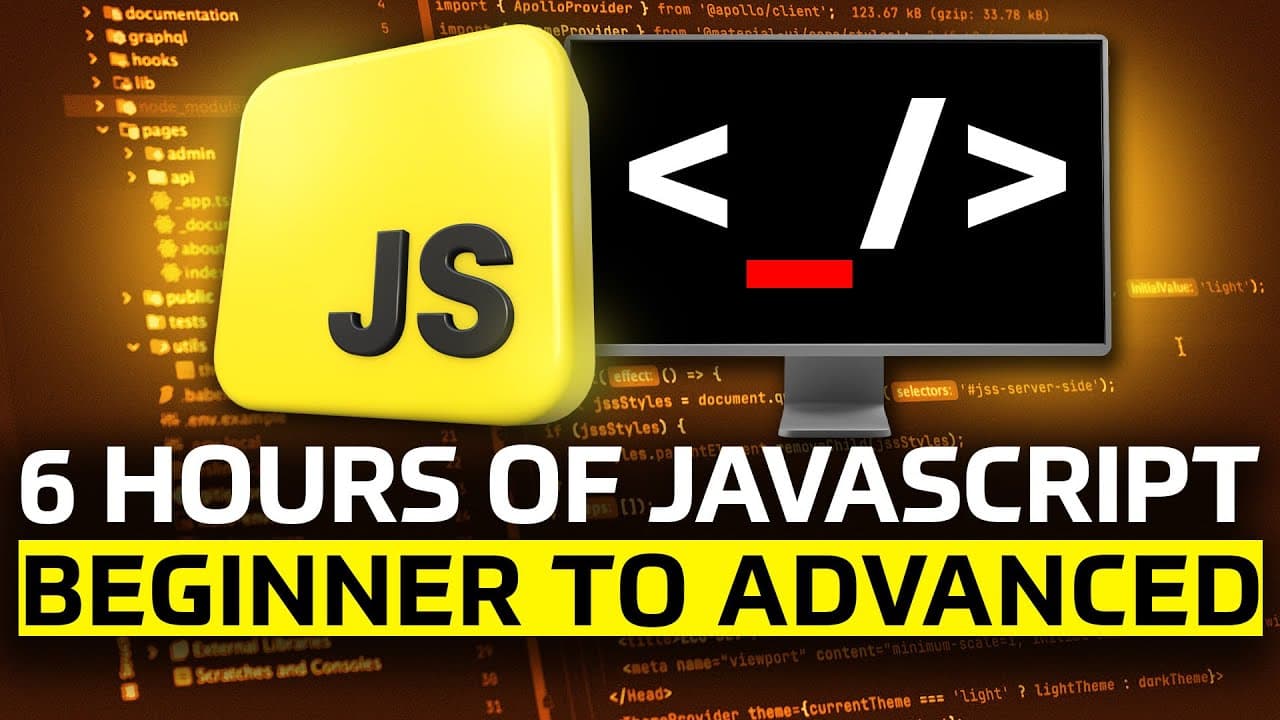
The video bundles 15 hands-on JavaScript projects spanning beginner to advanced, packaged into six hours of content. It emphasizes choosing projects that interest you, then following along from setup to coding, testing, and deployment. It also promotes Sevalla as a platform for deploying apps and pages after building them.
Transcript
This video features over six hours of hands on JavaScript content. It's organized into 15 projects ranging from beginner to advanced, and you'll find the timestamps down below, along with all of the links to code and resources for the various projects. Now, these projects are curated from past videos on this channel and I compiled them all into one... Read More
Key Insights
- 15 projects are included, covering a range from beginner to advanced.
- Projects are organized with timestamps and resource links for easy navigation.
- The content guides you from installation to running JavaScript in a terminal.
- Node.js is presented as a tool to execute JavaScript outside a browser.
- Visual Studio Code is recommended as the code editor for the workflow.
- The video shows how to install a package with npm install prompt-sync for user input.
- A practical quiz game project is introduced as a hands-on example.
- Sevalla is promoted as a modern deployment platform with global regions and edge delivery.
Install to Summarize YouTube Videos and Get Transcripts
Explore YouTube Video Summarizer or Get YouTube Transcript Extractor
Questions & Answers
Q: A real search query question about the video (e.g. 'How to...', 'What is...', 'Why does...', 'When should...'). Question 1
How can I start learning JavaScript with 15 projects in one long video? The video walks you through setting up Node.js and Visual Studio Code, creating a folder, adding a JavaScript file, and running it in the terminal. It emphasizes following along with hands-on projects, using resources and timestamps for each step, and selecting projects by interest.
Q: Question 2
Why does the video advocate starting with a beginner to advanced project mix? It explains that the compilation covers a spectrum so learners build real experience, gradually tackling more complex tasks. By choosing projects based on interest, you can stay motivated while expanding practical skills from basics to more challenging concepts.
Q: Question 3
What initial tools are recommended to run JavaScript outside a browser according to the video? The tutorial shows Node.js as the runtime and Visual Studio Code as the editor. It includes downloading Node.js, installing VSCode, and opening a project folder, then creating and saving a script.js file to run with node script.js.
Q: Question 4
How does the video illustrate getting user input in JavaScript projects? It demonstrates installing a package named prompt-sync via npm install prompt-sync, then requiring it in the code to enable console input. This step is part of building interactive projects such as quizzes without HTML interfaces.
Q: Question 5
What deployment option is suggested after building projects in the video? Sevalla is introduced as a platform for deploying apps, static sites, databases, and object storage. It emphasizes features like global regions, edge network delivery, no seat licenses, unlimited collaborators, and usage based pricing, positioning it as a modern deployment choice.
Q: Question 6
What does the video recommend about project organization during the learning process? It advises creating a new folder on the desktop, opening it in the editor, and saving scripts with a .js extension. The workflow also includes using the terminal to run JavaScript files, reinforcing a practical, hands-on approach.
Q: Question 7
How does the video help you verify your Node.js setup? It instructs running the script with node followed by the file name, and showing that a simple console.log output like hello confirms the environment is configured correctly. If issues arise, it suggests researching fixes for the installation.
Q: Question 8
What resources accompany the video to support learning? The description lists download links for Node.js and VSCode, plus code downloads for several mini projects hosted on GitHub. It emphasizes accessing these resources and the project-specific code to follow along and replicate the tutorials.
Summary & Key Takeaways
-
The video compiles 15 JavaScript projects across beginner to advanced levels, designed to be followed in one long session. It helps you choose projects based on interest and provides links and timestamps for each project. The content is practical and project-driven to build real coding experience.
-
The host explains setup steps including installing Node.js and Visual Studio Code, opening a project folder, creating a JavaScript file, and running code via the terminal, giving a concrete path from zero to a runnable project.
-
The sponsor Sevalla is introduced as a platform for deploying apps, static sites, and databases with features like multiple regions, edge network, and usage based pricing, framed as a modern PaaS alternative for developers.
Read in Other Languages (beta)
Share This Summary 📚
Summarize YouTube Videos and Get Video Transcripts with 1-Click
Try YouTube Summary with ChatGPT & Claude or YouTube Transcript Generator
Explore More Summaries from Tech With Tim 📚


Summarize YouTube Videos and Get Video Transcripts with 1-Click
Try YouTube Summary with ChatGPT & Claude or YouTube Transcript Generator