How to Save Disk Space by Transcoding Media Files?
TL;DR
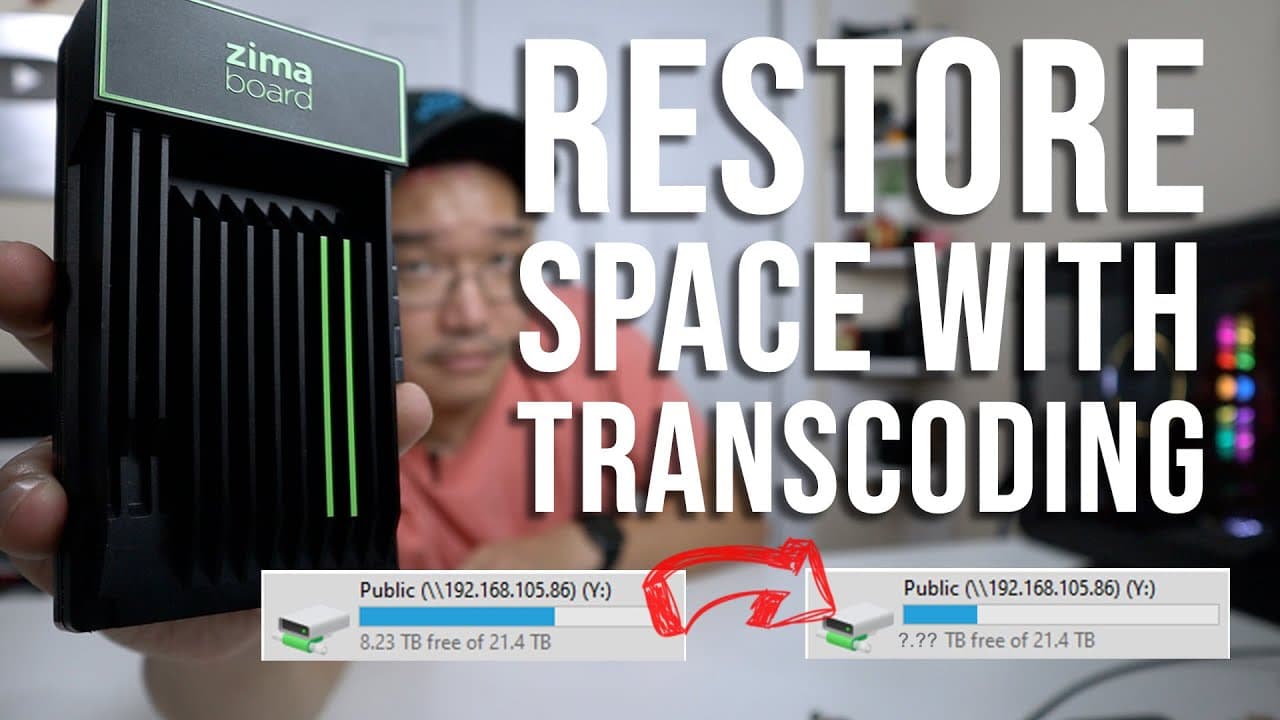
Transcoding media files from h.264 to h.265 using the Zima board can free up to 500 gigabytes of storage while maintaining video quality. This process not only reduces file sizes by 30-40% but also improves streaming efficiency. The Zima board is particularly effective for this task due to its power efficiency and built-in GPU capabilities.
Transcript
hey guys what's going on it's Don here from Nova Spirit techno welcome back to the channel and I got a really cool project for you guys today it's something I really recommend you guys doing which is transcoding all your media now I'm going to be using the Zima board for this so let's get started so over the years of doing YouTube I actually collec... Read More
Key Insights
- 👾 Transcoding to h.265 saves significant storage space while maintaining equivalent video quality, making it ideal for media archives.
- 👻 The Zima board is designed for efficient transcoding, allowing users to leverage its built-in GPU for faster processing at low power consumption levels.
- 🛩️ The author suggests that transcoding also improves the streaming experience due to smaller file sizes, which can be beneficial for network bandwidth.
- 🥺 Properly setting up transcoding software may require research and experimentation, as immediate implementation can lead to confusion without prior knowledge.
- 👻 Using a system like the Zima board allows for the possibility of configuring a transcoding cluster, enhancing processing capabilities with multiple devices.
- 👤 Users must adequately assign CPU and GPU resources for effective transcoding to avoid performance lag and ensure successful file processing.
- 👤 The software discussed is not inherently user-friendly, indicating a need for advanced users to navigate installation and configuration hurdles.
Install to Summarize YouTube Videos and Get Transcripts
Explore YouTube Video Summarizer or Get YouTube Transcript Extractor
Questions & Answers
Q: What is transcoding, and why is it important for media files?
Transcoding entails converting media files from one format to another, specifically from h.264 to h.265 in this case, which reduces file sizes without compromising quality. It's essential for optimizing storage use, enhancing streaming performance, and ensuring compatibility with various devices.
Q: Why does the author prefer the Zima board over a Raspberry Pi for transcoding tasks?
The author finds the Zima board superior because it has integrated capabilities for efficient transcoding, notably the Intel GPU for hardware handling, which outperforms the limited CPU prowess of a Raspberry Pi. Additionally, the Zima board’s low power consumption makes it a more economical choice for large volumes of video transcoding.
Q: How much storage savings can be achieved through the transcoding process described in the video?
The author reports saving approximately 500 gigabytes of space after transcoding around 2,500 files. They estimate that by continuing this process on additional archives, they may ultimately reclaim around one to two terabytes of storage space.
Q: What challenges were encountered during the transcoding setup?
The author faced challenges in setting up the transcoding environment, particularly with the Docker installation and ensuring the appropriate drivers were installed for the Intel GPU. They highlight the need for thorough documentation and troubleshooting for a successful setup.
Summary & Key Takeaways
-
The content demonstrates how to transcode media files from h.264 to h.265 using the Zima board, significantly reducing file sizes.
-
The author emphasizes the advantages of using the Zima board over a Raspberry Pi for transcoding due to its efficient power usage and capabilities.
-
The video also highlights the importance of transcoding for easier media management and faster streaming capabilities on networks.
Read in Other Languages (beta)
Share This Summary 📚
Summarize YouTube Videos and Get Video Transcripts with 1-Click
Try YouTube Summary with ChatGPT & Claude or YouTube Transcript Generator
Explore More Summaries from Novaspirit Tech 📚






Summarize YouTube Videos and Get Video Transcripts with 1-Click
Try YouTube Summary with ChatGPT & Claude or YouTube Transcript Generator