How to Create a Digital Hall Pass with Microsoft Forms
TL;DR
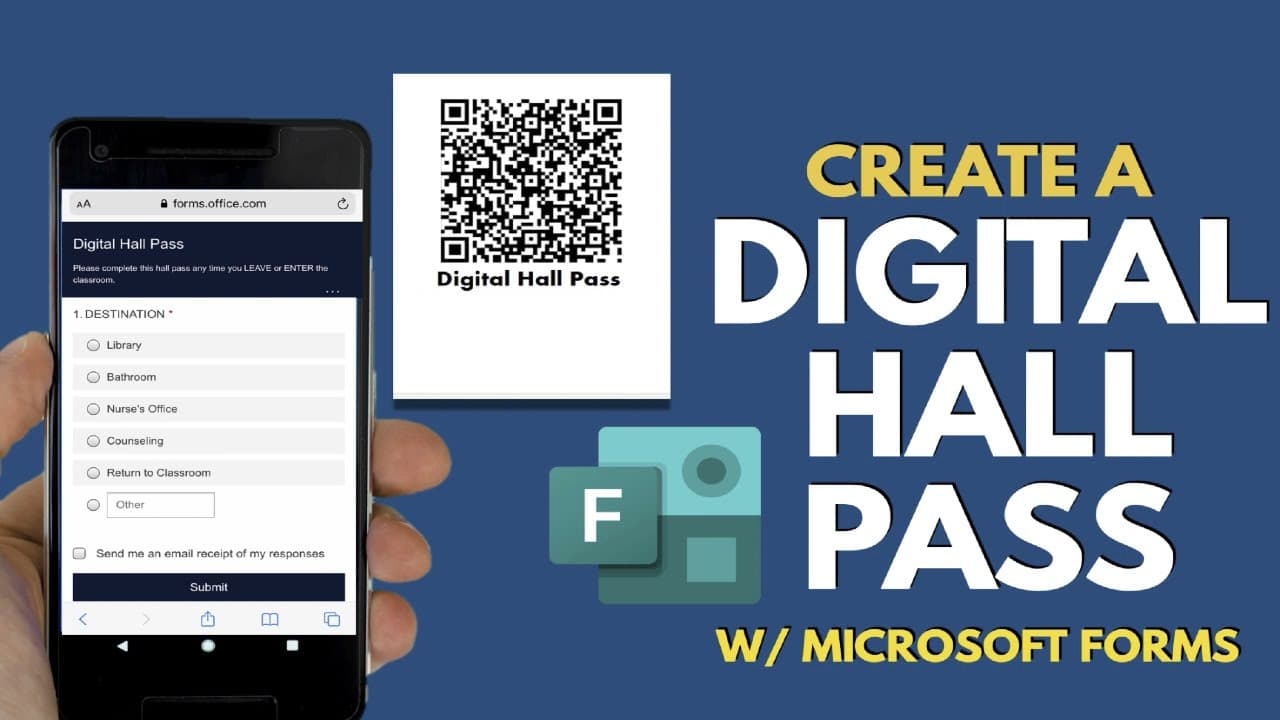
To create a digital hall pass using Microsoft Forms, set up a form where students can input their name and destination after scanning a QR code. The submissions feed into an Excel spreadsheet, allowing real-time tracking of student movements, including timestamps for departures and returns. This system enhances organization and accountability in managing student transitions.
Transcript
in this video learn how to create a digital hall pass using microsoft forms before i show you how to set it up let's explore how the digital hall pass works teachers or schools will display a hall pass poster with the qr code printed on it students will scan the qr code with their phone to launch a microsoft form then they'll complete the form noti... Read More
Key Insights
- 😒 The digital hall pass system uses Microsoft Forms and Excel to track student movements in real time.
- 😫 Creating a digital hall pass involves setting up a form with fields for student name and destination choice.
- 🧑🎓 The system generates a QR code that can be used to create a poster for easy scanning by students.
- 🧑🎓 The Excel spreadsheet records the time and details of student departures and returns.
- ❓ The spreadsheet can be shared with colleagues or staff for collaboration.
- 💁 Teachers can sort the information in the spreadsheet to find specific student data for specific dates.
- 💌 Requiring students to sign in to the school domain is an option for automatic recording of their name and email.
Install to Summarize YouTube Videos and Get Transcripts
Explore YouTube Video Summarizer or Get YouTube Transcript Extractor
Questions & Answers
Q: How does the digital hall pass system work?
Students scan a QR code on a hall pass poster, complete a Microsoft Form noting their destination, and the information gets sent to an Excel spreadsheet for tracking.
Q: Can teachers check if students have correctly scanned the QR code?
Yes, teachers can check the Excel online form to ensure that students have correctly scanned the QR code before giving them permission to leave the classroom.
Q: Is it necessary to require students to sign in to the school domain to use the digital hall pass?
Requiring students to sign in to the school domain is an option to automatically record their name and email, but it's not necessary. Teachers can choose to include separate first and last name fields in the form.
Q: How can the digital hall pass spreadsheet be shared with others?
The Excel spreadsheet can be shared with colleagues or clerical staff by granting access to it. This allows others to track student movements and view information about departures and returns.
Summary & Key Takeaways
-
Teachers or schools can create a digital hall pass using Microsoft Forms, where students scan a QR code and fill out a form to note their destination.
-
The information from the form gets sent to an Excel spreadsheet, allowing teachers to track student movements in real time.
-
The spreadsheet can be shared with colleagues and sorted to find specific student information for specific dates.
Read in Other Languages (beta)
Share This Summary 📚
Summarize YouTube Videos and Get Video Transcripts with 1-Click
Try YouTube Summary with ChatGPT & Claude or YouTube Transcript Generator
Explore More Summaries from EdTech Hustle 📚




![Keynote: Remove The Background of Any Photo [Using Instant Alpha] thumbnail](/_next/image?url=https%3A%2F%2Fi.ytimg.com%2Fvi%2F0Ji-uTffzJE%2Fhqdefault.jpg&w=750&q=75)

Summarize YouTube Videos and Get Video Transcripts with 1-Click
Try YouTube Summary with ChatGPT & Claude or YouTube Transcript Generator