How to Install a GPU and Ubuntu on QNAP TS-464 NAS
TL;DR
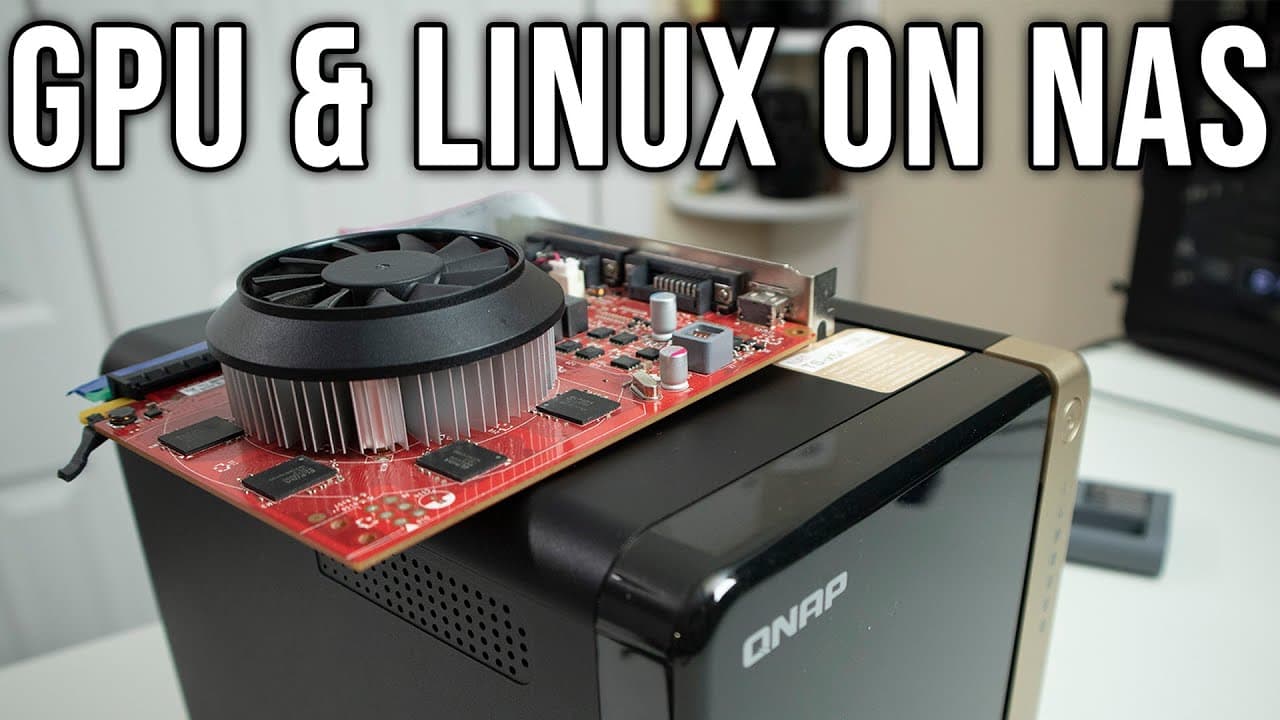
You can convert a QNAP TS-464 NAS into a desktop by installing a GPU and Ubuntu. While it supports a GT 1030 graphics card without issues, higher-end GPUs like the GTX 750 Ti face power limitations. The installation also allows for RAM and NVMe upgrades, making it versatile for light computing tasks.
Transcript
hey guys what's going on it's don here from nova spare tech and welcome back to our channel and today we're going to be checking out the qnap ts464 and we're going to be doing something a little bit different this time and install a graphic card on here and see if we can run it as a desktop so let's get started now as you may know qnus been a long ... Read More
Key Insights
- 👻 The QNAP TS464's design supports easy upgrades, allowing users to access RAM and NVMe slots without complete disassembly.
- 🪛 The device's quick-release hard drive trays facilitate seamless storage upgrades while reducing the need for screws and complex installation processes.
- ❤️🩹 The performance of the TS464 as a desktop is hampered by the limitations of the PCIe power delivery, particularly for higher-end graphics cards.
- 😚 The operating system installed on the TS464 can be switched without losing access to the original firmware, making it versatile for different applications.
- 👤 Users can expect some performance variation when utilizing external graphics versus onboard solutions, impacting tasks like video playback and gaming.
- 👻 Functionality like HDMI support allows the TS464 to operate as a media station, enhancing its appeal beyond traditional NAS characteristics.
- 🙂 The video illustrates that, despite power constraints, the TS464 can serve as a functional desktop alternative for light computing tasks.
Install to Summarize YouTube Videos and Get Transcripts
Explore YouTube Video Summarizer or Get YouTube Transcript Extractor
Questions & Answers
Q: What inspired the presenter to modify the QNAP TS464?
The presenter wanted to explore the possibility of transforming a typical NAS device into a desktop system. By installing a graphics card, they aimed to demonstrate the versatility of the QNAP TS464, showcasing its hardware capabilities, and offering insights into alternative uses for NAS systems.
Q: What are the hardware specifications of the QNAP TS464?
The QNAP TS464 features an Intel N5105 CPU, with configurations allowing for RAM upgrades and NVMe storage. The device includes ports for 2.5 Gigabit Ethernet, USB connections, and HDMI for connecting to monitors or TVs, which enhances its potential as a desktop replacement.
Q: What challenges were encountered when installing the graphics card?
The presenter faced issues with the power draw required for certain graphics cards. While the GT 750 Ti was too demanding, a GT 1030 functioned properly, illustrating the limitations of the PCIe slot and the necessity of using lower-power graphics solutions for this model.
Q: Can the QNAP TS464 support multiple operating systems?
Yes, the QNAP TS464 supports dual booting, allowing users to install different operating systems while preserving the original firmware on a flash drive. This feature enables flexible usage, such as utilizing Ubuntu or other Linux distributions, depending on user needs.
Summary & Key Takeaways
-
The presenter explores the capabilities of the QNAP TS464 by attempting to install a graphics card, turning it into a desktop system. This includes detailed reviews of the hardware features and design.
-
The process involves upgrading RAM and installing an NVMe drive, culminating in an experiment to run different operating systems like Ubuntu while evaluating the performance of various graphic cards.
-
Despite challenges with power limitations from the PCIe slot, the presenter successfully runs the TS464 with a GT 1030 graphics card, indicating potential for desktop use.
Read in Other Languages (beta)
Share This Summary 📚
Summarize YouTube Videos and Get Video Transcripts with 1-Click
Try YouTube Summary with ChatGPT & Claude or YouTube Transcript Generator
Explore More Summaries from Novaspirit Tech 📚






Summarize YouTube Videos and Get Video Transcripts with 1-Click
Try YouTube Summary with ChatGPT & Claude or YouTube Transcript Generator