How to Create Effective Maps of Content for Ideas
TL;DR
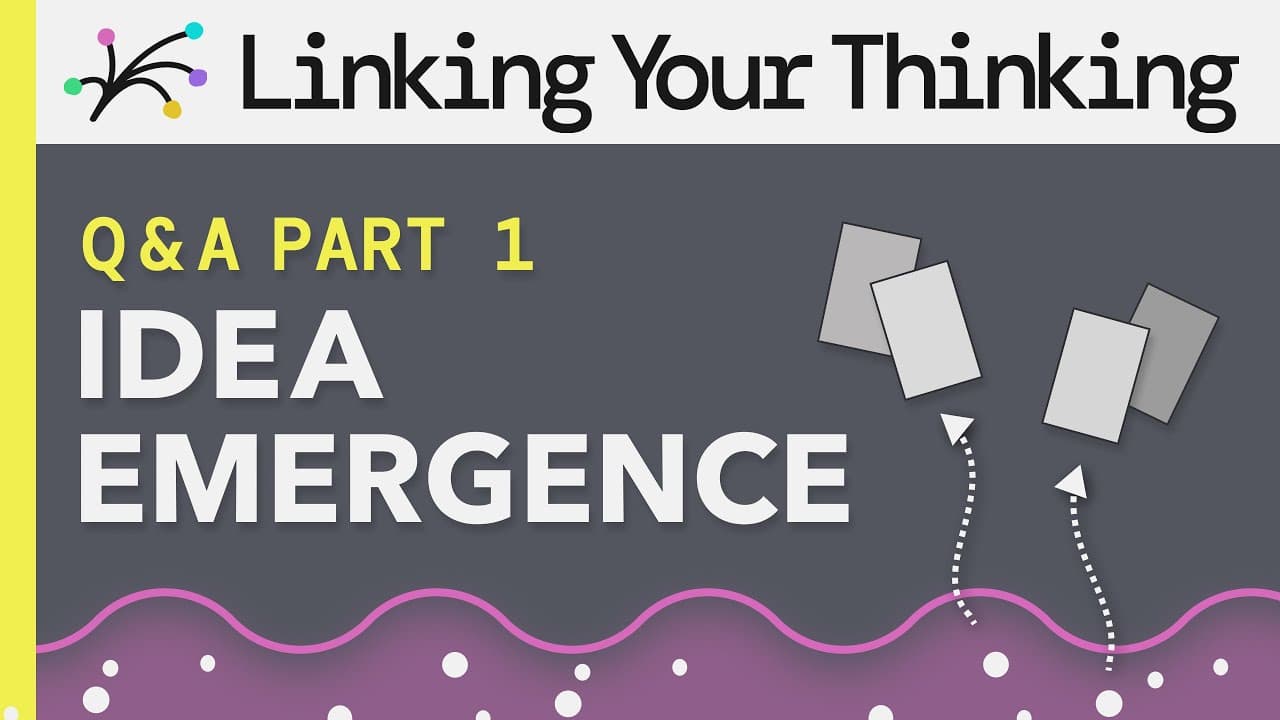
To create effective maps of content, start with a new note and allow ideas to emerge organically as you connect related thoughts. When reaching a 'mental squeeze point' due to information overload, it's time to create a map to organize and manage your notes better. This approach enhances knowledge management using tools like Obsidian and Rome.
Transcript
what are the steps to creating a map of content bogdan asked um there are a few steps uh and i want to talk about that because that's really important and i how did i miss this folders folders are top down so like if you always had to go to the home note before you did anything if you had to do that that would be rigid and it would be a top-down it... Read More
Key Insights
- 😀 With link-based apps like Obsidian and Rome, knowledge management becomes more flexible and fluid, allowing for bottom-up thinking.
- 👻 Creating maps of content helps organize related notes and allows for easier recall and retrieval of information.
- 😥 The mental squeeze point is an important aspect of the content mapping process, indicating when it's time to create a map to offload cognitive burden.
- 🍁 The Dewey decimal system can serve as inspiration for organizing maps of content, though without the rigidity of decimals.
- ❓ Overstructuring, overnumbering, and overtagging can hinder the flexibility and fluidity of knowledge management systems.
- 💪 A strong naming system and purpose descriptions in home notes can help future-proof the organization of maps of content.
Install to Summarize YouTube Videos and Get Transcripts
Explore YouTube Video Summarizer or Get YouTube Transcript Extractor
Questions & Answers
Q: What are the different ways to approach creating a map of content?
There are two ways - starting from a bottom-up perspective where ideas emerge naturally, or starting from a top-down perspective with a preconceived idea in mind.
Q: How does the Dewey decimal system inspire the organization of maps of content?
The Dewey decimal system's major categories can be used as inspiration for organizing maps of content, but without the need to use decimals for subcategories.
Q: Can folders be used to construct the five levels of emergence?
While folders can be used, it is recommended to use notes and links instead for a more flexible and fluid approach to knowledge organization.
Q: How long does it take to develop all five levels of emergence?
There is no set timeline as it depends on the individual's knowledge base and the speed at which ideas and connections are formed.
Q: How many folders and tags are considered too many?
The goal is to reduce the number of folders to a more manageable amount, removing excessive structure. As for tags, it is important to use them judiciously and not overtag to avoid diluting their value.
Summary & Key Takeaways
-
Maps of content allow for bottom-up thinking, where ideas emerge naturally and connections can be made organically.
-
The process starts by creating a new note and then allowing ideas to flow and naturally form connections.
-
The mental squeeze point is when a map of content is created to offload the cognitive burden and organize related notes.
Read in Other Languages (beta)
Share This Summary 📚
Summarize YouTube Videos and Get Video Transcripts with 1-Click
Try YouTube Summary with ChatGPT & Claude or YouTube Transcript Generator
Explore More Summaries from Linking Your Thinking with Nick Milo 📚



Summarize YouTube Videos and Get Video Transcripts with 1-Click
Try YouTube Summary with ChatGPT & Claude or YouTube Transcript Generator