How to Create Perfect Prompts Without Engineering
TL;DR
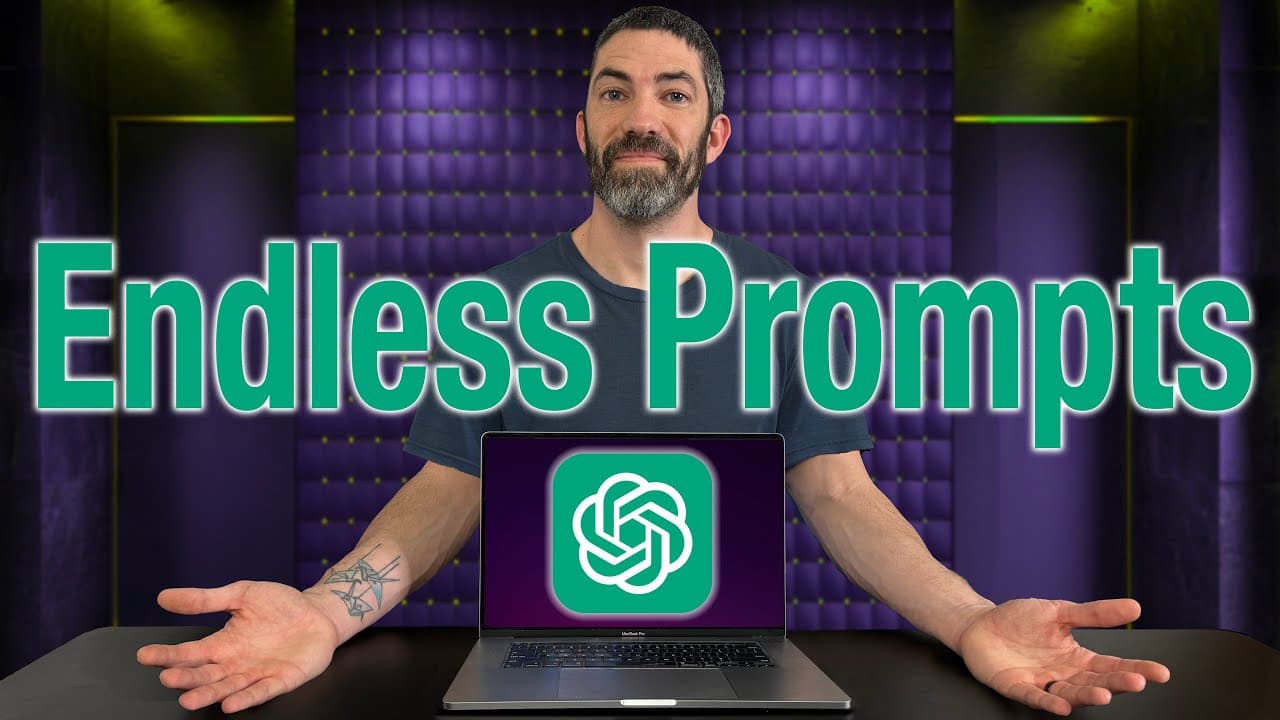
To create effective prompts without prompt engineering, use a prompt enhancer. This tool refines basic ideas into detailed, structured prompts for tasks like image or video generation. By customizing enhancers for specific needs, users can achieve more precise and creative outputs across various applications, including text-to-image and text-to-video tasks.
Transcript
I've had many times where I know ChatGpt can help me with something, but I can't think of the best way to ask. So, I made a solution that gives me the perfect prompts every time. Another issue I run into is trying to get the words right for generating images or videos. Maybe I know the concept, but not every detail or style. Or sometimes I'm just s... Read More
Key Insights
- Prompt enhancers transform basic ideas into detailed prompts, improving clarity and specificity.
- Text-to-image and text-to-video prompts benefit from structured approaches, using archetypes and keywords.
- Including examples in prompts, known as few-shot prompting, enhances LLM outputs.
- Prompt enhancers can be adapted for various LLMs like ChatGPT, Claude, and Gemini.
- Custom workflows allow users to tailor enhancers to specific tasks, improving efficiency.
- Visual hooks in prompts grab attention and enhance engagement in short-form content.
- A step-by-step process for creating custom enhancers involves defining roles and refining steps.
- Understanding prompt engineering concepts can significantly improve AI communication and outputs.
Install to Summarize YouTube Videos and Get Transcripts
Explore YouTube Video Summarizer or Get YouTube Transcript Extractor
Questions & Answers
Q: How to create effective prompts without prompt engineering?
Creating effective prompts without prompt engineering involves using a prompt enhancer, which refines basic ideas into detailed, structured prompts. This tool helps improve clarity, specificity, and engagement by using archetypes, keywords, and examples. Customizing enhancers for specific tasks further enhances their effectiveness across various applications.
Q: What is a prompt enhancer?
A prompt enhancer is a tool that transforms basic ideas into detailed and structured prompts. It helps improve clarity and specificity by using archetypes, keywords, and examples. This tool is useful for tasks like text-to-image and text-to-video generation, as well as for customizing workflows to suit specific needs.
Q: Why use examples in prompts?
Using examples in prompts, known as few-shot prompting, enhances the output of language models by providing context and clarity. Examples help models better understand the desired format and style, leading to more accurate and relevant responses. This technique is particularly effective in improving the performance of LLMs like ChatGPT.
Q: How can prompt enhancers be customized?
Prompt enhancers can be customized by defining specific roles and refining steps to suit particular tasks or applications. Users can create tailored workflows that focus on their unique requirements, improving efficiency and precision. This customization allows for better adaptation to various LLMs and enhances the overall quality of outputs.
Q: What are visual hooks in prompts?
Visual hooks in prompts are elements that grab the viewer's attention and enhance engagement, especially in short-form content. By incorporating intriguing visuals or scenarios, prompts can become more engaging and memorable, leading to better audience interaction and retention. Visual hooks are crucial for creating compelling and effective content.
Q: How do prompt enhancers improve text-to-image tasks?
Prompt enhancers improve text-to-image tasks by transforming basic prompts into detailed instructions that include archetypes, keywords, and style details. This structured approach ensures that the generated images align more closely with the user's vision, enhancing the clarity and specificity of the output and making it more visually appealing.
Q: What is few-shot prompting?
Few-shot prompting is a technique that involves providing examples within a prompt to guide the language model's response. It helps the model understand the desired format and context, leading to more accurate and relevant outputs. This approach is particularly useful in improving the performance of LLMs and generating high-quality results.
Q: How can understanding prompt engineering concepts benefit users?
Understanding prompt engineering concepts benefits users by enhancing their ability to communicate effectively with AI models. It enables users to craft precise and engaging prompts, leading to better results and more efficient workflows. This knowledge is crucial for maximizing the potential of LLMs and achieving desired outcomes in various applications.
Summary & Key Takeaways
-
Prompt enhancers help users generate detailed and effective prompts by refining basic ideas into structured formats. This method enhances text-to-image and text-to-video tasks by focusing on clarity and specificity, using archetypes and keywords. Including examples, or few-shot prompting, further improves LLM outputs.
-
Custom workflows allow users to tailor prompt enhancers to specific needs, making tasks more efficient and outputs more precise. By defining roles and refining steps, users can create enhancers that improve clarity, specificity, and engagement across various LLM applications.
-
Incorporating visual hooks in prompts enhances engagement, especially in short-form content. Understanding prompt engineering concepts helps users communicate more effectively with AI, enabling them to achieve better results and save time in generating creative outputs.
Read in Other Languages (beta)
Share This Summary 📚
Summarize YouTube Videos and Get Video Transcripts with 1-Click
Try YouTube Summary with ChatGPT & Claude or YouTube Transcript Generator
Explore More Summaries from Futurepedia 📚


Summarize YouTube Videos and Get Video Transcripts with 1-Click
Try YouTube Summary with ChatGPT & Claude or YouTube Transcript Generator