How to Use Claude AI 4.1 for Beginners
TL;DR
Claude AI 4.1 offers a revolutionary upgrade with features like artifacts for organized outputs, advanced prompting techniques, and extended thinking mode for complex problem-solving. It enables users to execute code, analyze data, and customize assistant personas. Projects and a large context window enhance workflow efficiency, making Claude a versatile tool for developers, content creators, and business owners.
Transcript
If you thought you knew Claude 3, scrap that. 4.1 is a whole different beast. In this video, giving you a hands-on tour of Claude 4.1 and how you can use it to level up your writing, learning, data analysis, coding, content creation. By the end of this guide, you'll walk away Claude certified. Let's dive in. So, what's new? The context window is ma... Read More
Key Insights
- Claude 4.1 introduces artifacts, providing a side panel for organized outputs like code and documents.
- Advanced prompting techniques enhance interaction, allowing users to structure, assign roles, and guide reasoning.
- Projects offer persistent workspaces, storing files and context for seamless workflow across chats.
- Extended thinking mode enables detailed problem-solving by narrating reasoning and verifying assumptions.
- Claude 4.1 executes code and analyzes data within the chat, offering real-time insights and visualizations.
- Built-in assistant personas and custom tone settings allow users to tailor Claude's responses to specific needs.
- The large context window supports analyzing extensive documents, improving Claude's ability to handle complex tasks.
- Real-time reasoning and on-the-fly fixes make Claude a dynamic partner in coding, writing, and design tasks.
Install to Summarize YouTube Videos and Get Transcripts
Explore YouTube Video Summarizer or Get YouTube Transcript Extractor
Questions & Answers
Q: How to create and use artifacts in Claude 4.1?
Artifacts in Claude 4.1 are interactive workspaces for organizing outputs like code and documents. To create an artifact, assign Claude a task that produces structured output, such as generating Python code. The artifact appears in a side panel, allowing you to interact with the output. You can also manually create artifacts through the artifacts tab, providing a clean canvas for your work.
Q: What are the benefits of advanced prompting techniques in Claude 4.1?
Advanced prompting techniques in Claude 4.1 enhance interaction by allowing users to structure prompts, assign roles, and guide reasoning. These techniques improve the clarity and precision of responses, enabling users to achieve more accurate and tailored outputs. Structured prompts help Claude focus, while role assignments and guided reasoning provide context and depth to the interactions.
Q: How do projects enhance workflow in Claude 4.1?
Projects in Claude 4.1 offer persistent workspaces where files and context are stored, allowing seamless workflow across chats. By creating a project and loading relevant materials, users eliminate the need to re-upload files or re-explain context. This feature is particularly useful for ongoing tasks, such as writing a novel or managing client projects, as it provides a consistent and organized environment.
Q: When should you use extended thinking mode in Claude 4.1?
Extended thinking mode in Claude 4.1 is ideal for tasks requiring detailed problem-solving or accuracy, such as debugging code or analyzing data. It narrates the reasoning process, allowing users to follow Claude's thought process and intervene if necessary. This mode is slower but provides a deeper understanding of complex issues, making it valuable for tasks where precision and thorough analysis are essential.
Q: How does Claude 4.1 handle data analysis and code execution?
Claude 4.1 can execute code and analyze data directly within the chat, eliminating the need for external tools like Excel or Jupyter notebooks. Users can drag and drop datasets into the chat and request analyses or visualizations. Claude writes and runs the necessary code, providing real-time insights and interactive charts. This capability transforms Claude into a personal data scientist, simplifying complex data tasks.
Q: What are the built-in assistant personas in Claude 4.1?
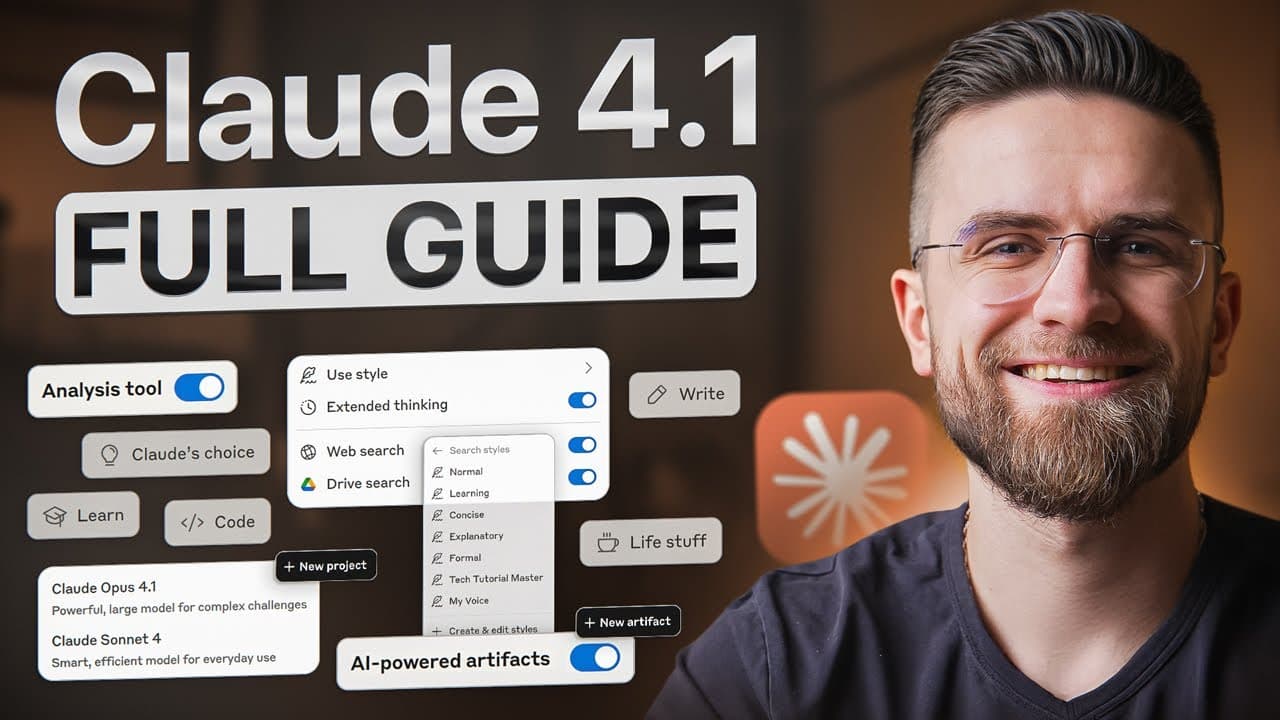
Claude 4.1 includes built-in assistant personas with preset styles like normal, concise, explanatory, learning, and formal. These styles adjust Claude's tone and response length, catering to different user needs. Users can also create custom styles by describing the desired tone or uploading writing samples, allowing Claude to mirror specific communication styles. This feature enhances Claude's adaptability and personalization.
Q: How does the large context window benefit users in Claude 4.1?
The large context window in Claude 4.1 supports the analysis of extensive documents, enabling Claude to handle complex tasks with more context. This feature allows users to provide detailed examples and instructions without overwhelming the AI, improving response accuracy and relevance. It enhances Claude's ability to manage intricate workflows, making it a powerful tool for developers, researchers, and content creators.
Q: What makes real-time reasoning and on-the-fly fixes valuable in Claude 4.1?
Real-time reasoning and on-the-fly fixes in Claude 4.1 create a dynamic interaction where Claude adjusts responses based on user feedback. This feature allows users to interrupt and steer the process, ensuring outputs align with expectations. It enhances collaboration in coding, writing, and design tasks, making Claude a responsive and adaptable partner capable of iterative improvements.
Summary & Key Takeaways
-
Claude AI 4.1 revolutionizes AI interaction with artifacts for organized outputs, advanced prompting, and extended thinking mode. It executes code, analyzes data, and offers customizable assistant personas, enhancing workflow for various users.
-
Projects in Claude 4.1 provide persistent workspaces, storing files and context, while the large context window supports complex document analysis. These features streamline workflows and improve efficiency.
-
Real-time reasoning and on-the-fly fixes make Claude a versatile partner in coding, writing, and design tasks. Users can tailor responses with built-in personas and custom tone settings, enhancing Claude's adaptability.
Read in Other Languages (beta)
Share This Summary 📚
Summarize YouTube Videos and Get Video Transcripts with 1-Click
Try YouTube Summary with ChatGPT & Claude or YouTube Transcript Generator
Explore More Summaries from AI Master 📚






Summarize YouTube Videos and Get Video Transcripts with 1-Click
Try YouTube Summary with ChatGPT & Claude or YouTube Transcript Generator